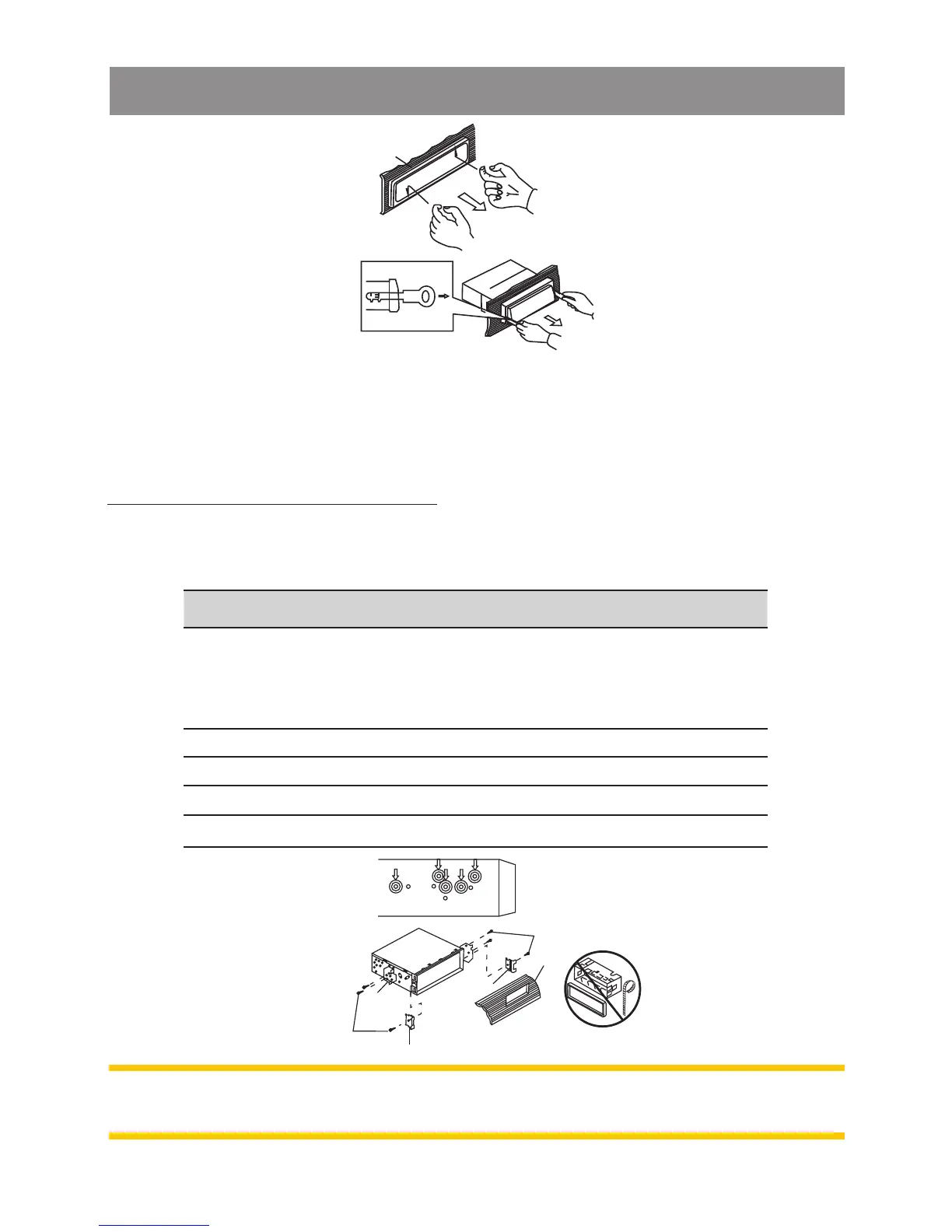
Note: The mounting box, outer trim ring and half-sleeve are not
used for method B installation.
Trim Plate Installation
Push the trim plate against the chassis until it is fitted. You must do
this before you install the front panel, otherwise it can't be
attached.
Din rear-mount (method B)
Installation using the screw holes on the sides of the unit.Fastening
the unit to the factory radio mounting bracket.
1
2
3
5
2
4
3
2
5
No. Content
1
Select a position where the screw holes of the bracket
and the screw holes of the main unit become aligned
(are fitted) and tighten the screws at 2 places on each
side.
2 Screw
3 Factory radio mounting bracket.
4 Dashboard or Console
5
Hook (Remove this part)
Installation the Unit



 To Next Page