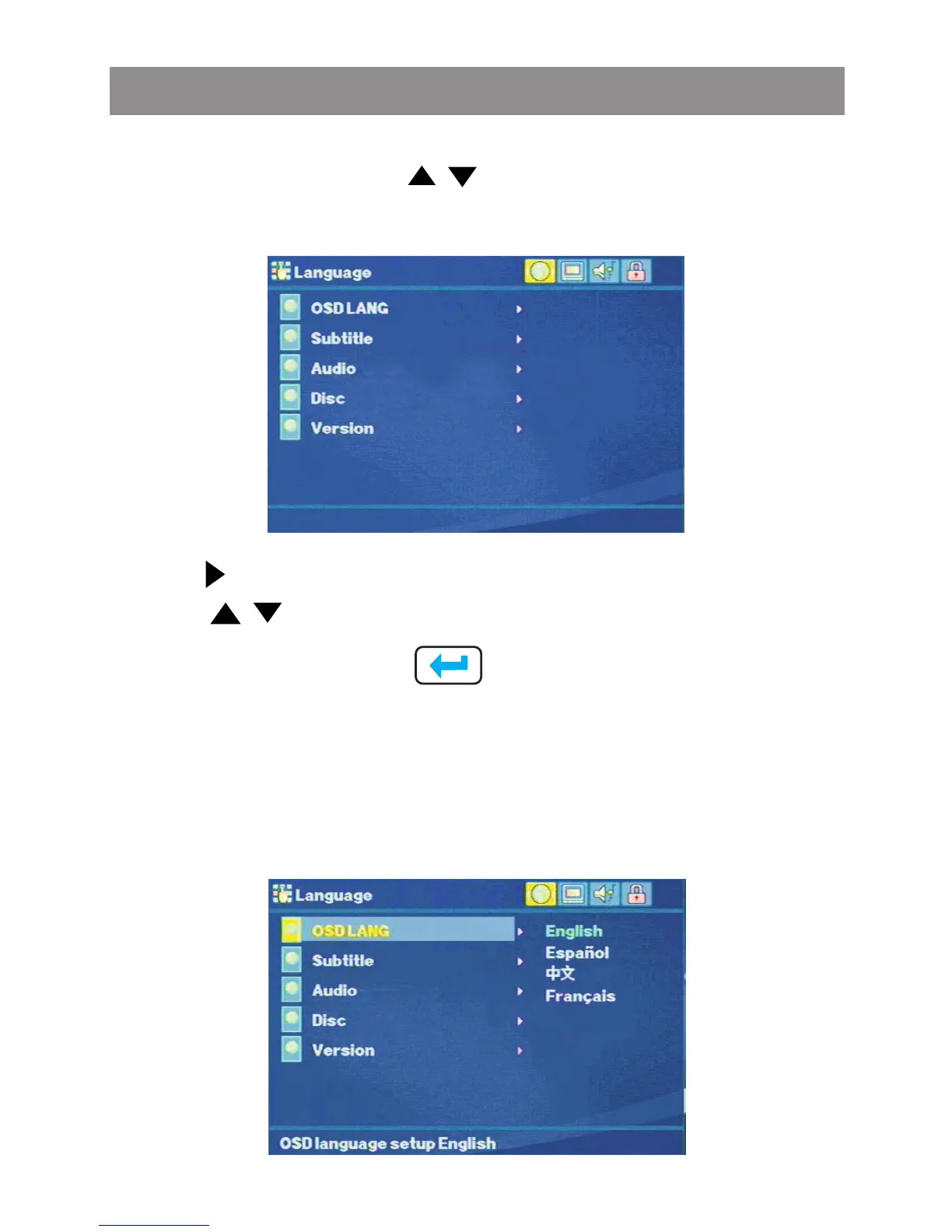
Press the or touch screen buttons, move to the Language
button. The list of available language will appear:
Use the buttons to select the setting.
Use the buttons to change among the available language.
Press Ok or touch screen to cycle through each possible
option or display a list of the available options.
Language Setting
OSD language
The OSD language setting provide the end user the selection of
preferred language for the OSD menu and messages. The
following options are available:
Media Player



 To Next Page