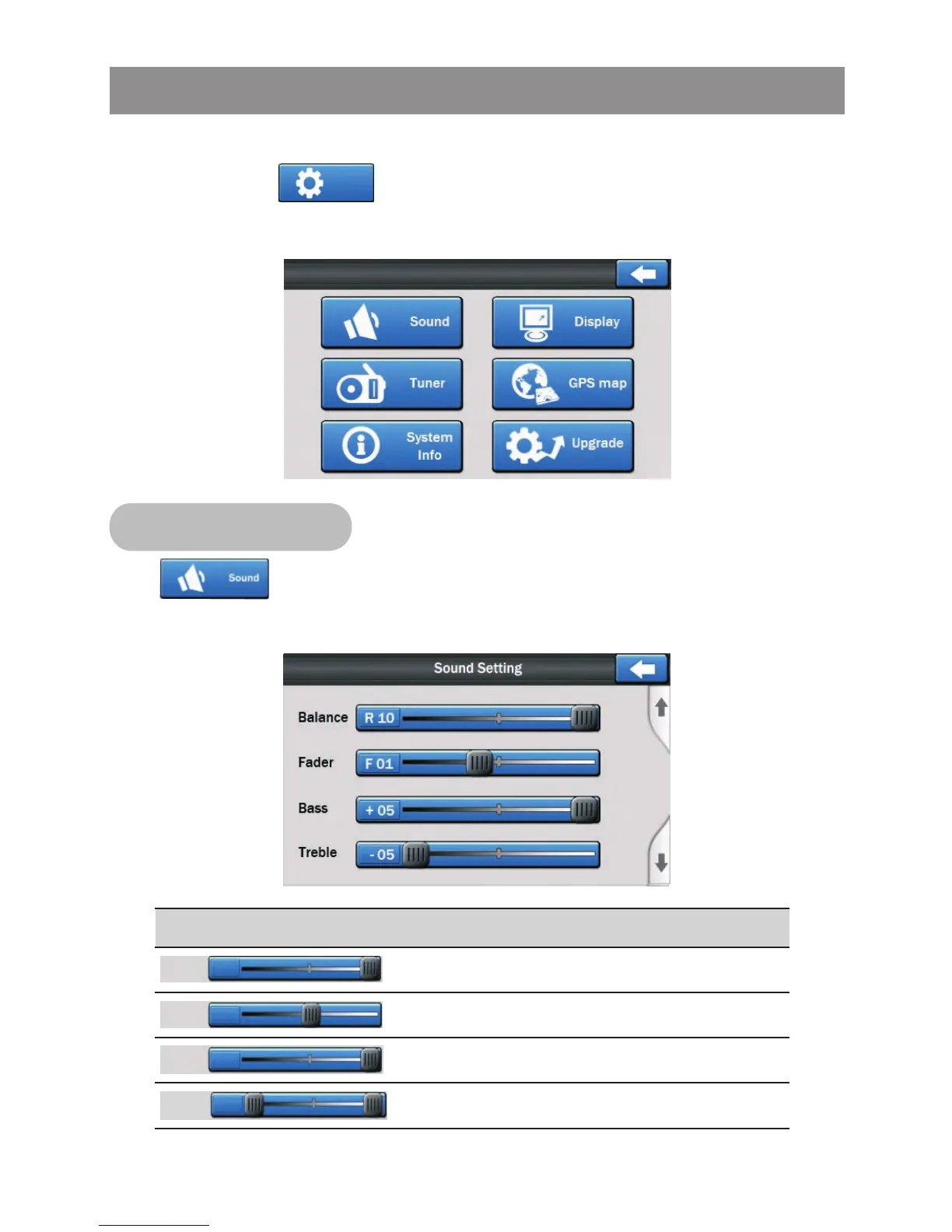
To adjust the system Settings of this unit, tap on the main menu
screen button to enter into the setting menu, the below
menu will appear:
Tap button on setting menu screen to access into the
sound setting menu, the below menu will appear for selection.
Control
Left and Right Speaker Balance
Front and Rear Speaker Fader
Bass Level
Setting
Treble Level
System Setting Operation
Sound Setting
Setting
Settings
Balance
R 10
Fader
F 10
Treble
- 05
Bass
+ 05



 To Next Page