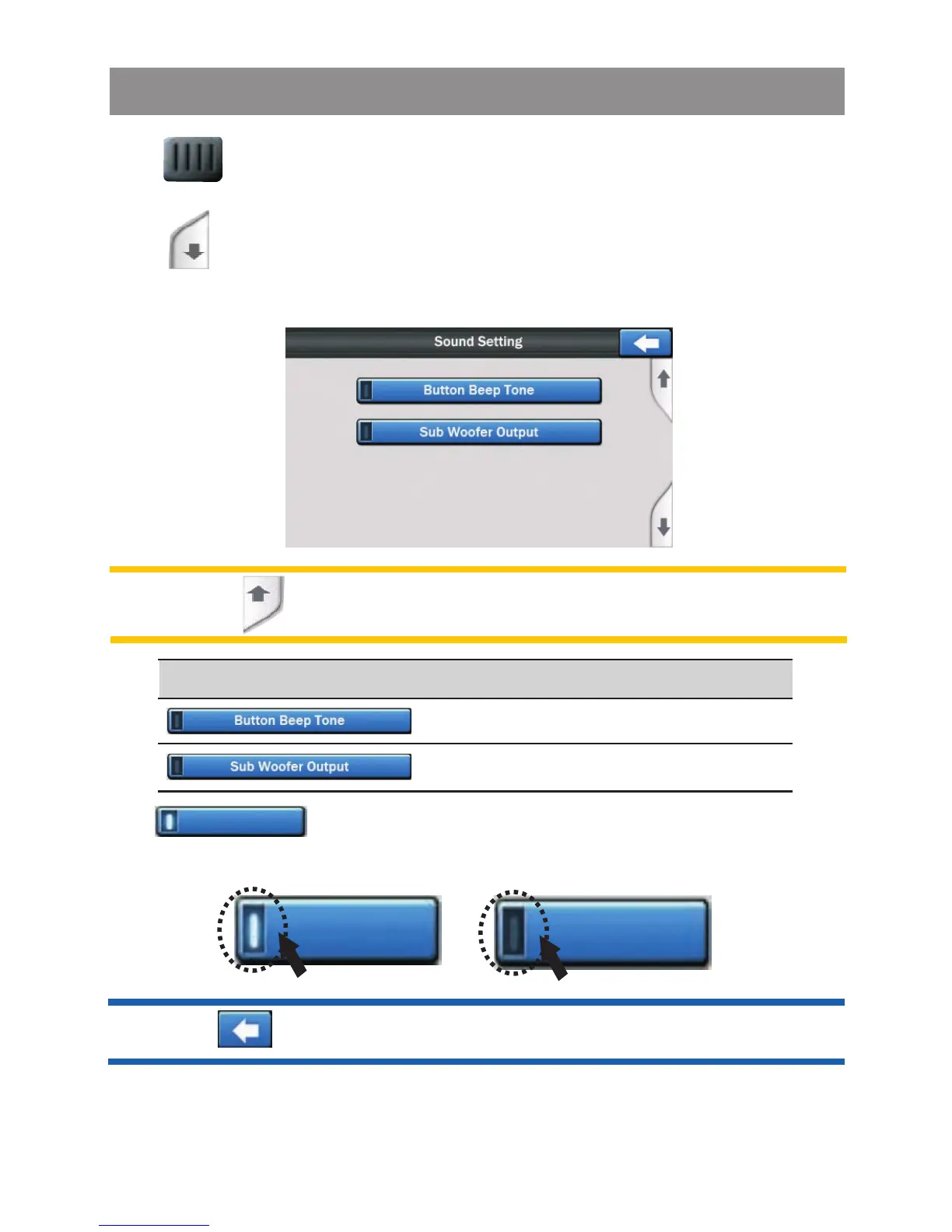
Tap button to enter in the next page,
appear for selection.
the below menu will
Control
Button Beep Tone
Sub-Woofer Output
Setting
Tap bar on the sound setting menu screen to turn on
or off of these functions.
Note: Tap button to be return to the previous page.
Tip: Tap button to exit the sound setting menu.
Tap button on the sound setting menu screen to select the
level .
On
Off
System Setting Operation



 To Next Page