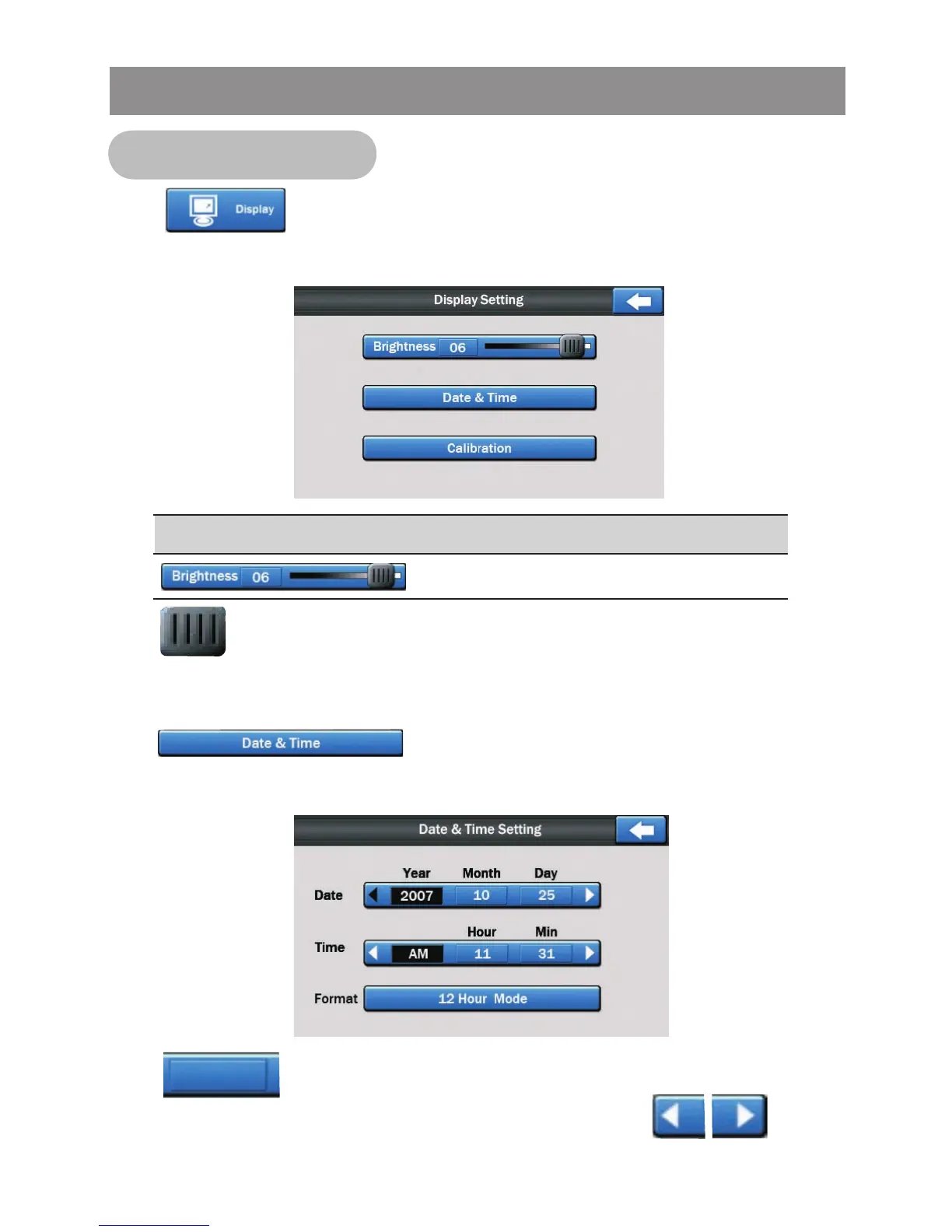
Tap button on the setting menu screen to access into
the Display setting menu, the below menu will appear:
Control
Screen Brightness
Setting
Tap button on the Display Setting menu screen to select the
level .
Date & Time Setting
Tap bar on the Display Setting menu screen to
access into the Date & Time menu, the below menu will appear:
Tap button to select the Year/ Month/Day of the Date
mode and Hour/Min of the Time mode, then tap button
to change the date & time.
Display Setting
System Setting Operation



 To Next Page