Tap bar to change time format to 24 hours.
Calibration
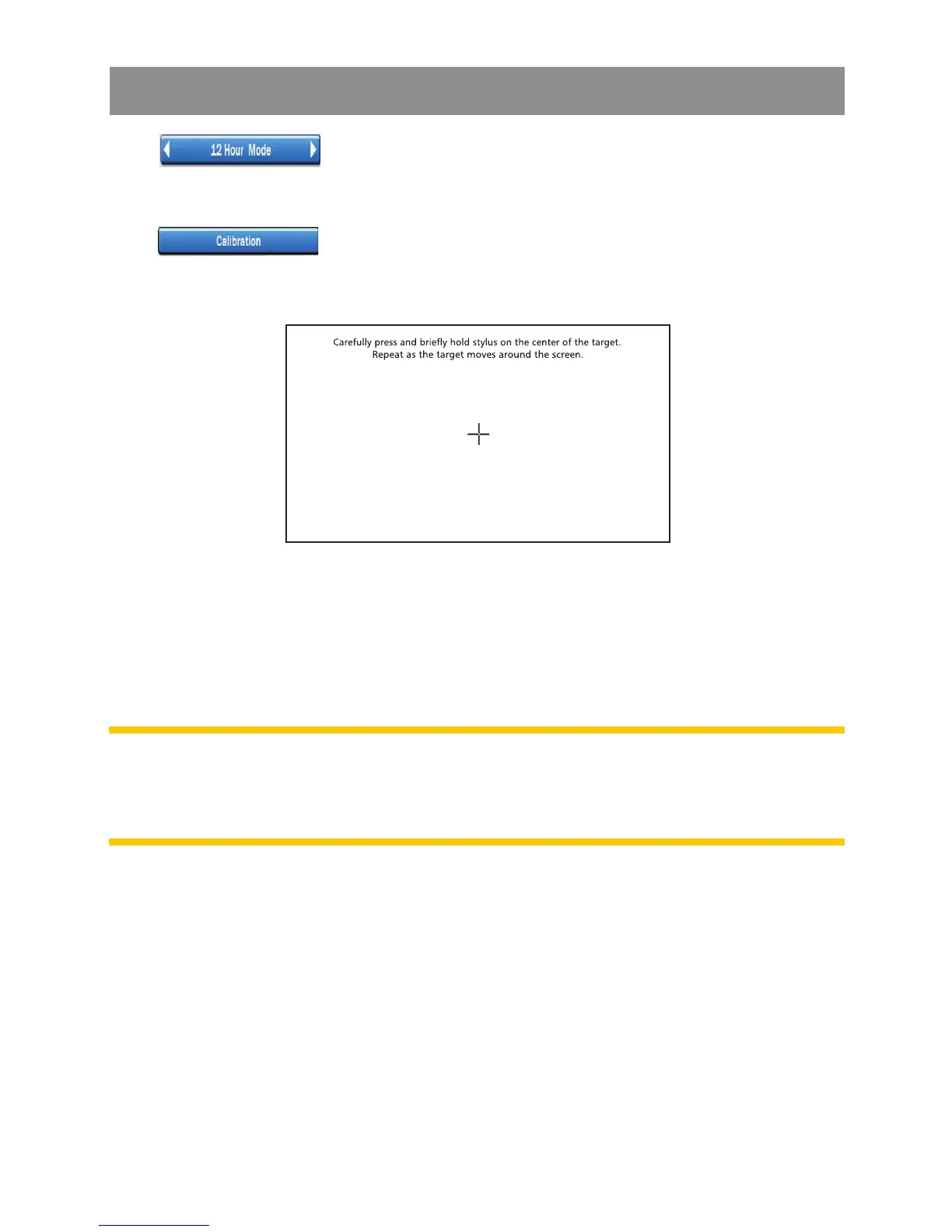
Tap bar on the Display Setting menu screen to start
the Calibration setting.
When the target moves to another position, tap and hold at the
center of the new target. Repeat each time to complete the
calibration process.
Once completed, tap anywhere on screen to go back to menu
screen.
Note: This Calibration is for the display touch screen. If found the
touch screen buttons sensitive became low, the re-calibration is
necessary.
System Setting Operation



 To Next Page