Tap button on setting menu screen to access into the
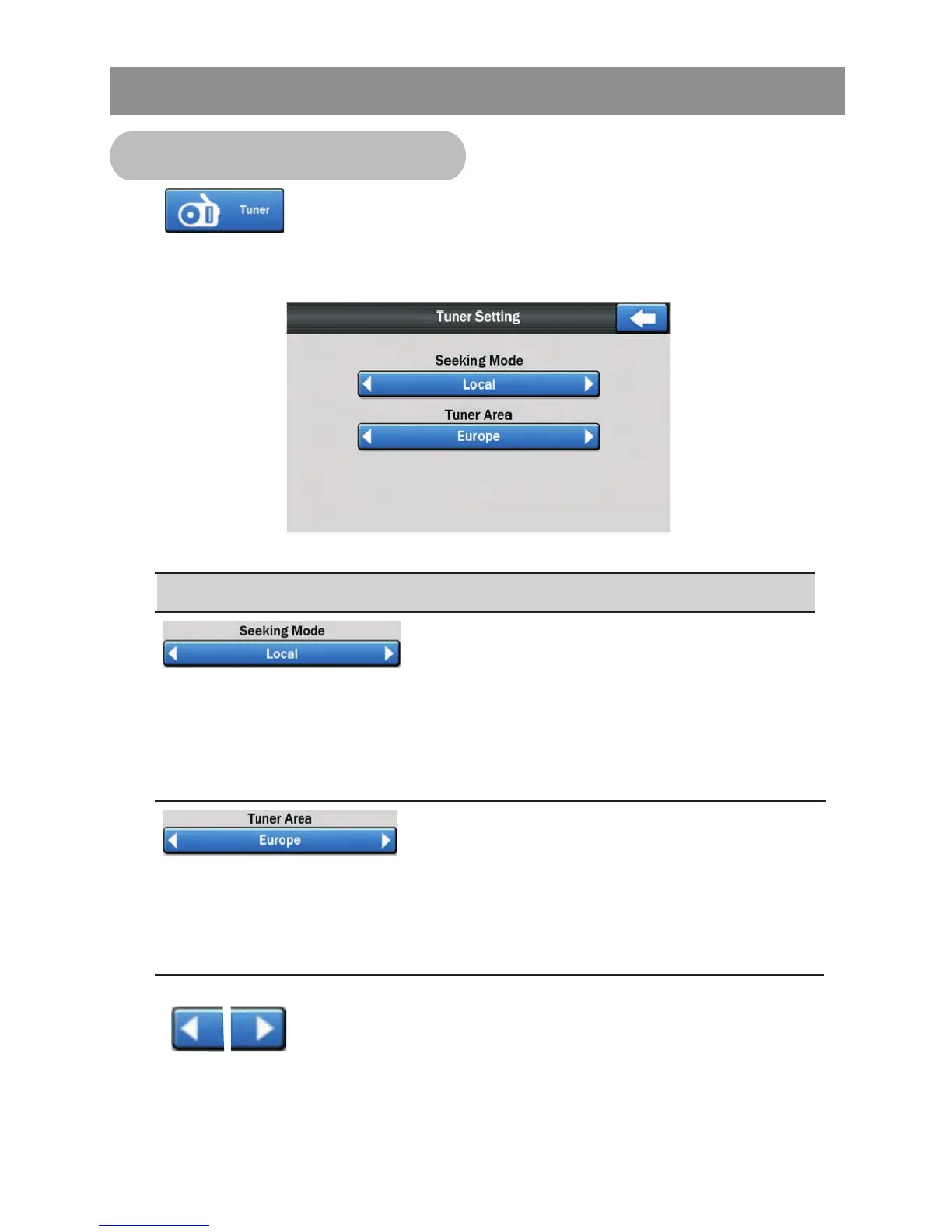
Tuner (Radio) setting menu, the below menu will appear:
Control
Change Tuner seeking in Local or
Distant mode.
Change Tuner Frequency Area, Europe
-> USA -> Asia -> Latin America
Setting
Tap button to change the setting.
Tuner Setting (Radio)
( Local = Set the unit to select only
strong local stations during automatic
tuning
Distant=Allowing the radio to stop at a
broader range of signals)
Note: End user should make sure to select
the Tuner Frequency Area which is correct
for his area / region!! Otherwise radio will
not perform correctly.
System Setting Operation



 To Next Page