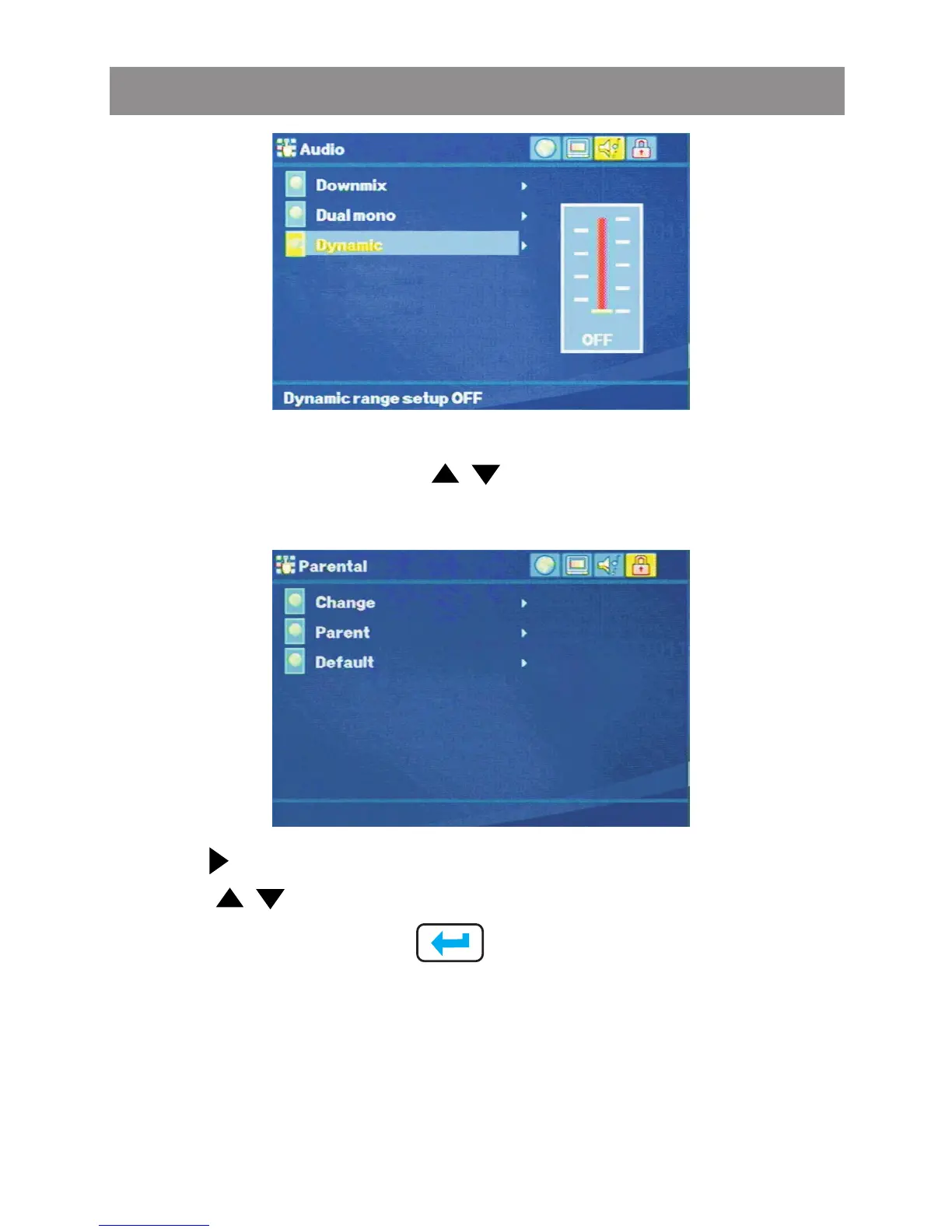
Press the or touch screen buttons, move to the Parental
button. The list of Parental optional will appear as follow:
Use the buttons to select the setting.
Use the buttons to change among the avaitable settings.
Press Ok or touch screen to cycle through each possible
option or display a list of the available options.
Change Password
This feature is used for Parental Control. Enter your four digit
password when a hint is displayed on the screen.
Parental Setting
Media Player



 To Next Page