Press PLAY or touch screen to resume playback from the
positon where playback is stopped ( DVD, VCD 1.1, VCD 2.0
and audio CD).
3 Repeat Function
4 DVD Menu ( RDM )
Press DVD MENU button less than 3 seconds to bring up the DVD
MENU or ROOT on the DVD disc.
Short press REPEAT button less than 3 seconds to change
from: repeat off -> repeat chapter.
Long press REPEAT button more than 3 seconds to change
from: repeat off -> repeat title.
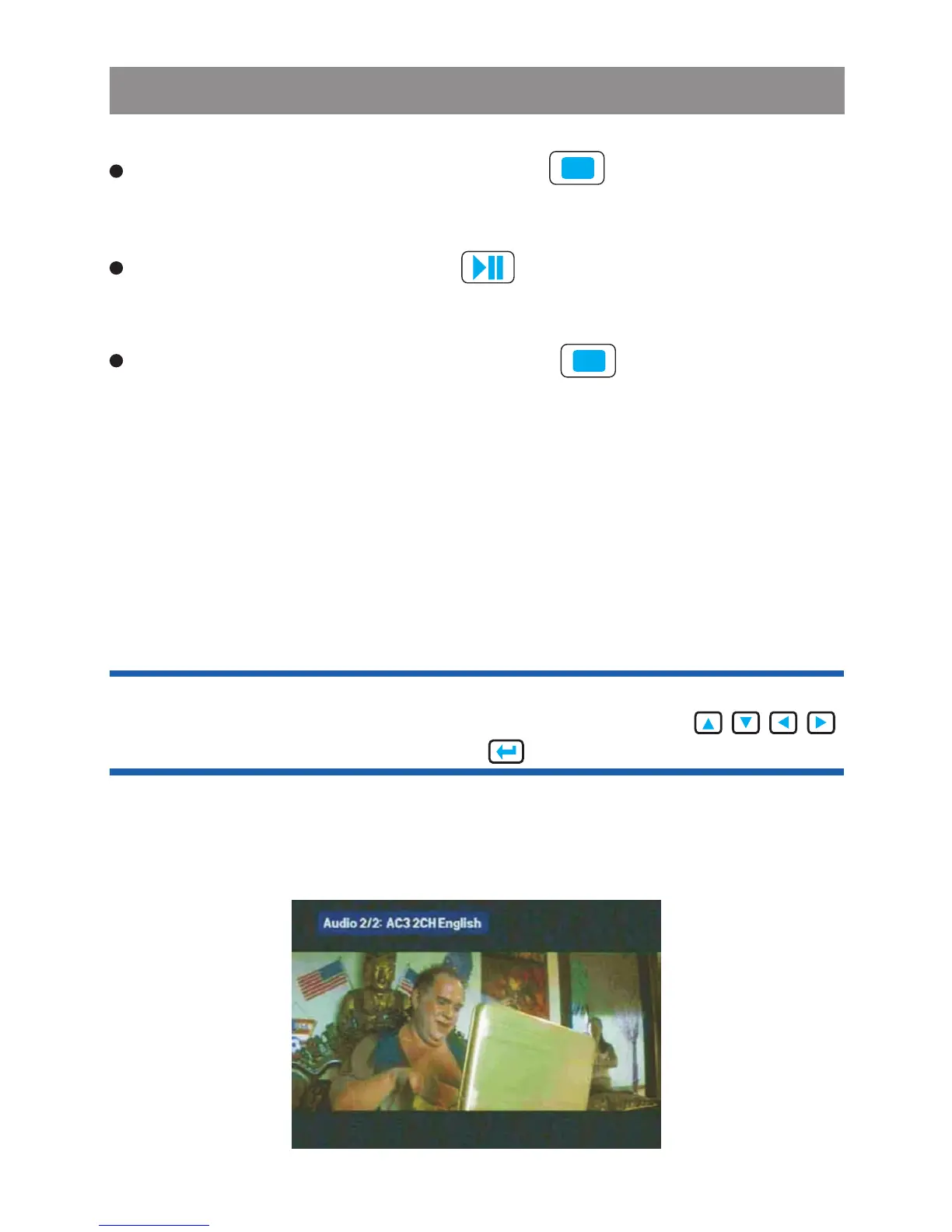
5 DVD Audio
Press DVD AUDIO, you can choose audio streams, if the DVD
disc or AVI / MPEG4 has multi audio streams.
Media Player
2 Stop Function
Press STOP or touch screen button to stop playback and
show the logo screen. The player will memorize the last position
where playback is stopped.
Pressing STOP twice or touch screen to resume playback
from the beginning of the disc.
Tip: When the DVD Menu or Root or Title is show on the screen,
end user can use remote control or tap touch screen
button to move the cursor and the button as OK button.



 To Next Page