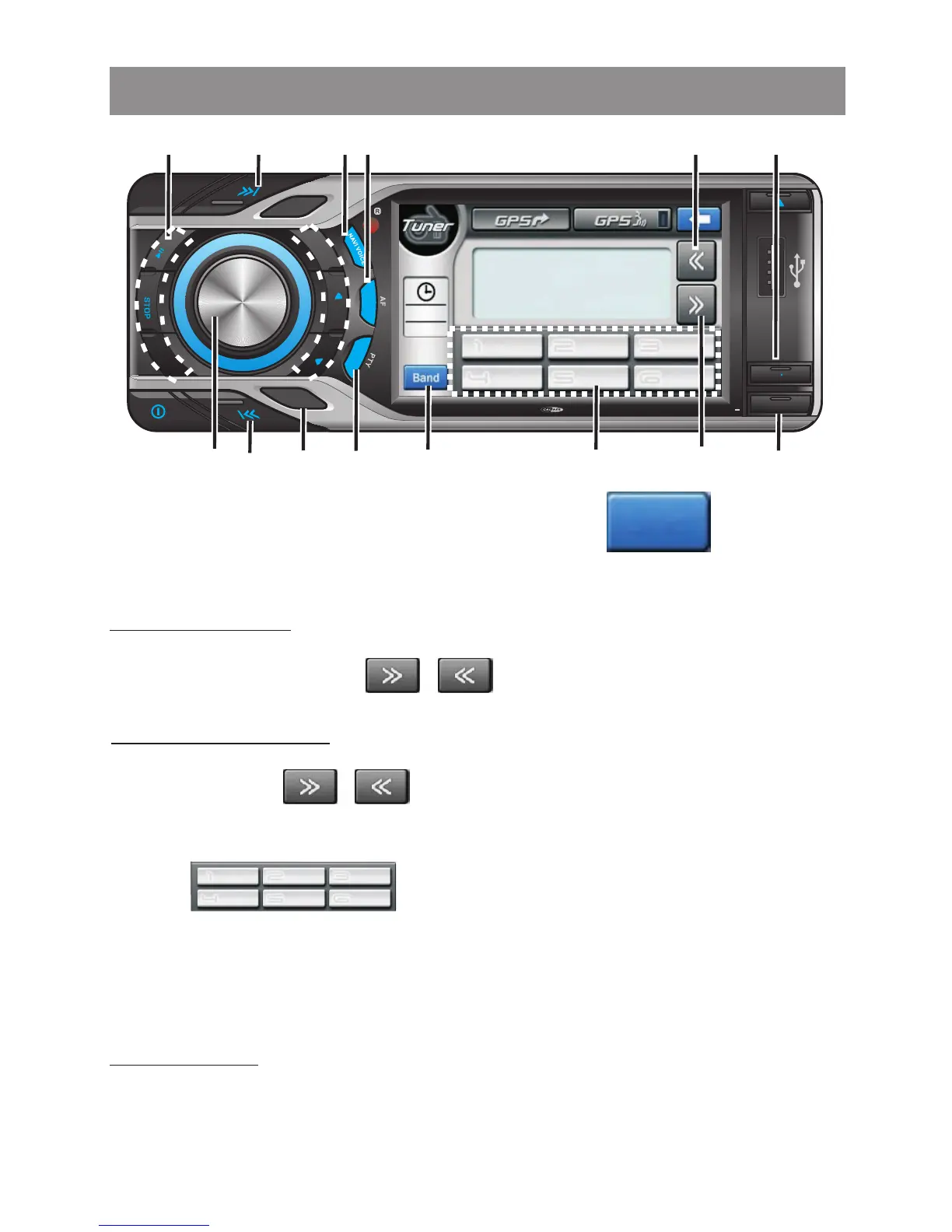
1 Band Function
Press panel BAND button or touch screen to change
between FM bands and AM(MW) bands.
Press the panel UP / DOWN Tuning button or tapping touch
screen button to move to next station automatically.
Press & Hold the panel UP / DOWN Tuning button or tapping
touch screen button to move the radio frequency
number up or down by one step.
2&3 Tuning Up/Down
Manual Tuning
Auto Seek Tuning
4 Preset Stations
Press the panel 6 numbered preset buttons or tap touch screen
button to store and recall stations for each band.
Tuner operations
Band
5 Automatically store / preset scan (AS/PS)
Automatically select 6 strongest stations and store them in the
current band. Long press panel AS / PS button for more than 3
seconds, the new stations replace stations already stored in that
band.
To Scan the stations already stored in the current band. Short
press panel AS / PS button for less than 3 seconds, the unit will
pause for 10 seconds at each preset station. Press panel AS / PS
button again to stop scanning when the desired station is reached.
Preset Scan
S
UBW
LOUD
1
2
3
4
5
6
OSD SET UP
T
RP
RDM
AS PS
R
L
E
MODE
B NDA
MUTE
GPS MODE
TA
4x 75WATTMC D 795
4
1
8
2
5
Main Menu
GPS
Tuner
Media
Player
AV-In
Setting
7
69 3
AF
FM1
104.00
FMSELECT
10:30
am
Band
87.50
106.00
108.00
90.00
98.00
87.50
1 43
2
2



 To Next Page