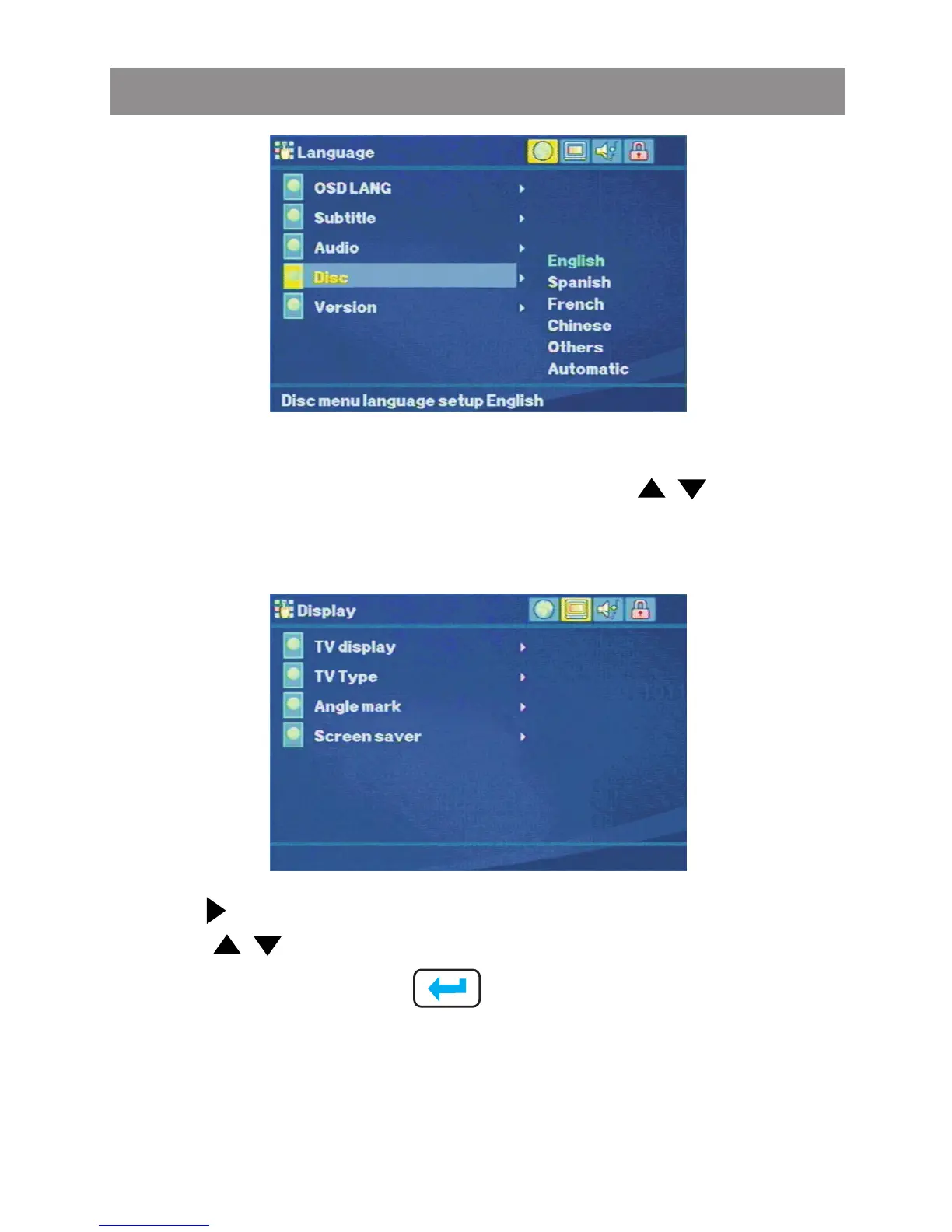
Press on the remote control or touch screen buttons, to
move to the Display button. The list of Display options will appear
as follow:
Display Setting
Use the buttons to select the setting.
Use the buttons to change among the avaitable settings.
Press Ok or touch screen to cycle through each possible
option or display a list of the available options.
TV Dispaly
The Display setting allows the user to select the TV display. The
following options are available:
Media Player



 To Next Page