EasyManua.ls Logo

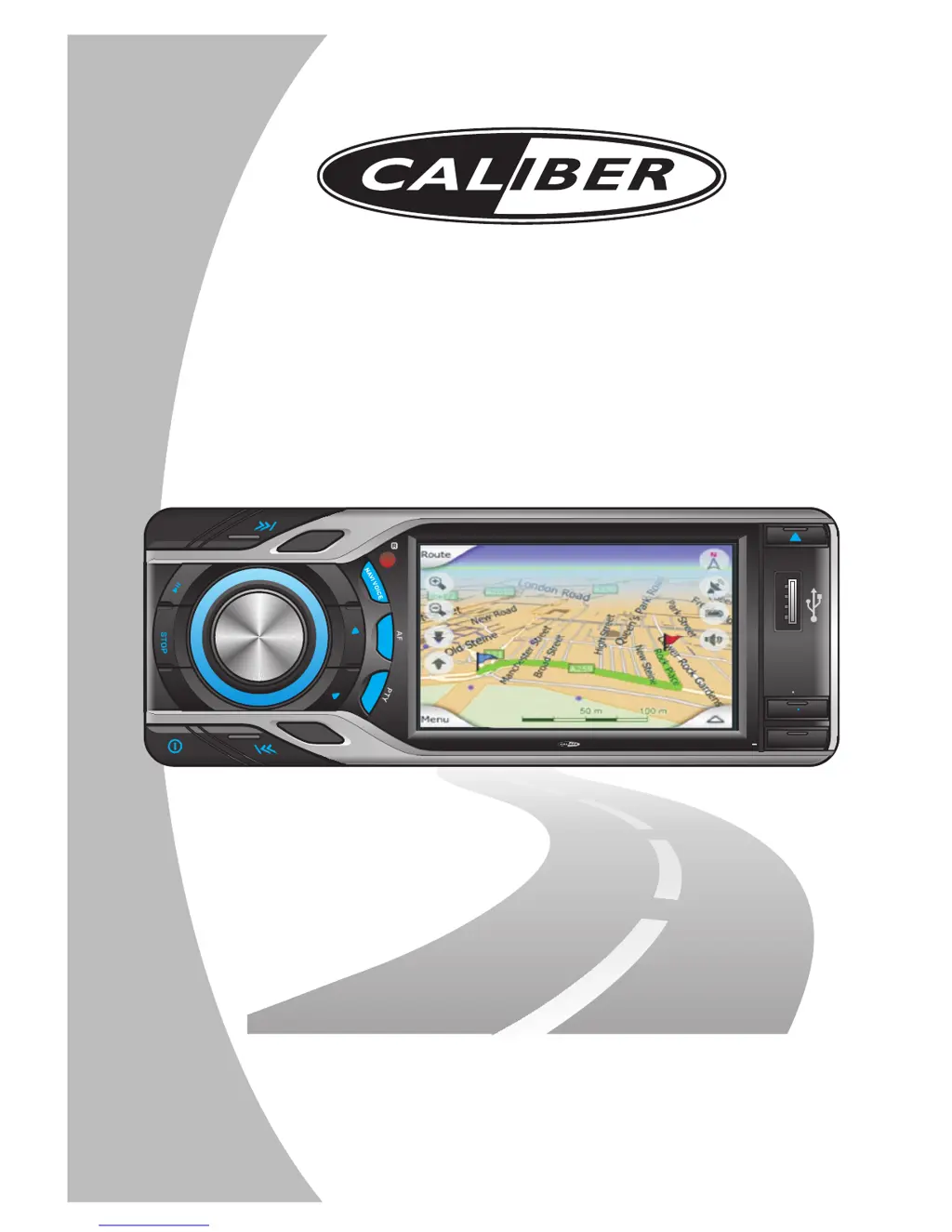
Caliber MCD795 - User Manual

Caliber MCD795
77 pages
Print Icon
To Next Page IconTo Next Page
Loading...
In Car Navigation
Media Player
INSTRUCTION MANUAL
MODEL NO.: MCD795
SUBW
LOUD
1
2
3
4
5
6
OSD SET UP
T
RP
R
DM
AS PS
L
RE
MODE
B
ND
A
MUTE
GPS MODE
TA
4x 75WATTMC D 795

Other manuals for Caliber MCD795

Questions and Answers

Summary

Important Safety Information

Connecting the System

Important notes

Critical wiring and installation precautions to prevent damage and ensure proper function.

Before installing this navigation system

Pre-installation checks, including battery voltage and disconnecting power, are essential.

About Parking Wire

Explains the function and connection of the parking brake wire for video playback safety.

Wiring Diagram - Audio; Video Connections

Visual guide illustrating audio and video input/output connections for external devices.

Wiring Diagram - Power; Speakers

Visual guide detailing power supply and speaker connections for the unit.

Installing the GPS Antenna; Aerial

When installing the aerial inside the vehicle (on the rear shelf)

Guidance on positioning the GPS antenna inside the vehicle for optimal signal reception.

Connecting the GPS Antenna; Aerial to the unit

Instructions on how to physically connect the GPS antenna cable to the main unit.

Installation Notes

General recommendations for optimal GPS antenna placement and performance.

When installing the aerial outside the vehicle (on the body)

Instructions for mounting the GPS antenna on the vehicle's exterior, such as the roof or trunk lid.

Installation the Unit

Din front; rear-mount

Overview of the two primary methods for installing the unit into the dashboard.

Remote Control Operations

General Operations

GPS Mode

Switching the display between playback and GPS navigation modes.

Media Player

CD;VCD Disc Operation

Detailed instructions for operating CD and VCD disc playback functions.

Music; Image; Video File Playback Operation

Procedures for playing music, image, and video files from various sources.

DVD Disc Operation

Detailed instructions for operating DVD disc playback functions.

System Setting Operation

Sound Setting

Adjusting audio balance, fader, bass, treble, and beep tones.

Display Setting

Configuring screen brightness, date/time, and calibration.

Tuner Setting (Radio)

Setting radio seeking mode and frequency area for optimal reception.

GPS Map Setting

Selecting the source for the digital map (internal memory or SD card).

Upgrade Setting

Accessing options for upgrading maps and application software.

System Upgrade Setting

Procedure for upgrading the unit's system software.

Navigation Operation

To receive GPS signals successfully

Conditions and factors required for the unit to receive GPS signals effectively.

When the positioning by GPS is impossible

Scenarios and environments where GPS positioning may fail or be inaccurate.

Conditions Likely to Cause Noticeable Positioning Errors

Factors that can lead to discrepancies between the vehicle's actual position and the map display.

Start Navigation Mode

Initial steps and safety precautions before activating the navigation system.

How to get into the GPS Navigation system

Multiple methods to access and start the GPS navigation mode.

Highlight Features

Key functionalities and advanced features of the navigation system.

Specification

Media Player

Specifications for the unit's media playback capabilities.

GPS Navigation

Technical specifications for the GPS receiver and antenna.

Trouble Shooting

Caliber MCD795 Specifications

General IconGeneral
BluetoothYes
USB PortYes
SD Card ReaderYes
GPS NavigationYes
Display Resolution800 x 480 pixels
Video PlaybackYes
Audio PlaybackYes
TouchscreenYes
Rear View Camera InputYes
Screen Size7 inches
RadioFM

Related product manuals