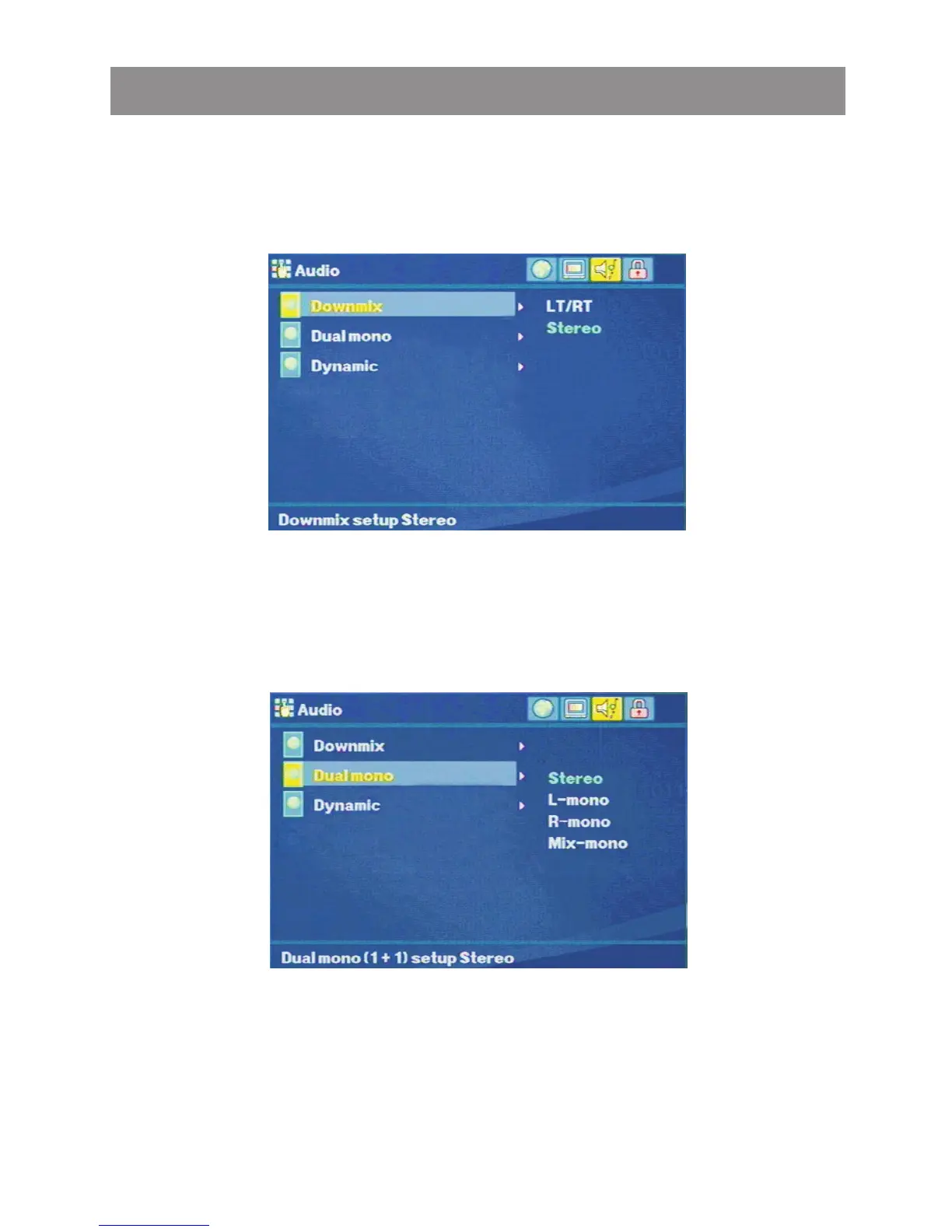
Downmix
The Audio setting allows the user to select the Downmix and set
downmix setup stereo analog output of this Player.
Dual Mono
The Audio setting allows the user to select the Dual mono and set
dual mono(1+1) setup stereo output of this Player.
Dynamic
The Audio setting allows the user to select the Dynamic and set
the dynamic sound output high volume outputs are softened.
Media Player



 To Next Page