AV-In Mode
Caution: In order to avoid any accident, the driver must not
watch video while driving. This unit is designed to not allow
watching moving video while driving. Park your car in a safe place
and engage the " parking brake" before watching moving video.
1. Press the MODE button repeatedly on panel or remote control
to switch between Tuner -> Disc -> USB - > SD Card - > AV IN
Mode.
Select the AV mode
2. Aceess to MAIN MENU and tap AV Mode. Tap the
following buttons to start playing the desired media sources:
button to start the Navigation mode
button to activale the Navigation Voice guide
Button to set the color preference
Button to quit the player
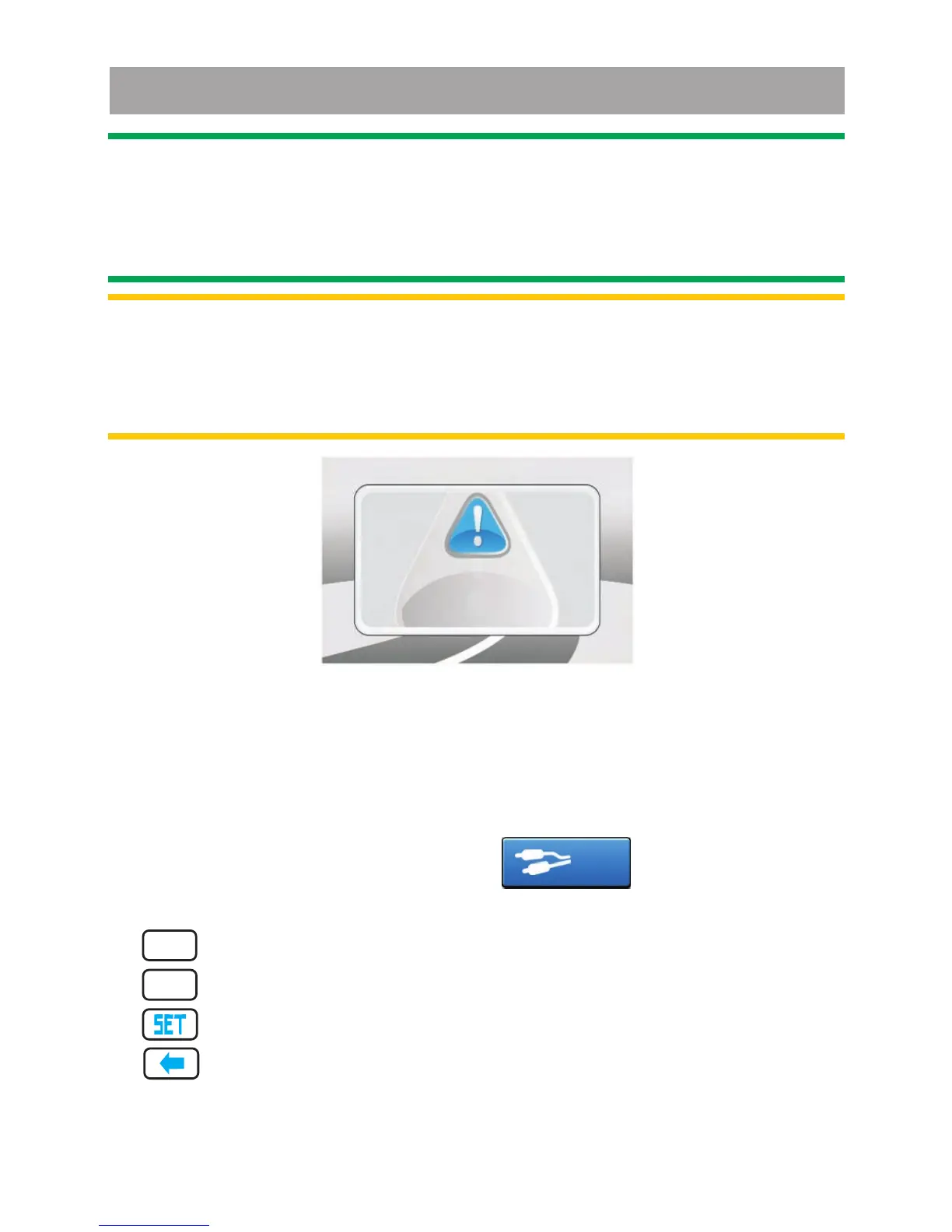
Note: If watch moving video from Disc or AV In source but
Parking Brake IS NOT PROPERLY CONNECTED, the
video signal will be blocked by the system and the below
display will be shown on the unit display:
Reminder!
Reminder!
Engage Parking Brake
Video Lock
to enjoy Video.
AV-In
NAVI
NAVI
VOICE



 To Next Page