9 DVD Set Up ( D )
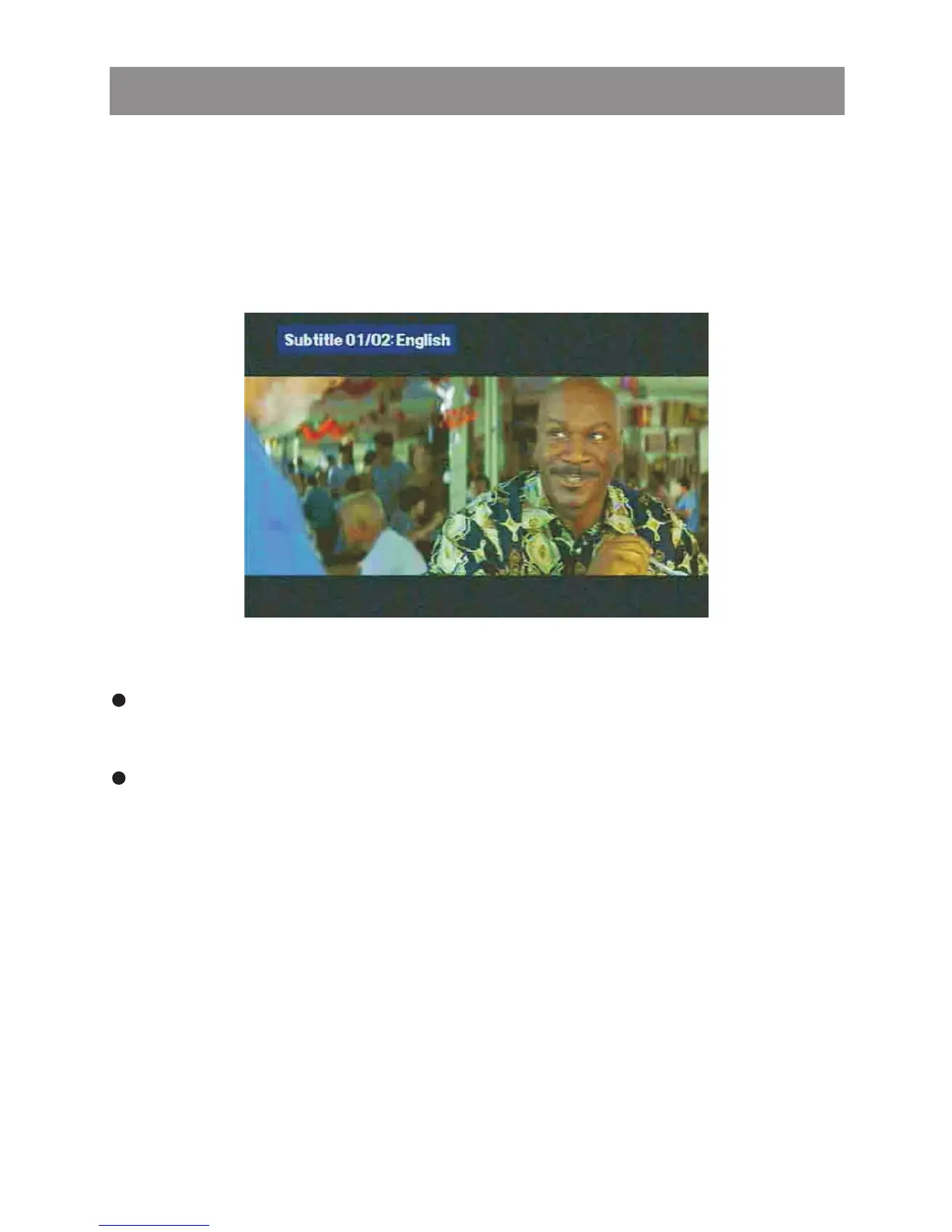
Subtitle (On Remote Control)
Pressing the SUBTITLE button on remote control, End user
may select one of the subtitles language to show it on the
screen or to turn off the SUBTITLE. This function is invalid for
VCD / SVCD / CD, MP3 / WMA and JPEG.
Short Press AS / PS button, once to display the amount of time
played and time remaining on the disc.
9 DVD OSD ( D)
Short Press AS / PS button twice to display the disc type,
current chapter (DVD) or track (VCD / SVCD, Audio CD ) and
total number of chapters or tracks. Also displayed (for DVD
only) the current title, total number of titles, audio language /
type / # of channels, subtitle language, and angle selection.
Press the SET UP button on the remote control or long press the
AS / PS button for more than 3 seconds on the main unit to enter
into the Setup Menu mode.
The options included in General Setup menu are: Language ,
Display" , " Audio" , " Parental" .
" " "
Media Player



 To Next Page