7 PTY Function
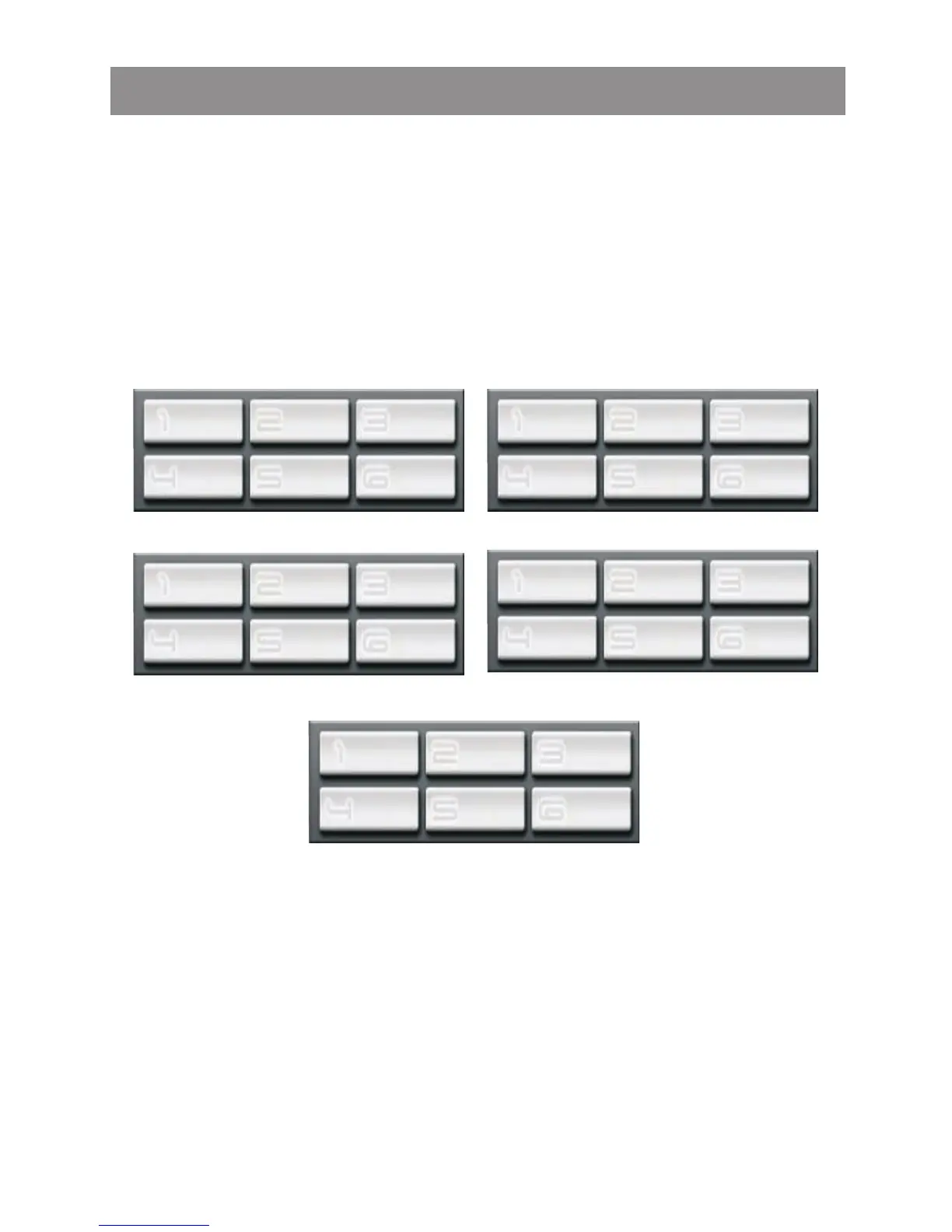
Long press the SUB-W / PTY button for more than 3 seconds to
set into the PTY mode. And then press this button repeatedly to
different PTY group as listed below. Once the desired PTY is
shown on the preset memory M1 to M6, press this preset memory
number to activate the searching of this PTY, the PTY name will
appear on the 6 preset buttons.
If no station with the selected PTY broadcast can be found for 5
seconds, the system then returns to the previous mode.
POP M ROCK M EASY M
LIGHT M CLASSICS OTHER M
GROUP-1
NEWS AFFAIRS INFO
SPORT EDUCATE
DRAMA
GROUP-2
SCIENCE
WEATHER
FINANCE
CHILDREN
CULTURE
VARIED
GROUP-3
RELIGION
TRAVEL
LEISURE
DOCUMENT
SOCIAL
PHONE
GROUP-4
JAZZ COUNTRY NATION M
OLDIES FOLK M
GROUP-5
Tuner operations



 To Next Page