EN
Page 16 / 80 META_S_Rev6-s11 - Operating Instructions
ATTENTION: the pump is equipped with non-return
valve built into the pump suction, in order to ll the
suction pipe there must be a lling system on the
suction pipe (chap. 14 g. 4).
Follow local specications if increasing network
pressure.
Install a lter on the suction side of the pump to
prevent foreign particles from entering the pump.
6.4.3. Delivery pipe
Fit a gate valve in the delivery pipe to adjust delivery
and head.
when the geodetic difference in level in the delivery
section is over 15 m t a check valve between the
pump and the gate valve in order to protect the pump
from water hammering.
ATTENTION It is necessary to check that the restart
pressure (subtraction between UP01-UP02) is
compatible with the actual pressure of the pump and
of the water column of the system.
6.5. Electrical connection
OFF
The electrical connection must be carried out
only by a qualied electrician in accordance
with local regulations.
Follow all safety standards.
Make sure that the frequency and mains voltage
correspond to the values indicated on the plate.
For use in swimming pools (only when there are no
people in the pool), garden ponds and similar places,
an F-type residual current device with IΔN not
exceeding 30 mA must be installed in the supply circuit.
Install a device for disconnection from the mains
(switch) with a contact separation of at least 3 mm in
all poles.
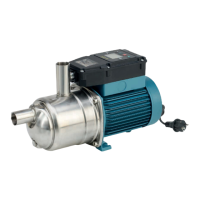
The pumps are supplied with with a built-in thermal
protector and with a plug.
Connect the plug to a socket with an earth lead.
The motor will stop if overheating is detected.
When the windings cool down, the thermal protector
enables re-starting.
The pumps are supplied with power supply type
H07RN-F with plug and cable section equal to or greater
than the value dened in table 1 in paragraph 14.2.
When extension cables are used, make sure the cable
wires are of adequate size to avoid voltage drops.
6.5.1. Operation with frequency converter
ATTENTION: never power the pump with a
frequency converter.
7. PROGRAMMING GUIDE
7.1. Parameters
The following information is displayed:
- Pump status parameters
- Programming parameters
- Alarms
7.2. Pump status parameters
They allow you to view:
- Initial screen (rUn, OFF, StB, Err)
- Motor operating frequency
- Delivery pressure measured by the transducer
- Supply current input
- Supply electrical power input
- Supply voltage
Starting from the main screen, press the arrows (plus)
or (minus) to view the other parameters
7.3. Programming parameters
To view the programming parameters, select
(menu).
The following are displayed in succession:
UP – User settings: these are the basic settings
that the user may change.
AP - Advanced settings: these settings are available
only to qualied personnel. To enter, a password is
required (see paragraph 7.6.).
GP – booster unit settings: to be set only if there is a
booster unit.
Err - Last 5 alarms. In case of no error, nOnE appears.
AE - By means of the AE menu, you can identify the
rmware installed. Firmware=AE01+AE02+AE03
7.4. Parameters
The following parameters are available and
programmable:
7.4.1. UP – User settings
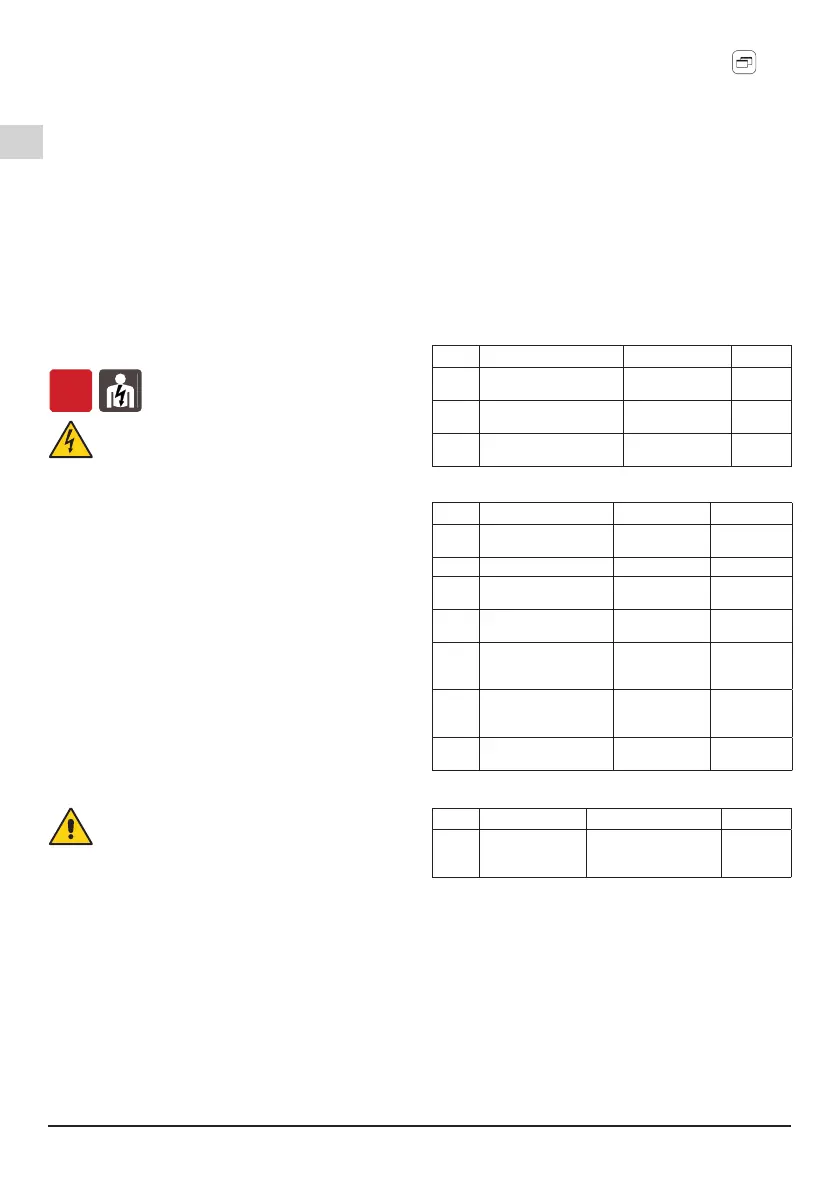
Par. Description Values Standard
UP01 Set-point pressure (bar)
1,8÷4,7 (META)
1,8÷5 (META
SMALL)
3,5
UP02 Restart fall pressure set-
up (bar)
0,5÷3,4 (META)
0,5÷3,7 (META
SMALL)
1
UP03 Select one of the two dry-
run modes available
0,1 0
7.4.2. AP – Advanced settings
Par. Description Values Standard
AP01 Pump suction pressure
(bar)
-0.6÷3
0
AP02 Reset to factory set-up nO, yES nO
AP03 Low Power operating
Time Threshold
0÷240
(minutes)
0
AP04 Safe-start mode
activation time
1÷30
(minutes)
0
AP05 System dynamics
0 Standard
1 Slow
2 Fast
0
AP06 Pressure drop allowed to
consider all taps closed
(bar)
0,01÷0,5 0,30
AP07
Adjusting the switch off
attempt
5÷30 (META)
3÷52 (META
SMALL)
18 (META)
12 (META
SMALL)
7.4.3. GP – Booster sets settings
Par. Description Values Standard
GP01 Mode 0 = single pump
1 = booster set with
random starts
0
7.4.4. Booster set with random starts
To activate the mode booster set with random starts
(which consists of the single pump behavior with the
addition of a random delay both when the pump is
turned on and off) follow the procedure.
1. Operation to be performed for each pump:
1.1 Turn on the pump and set it to STOP
1.2 Access the GP menu
1.3 Set GP01=1
The settings of the stop pressure and restart pressure
remain enabled by parameters UP01 and UP02 as for
normal single pump mode.
For correct booster set mode operation UP01 must be
the same for both pumps, also UP02 must be the same
for both pumps.


 To Next Page
 Loading...