143
Loading a Preset
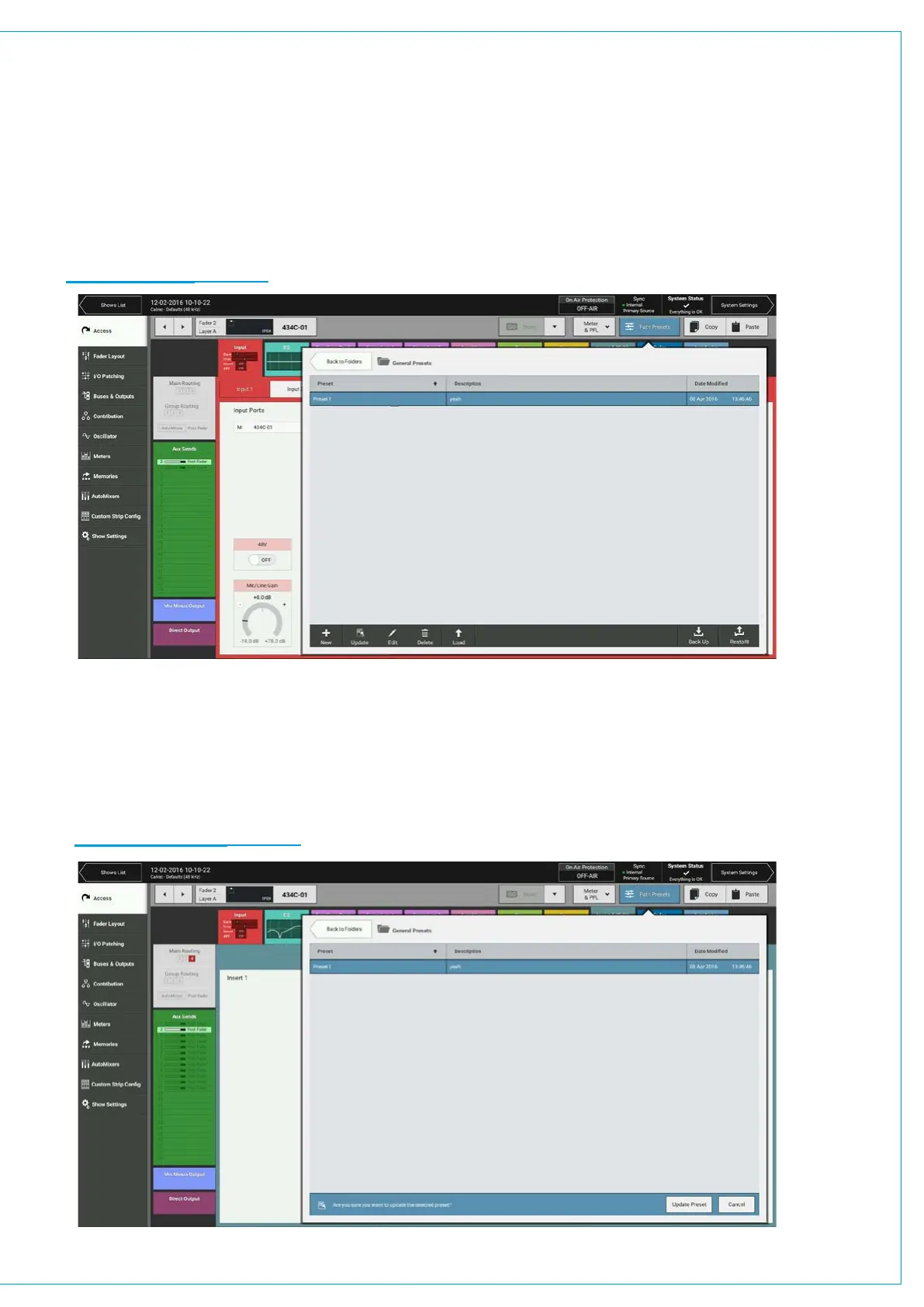
To load a preset to the currently accessed path:
1. Tap PATH PRESETS in the Access bar.
2. Navigate to and select the required preset.
3. Tap LOAD .
If a preset is loaded to a path which is part of a control link, the in-scope preset elements will be loaded for all paths in the
control link. Any elements of the preset which don’t apply to the path will be automatically ignored.
FIGURE 3 - LOAD PRESETS
Updating a Preset
To update a preset to the currently accessed path:
1. Tap PATH PRESETS in the Access bar.
2. Navigate to and select the preset to update.
3. Tap UPDATE and confirm.
FIGURE 4 - UPDATE PRESETS



 To Next Page