56 BRIO 36 Audio Production System with Optional Networking SETTING UP
Entering the Shows List
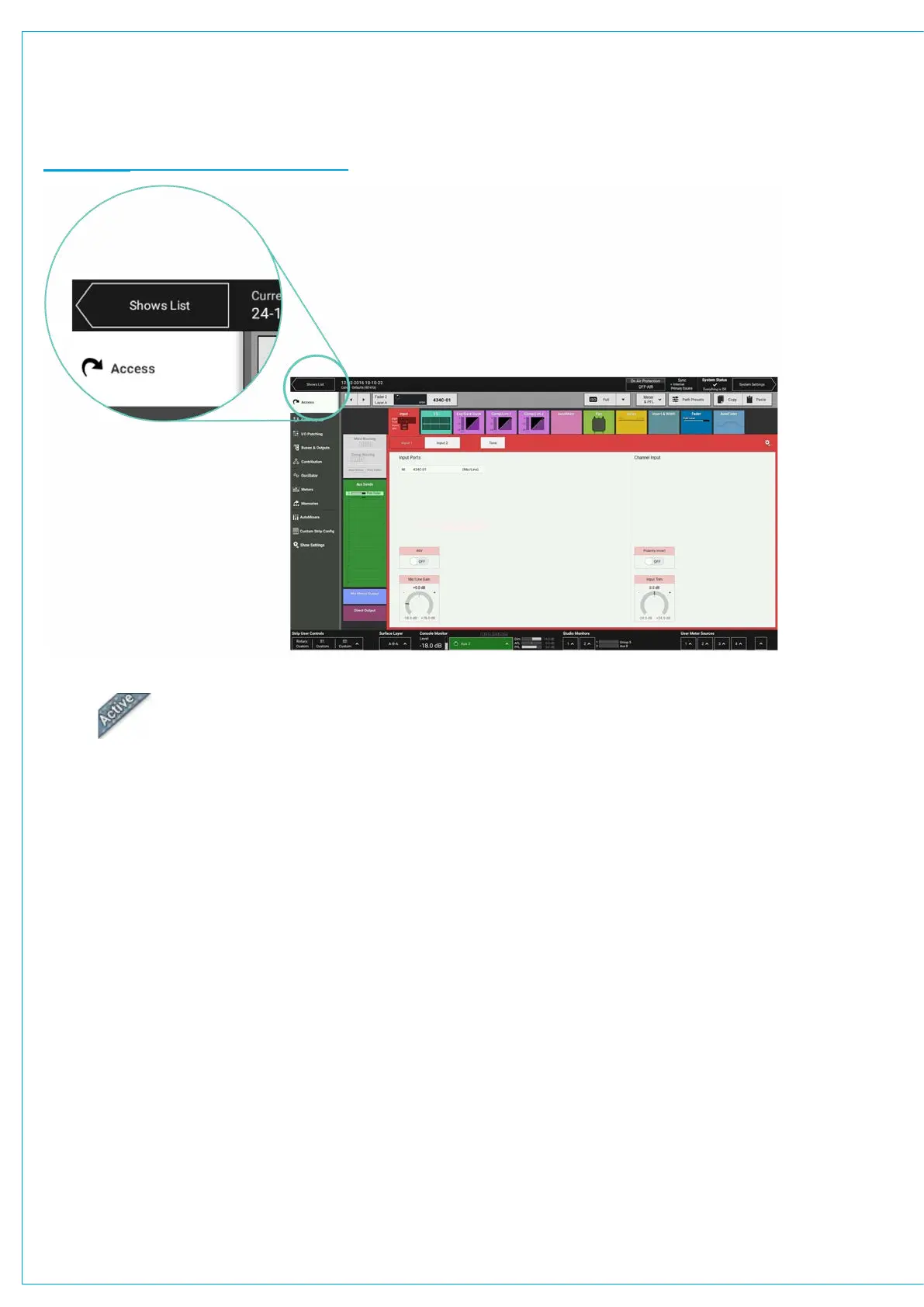
Tap SHOWS LIST to the top left of the touch display. All available Shows are presented within a sortable table.
To return to ‘active Show’ view, tap ACTIVE SHOW in the top right of the touch display.
FIGURE 3 - ACCESSING THE SHOWS LIST
Active Show
Loading a Show
Locate and select the Show, then tap LOAD in the control screen footer, then LOAD again to confirm the choice.
Setting up a New Show
All new Shows are based on pre-configured Show templates. To set up a new Show:
1. Tap NEW in the control screen footer.
2. Pick a template within the ‘new Show’ pop-up.
3. Enter a label and some details for the Show and tap CREATE SHOW.
The client and series text fields will already be populated as they are taken from the template.
Deleting a Show
1. Tap to select one or more Shows within the list.
2. Tap DELETE in the control screen footer.
3. Tap DELETE SELECTED, or CANCEL.
The Show that is currently active is identified by the ‘active’ tab. See Figure 4 on the next page.


 To Next Page