91
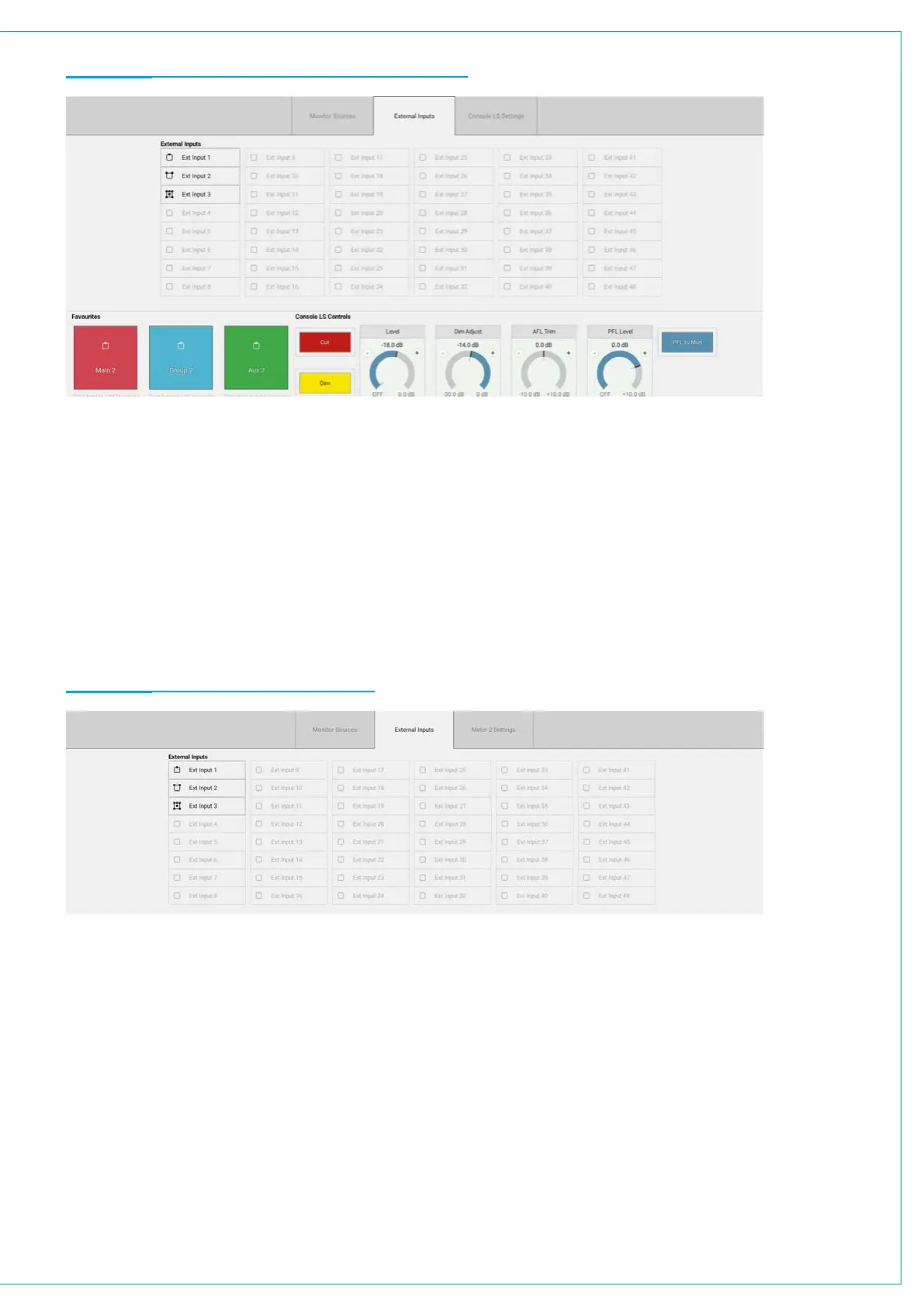
FIGURE 2 - MONITORING POP-UP—EXTERNAL INPUTS
Metering External Inputs
To meter an external input:
1. Tap one of the four meter selectors to the bottom right of the touch display.
2. Select the external input tab within the pop-up.
3. Select the external input that you wish to meter.
Metering is explained in more detail here: ”METER TYPES” on page 158.
FIGURE 3 - METERING EXTERNAL INPUTS


 To Next Page