13
1
2
3
4
5
Introduction
Contents at
a Glance
Basic
Operation
Advanced
Operation
Advanced
Image Editing
and Printing
Editing JPEG
Images
Index
Processing
Large Numbers
of Images
Reference
Printing an Image
You can print images with a printer. As an example, the procedure to
print one image on one sheet of paper is described here.
To set the paper size etc., select the [File] menu [Page setup].
With DPP, you can perform the following types of printing according to
your requirements. For detailed information on each printing method,
refer to Chapter 2 onwards.
O Print one image (p.38)
O Print with a PIXMA/BJ printer (p.35, p.55)
O Print with shooting information (p.53)
O Printing a thumbnail list (contact sheet printing) (p.54)
1
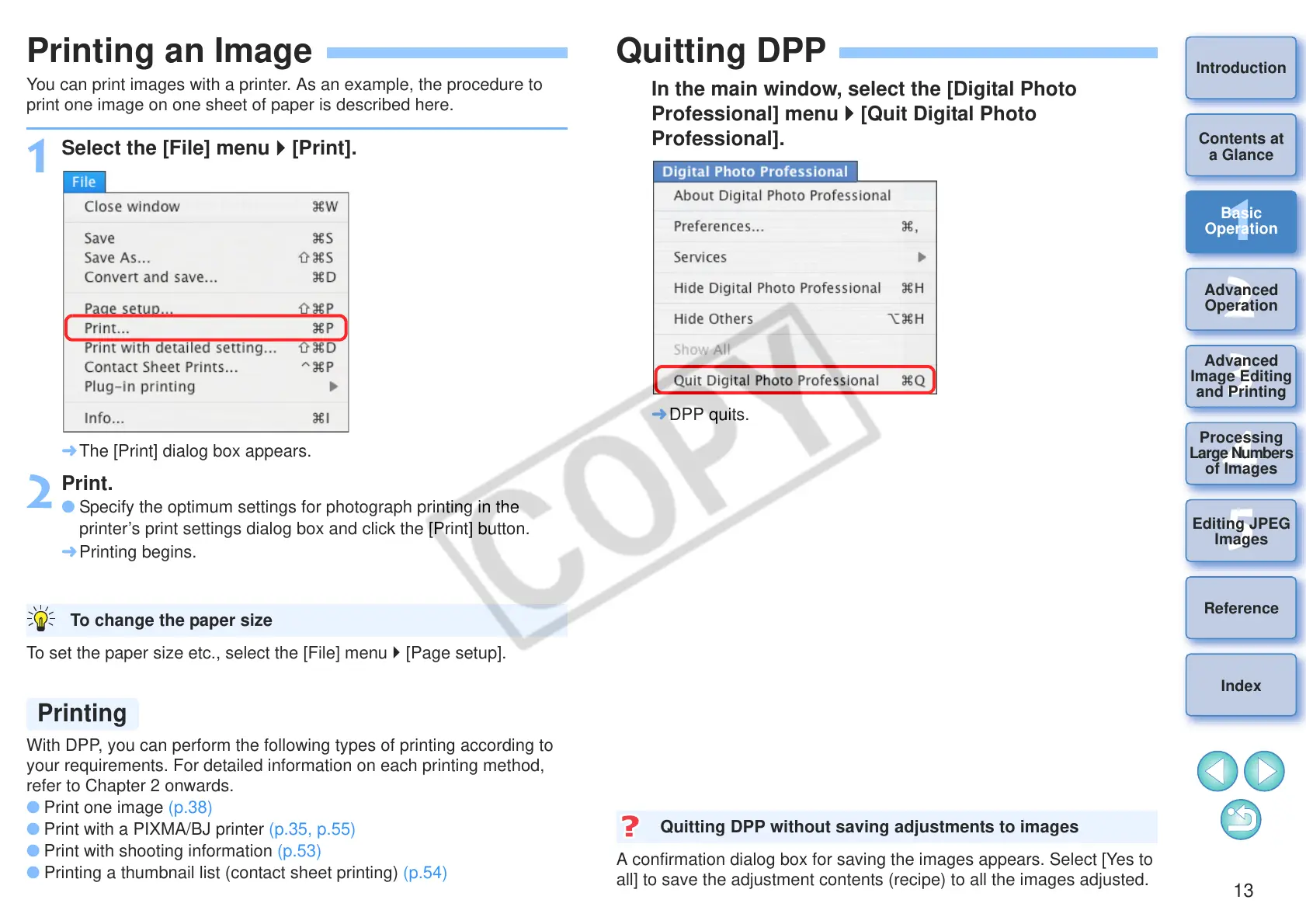
Select the [File] menu [Print].
¿ The [Print] dialog box appears.
2
Print.
O Specify the optimum settings for photograph printing in the
printer’s print settings dialog box and click the [Print] button.
¿ Printing begins.
To change the paper size
Quitting DPP
In the main window, select the [Digital Photo
Professional] menu [Quit Digital Photo
Professional].
¿ DPP quits.
A confirmation dialog box for saving the images appears. Select [Yes to
all] to save the adjustment contents (recipe) to all the images adjusted.
Quitting DPP without saving adjustments to images










 To Next Page