43
1
2
3
4
5
Introduction
Contents at
a Glance
Basic
Operation
Advanced
Operation
Advanced
Image Editing
and Printing
Editing JPEG
Images
Index
Processing
Large Numbers
of Images
Reference
Adjusting by Comparing Multiple Images
You can synchronize the display position of multiple edit windows and
adjust images while comparing them with each other.
1
In the edit window, display the multiple images to be
compared.
2
Align the Images.
O Align the images for easy comparison.
3
Select the [Window] menu [Synchronize].
4
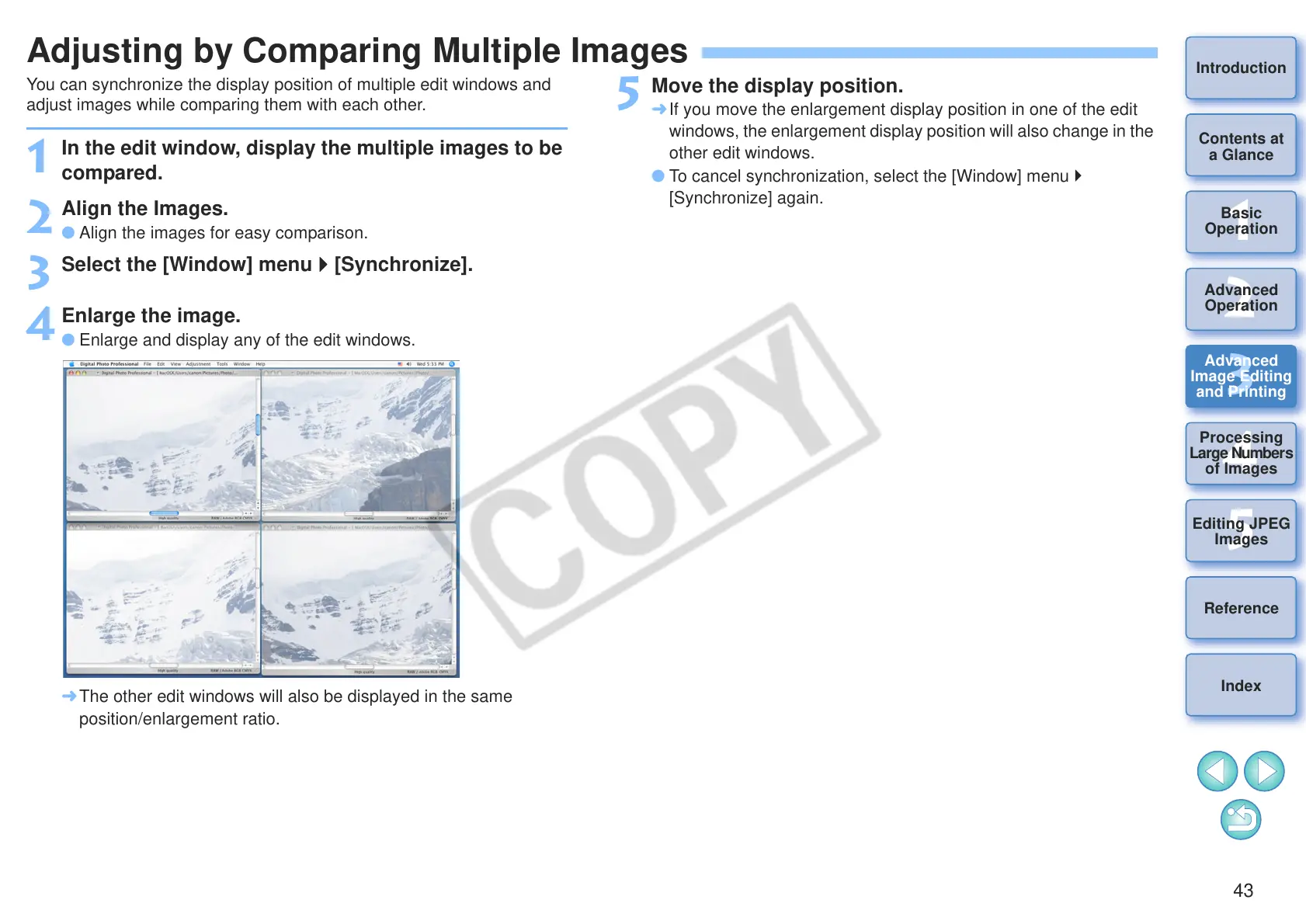
Enlarge the image.
O Enlarge and display any of the edit windows.
¿ The other edit windows will also be displayed in the same
position/enlargement ratio.
5
Move the display position.
¿ If you move the enlargement display position in one of the edit
windows, the enlargement display position will also change in the
other edit windows.
O To cancel synchronization, select the [Window] menu
[Synchronize] again.










 To Next Page