55
Wireless Settings
The color of the <D> lamp changes depending on the transmission
status of the master unit and the slave unit.
You can set whether or not to fire, as a wireless flash, the master unit
that controls the slave unit. When master flash firing is set to ON, the
master unit is fired as firing group A.
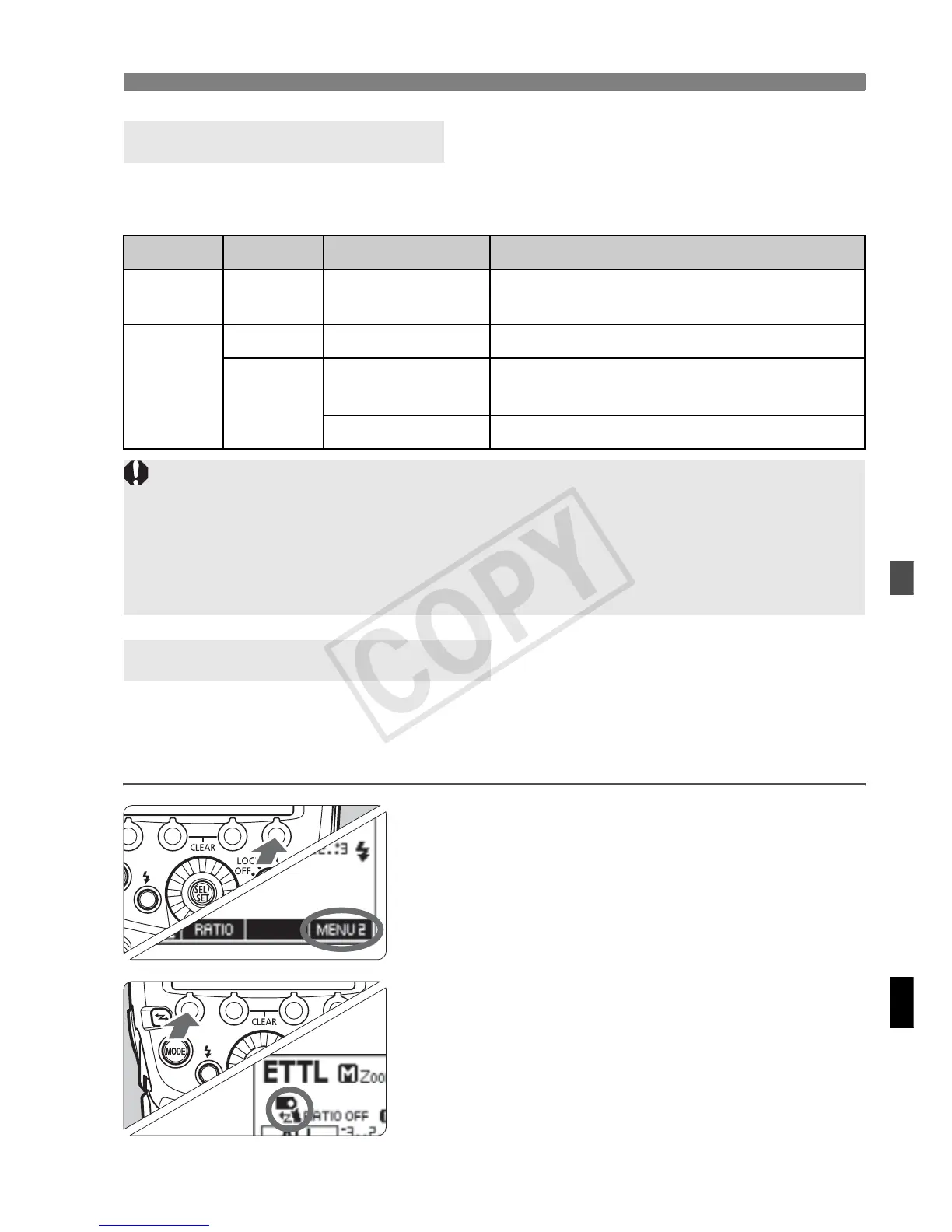
1
Set the <N> display.
Press function button 4 to display
<N>.
2
Set the master flash firing.
Press function button 1 <4 > to
set the master flash firing to ON or
OFF.
g
: Master flash firing ON
d
: Master flash firing OFF
About the <D> Lamp
Color Status Description Action
Green Lit
Transmission
OK
–
Red
Lit
Not connected Check the channel and ID
Blinking
Too m an y un its
Master units + slave units =
16 units or less
Error Turn the power off and on again
Master Flash Firing ON/OFF
If the transmission channels of the master unit and slave unit are
different, the slave unit does not fire. Set both to the same number, or set
both to “AUTO”.
If the wireless radio IDs of the master unit and slave unit are different, the
slave unit does not fire.














 To Next Page