79
Wireless Settings
2
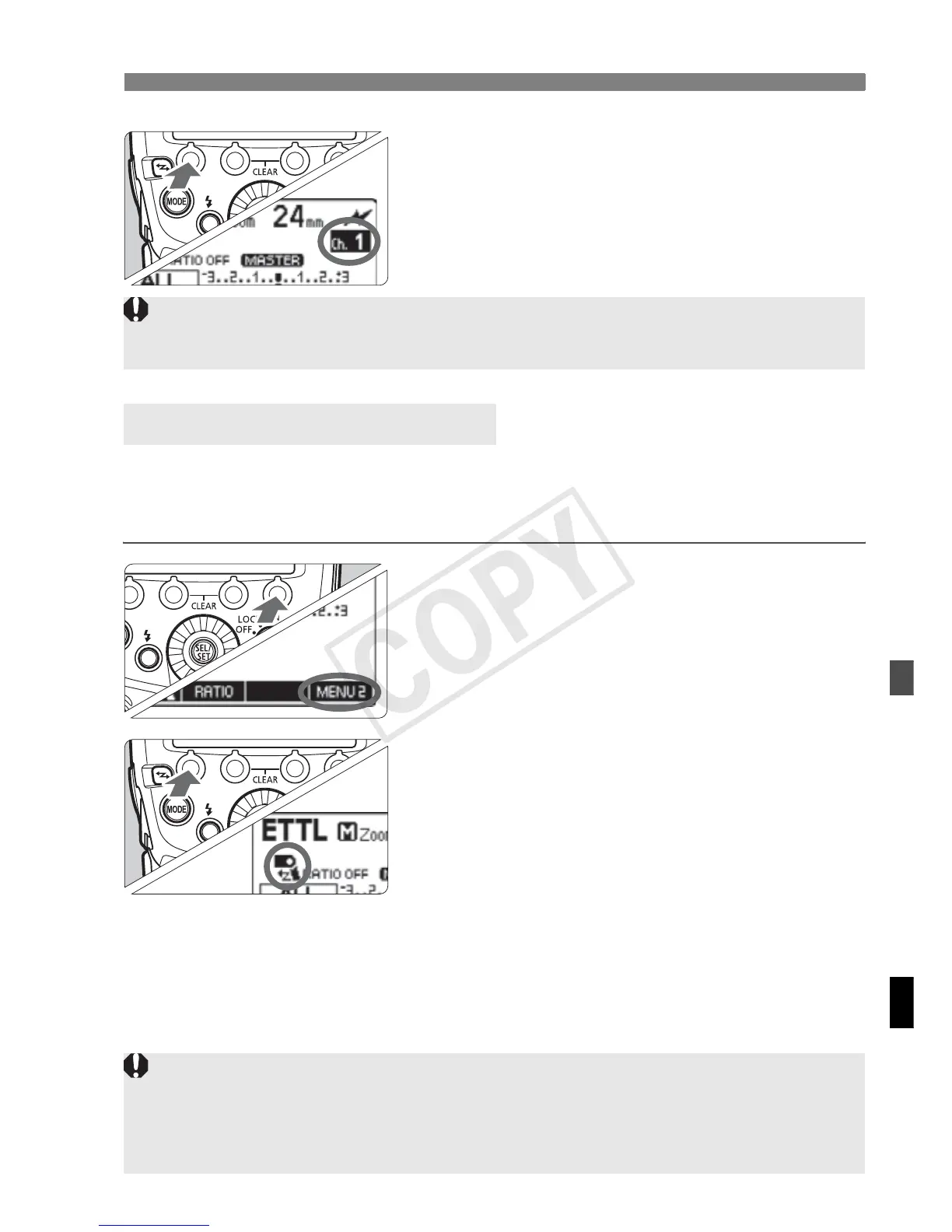
Set a channel.
Press function button 1 <C>.
Turn <9> to select a channel from
1 to 4, and press the <8> button.
You can set whether or not to fire, as a wireless flash, the master unit
that controls the slave unit. When master flash firing is set to ON, the
master unit is fired as a slave unit of firing group A.
1
Set the <N> display.
Press function button 4 to display
<N>.
2
Set the master flash firing.
Press function button 1 <4 > to
set the master flash firing to ON or
OFF.
g
: Master flash firing ON
d
: Master flash firing OFF
Master Flash Firing ON/OFF
If the transmission channels of the master unit and slave unit are different,
the slave unit does not fire. Set both to the same number.
Even when master flash firing is set to OFF, the flash firing for controlling the
slave unit (optical transmission) is performed. Therefore, depending on the
shooting conditions, the flash fired for controlling the slave unit may be
captured in the picture.














 To Next Page