80
Wireless Settings
You can save the wireless settings in the master unit and slave unit, and
recall the settings later. Operate the master unit or slave unit whose
settings are to be saved or recalled.
1
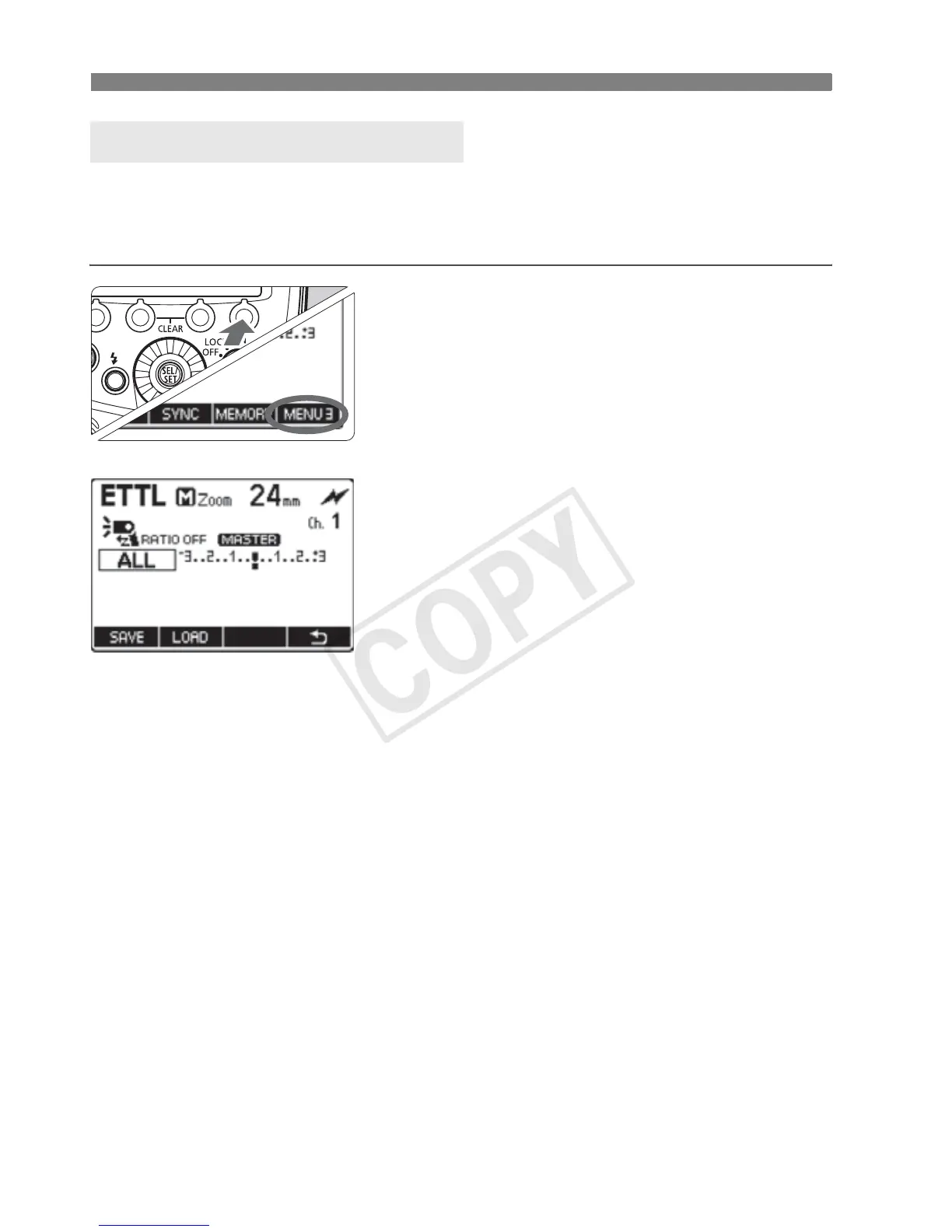
Press function button 4.
On the master unit, press function
button 4 to display <O>.
On the slave unit, press function
button 4 to display <N>.
2
Save or load the settings.
Press function button 3 <L>.
[Save]
Press function button 1 <V>.
X The settings are saved (stored in the
memory).
[Load]
Press function button 2 <J>.
X The settings that were saved are set.
About the Memory Function














 To Next Page