39
Selecting the Metering Mode
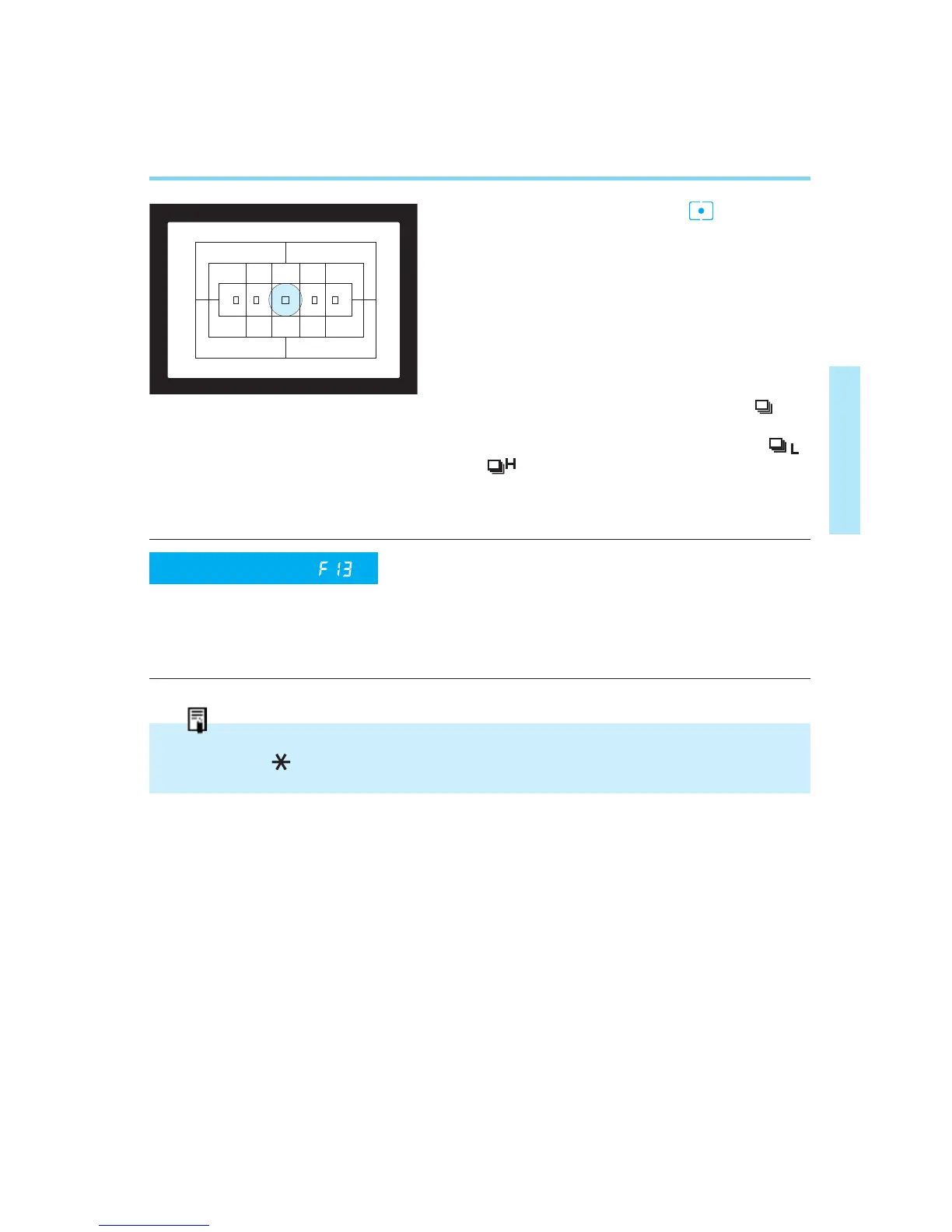
● Fine Spot Metering ( )
This mode limits the metering area to
the center of the viewfinder as defined
by the fine spot metering mark
(approx. 2.3% of the image area). Use
this mode when you need an accurate
exposure reading of a specific subject
area.
• In continuous shooting mode ( ) or
high - speed continuous shooting mode
with the Power Drive Booster E1 ( ,
), the exposure value deter-
mined for the first frame is also used for
the second and consecutive exposures.
This function lets you select spot meter-
ing linked to the focusing points. Metering
is limited to the area of the manually
selected focusing point (approx. 3.5% of
the viewfinder image area).
In One-shot AF mode, exposure setting is locked during continuous shooting, but the AE
lock indicator “ ” does not light in the viewfinder.
Custom Function
(Refer to pages 90–91)
00. Part.2 RS (E) (P.28~47) 27-01-2003 11:56 Page 39


 To Next Page