Communication Environment Setup
4-16
4
Settings Common to the Network Protocols
4
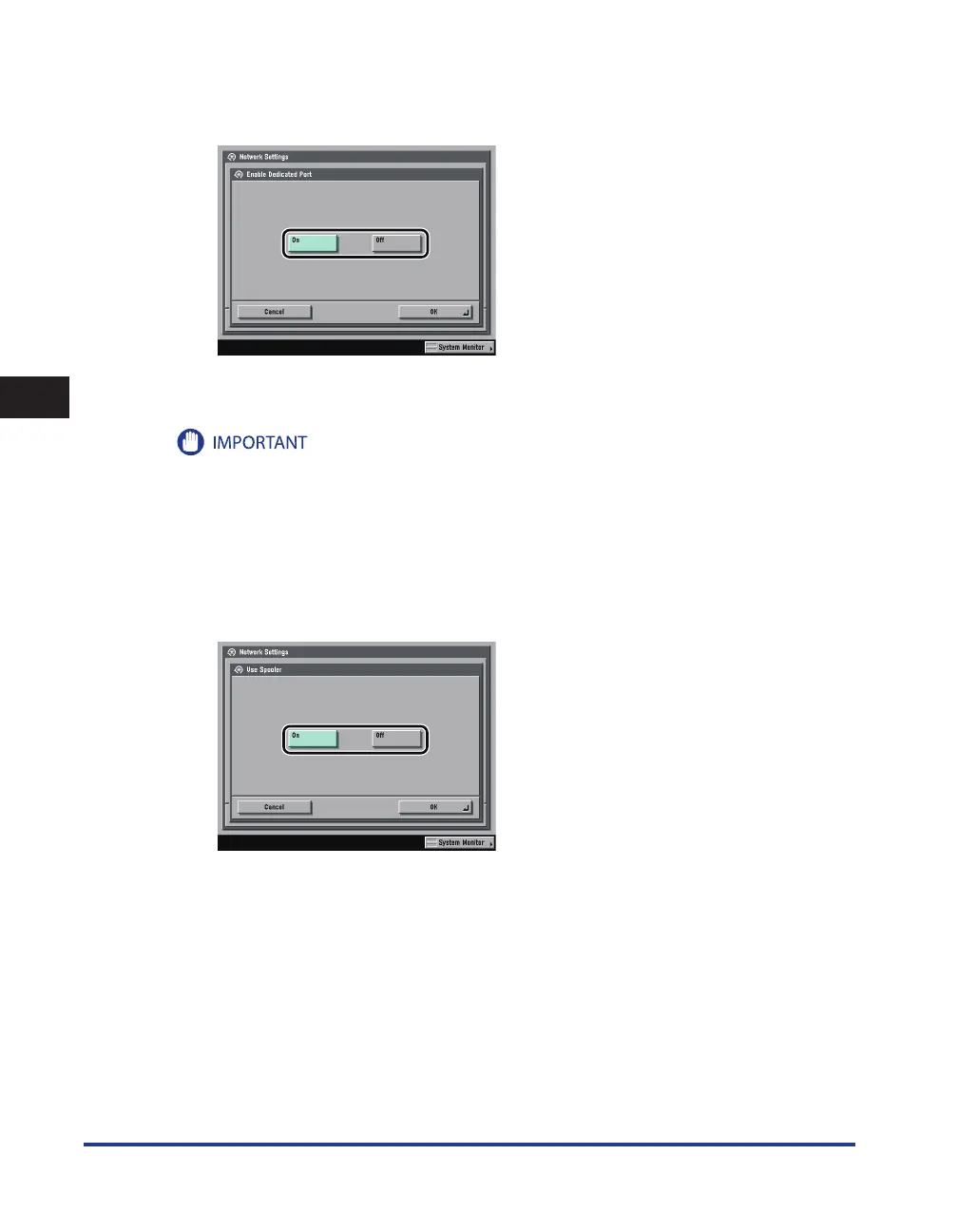
On the Network Settings screen, press [Enable Dedicated Port]
→
specify the
following.
[On]: You can set or browse detailed information on the machine with a Canon printer driver or utility
(UFR II/PCL/PS printer drivers, NetSpot Device Installer, etc.).
If you want to use a Canon printer driver or utility, press [On] for both <Use SNMP v. 1> and [Enable
Dedicated Port].
You can restrict the IP addresses of computers on which items can be set or browsed. If you restrict the IP
addresses, it is not possible to set or browse detailed information concerning the machine on computers
other than those whose IP addresses are allowed, even if <Use SNMP v. 1>, <Use SNMP v. 3>, and [Enable
Dedicated Port] are 'On'. For details, see “TCP/IPv4 Settings,” on p. 5-3 or see “TCP/IPv6 Settings,” on p. 5-9.
5
On the Network Settings screen, press [Use Spooler]
→
specify the following.
[On]: You can spool print jobs transmitted to this machine on the machine's hard disk.
•
•















 To Next Page