Communication Environment Setup
4-15
4
Settings Common to the Network Protocols
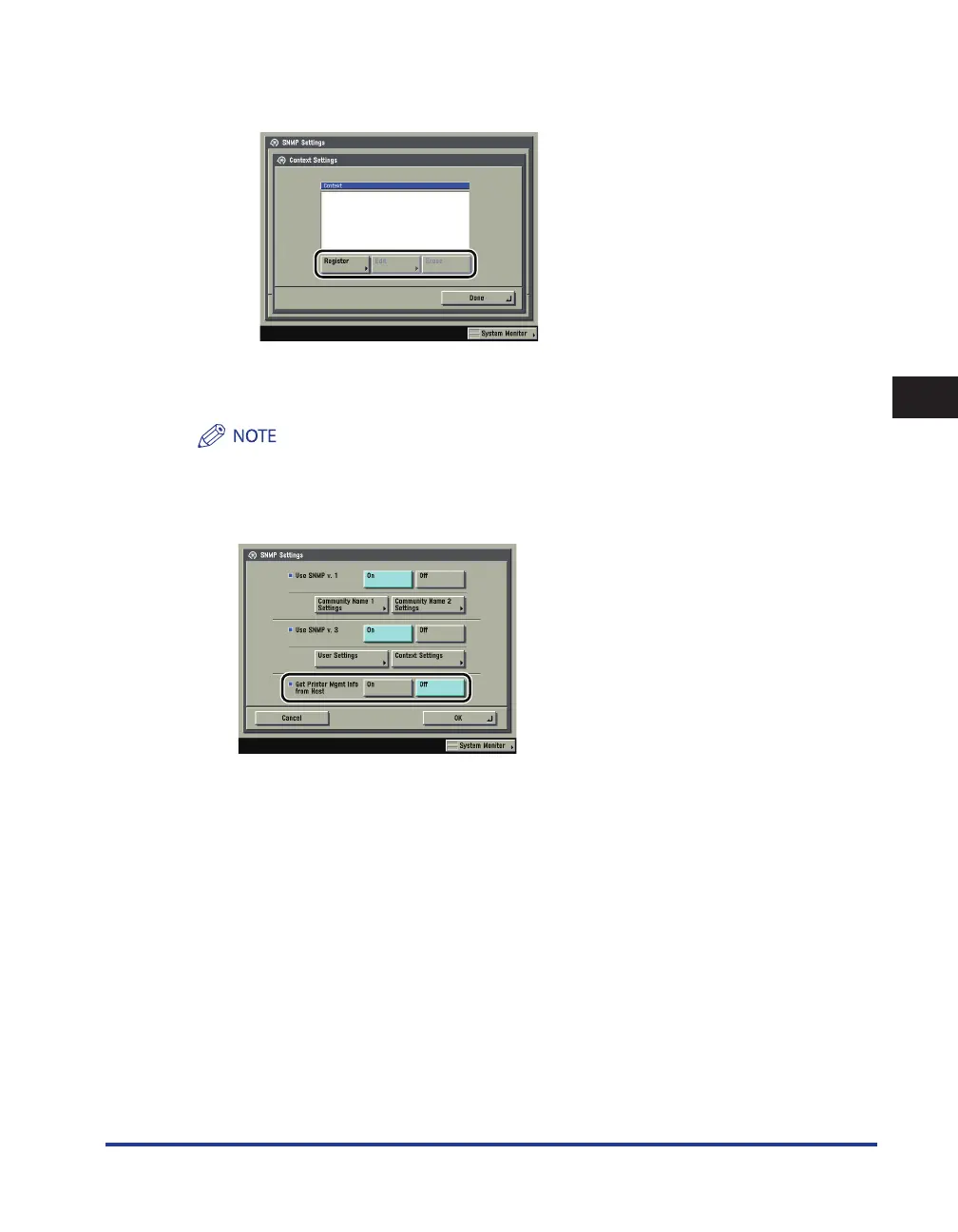
If you want to edit the context:
Press [Context Settings]
→
edit the context.
If you want to add a context, press [Register] to add a new context. If you want to change a context,
select the context you want to change
→
press [Edit] to change the context. If you want to erase a
context, select the context you want to erase
→
press [Erase].
A context named 'NULL' is registered by default. The 'NULL' context cannot be deleted, and is not displayed
on the Context Settings screen.
3
Set monitoring for the printer management information.
[On] for <Get Printer Mgmt Info from Host>: If you are using Windows Vista and set [Standard TCP/IP port]
for the printer driver port, the SNMP port monitoring function will be enabled automatically to obtain
printer management information such as information on print applications and printer ports.
●
☐















 To Next Page