imagePRESS Server M10 1.0
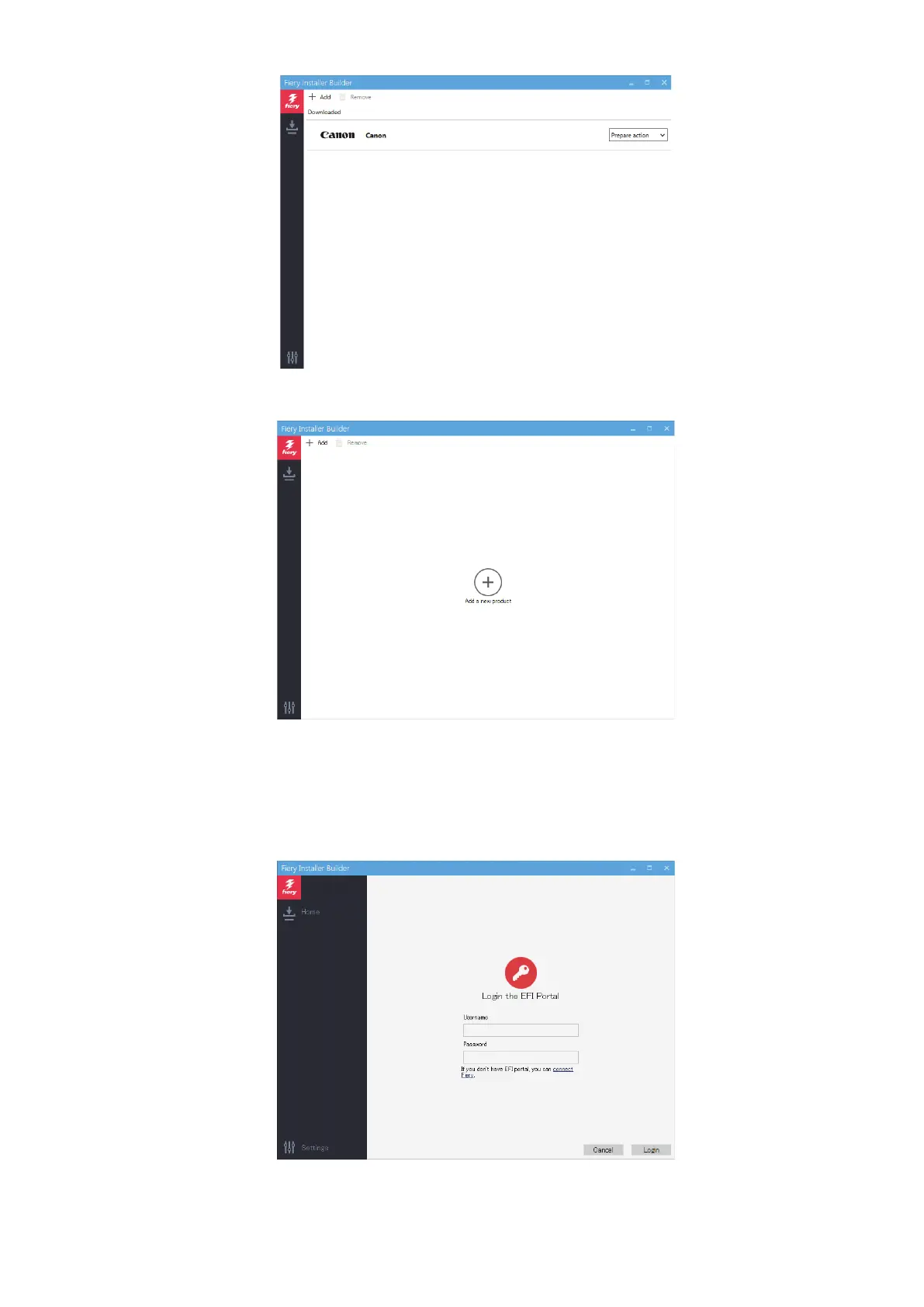
If the Add button is displayed at the center of the window, no product is copied to this device yet.
4. Click Add.
5. At the Login the EFI Portal window, enter your EFI Sales Portal account credentials, and click Login. Proceed to
step 6.
If you do not have the EFI Sales Portal account information, click connect Fiery link, and then log in to the imagePRESS
Server by using the following procedure:
4. INSTALLING SYSTEM SOFTWARE
54



 To Next Page