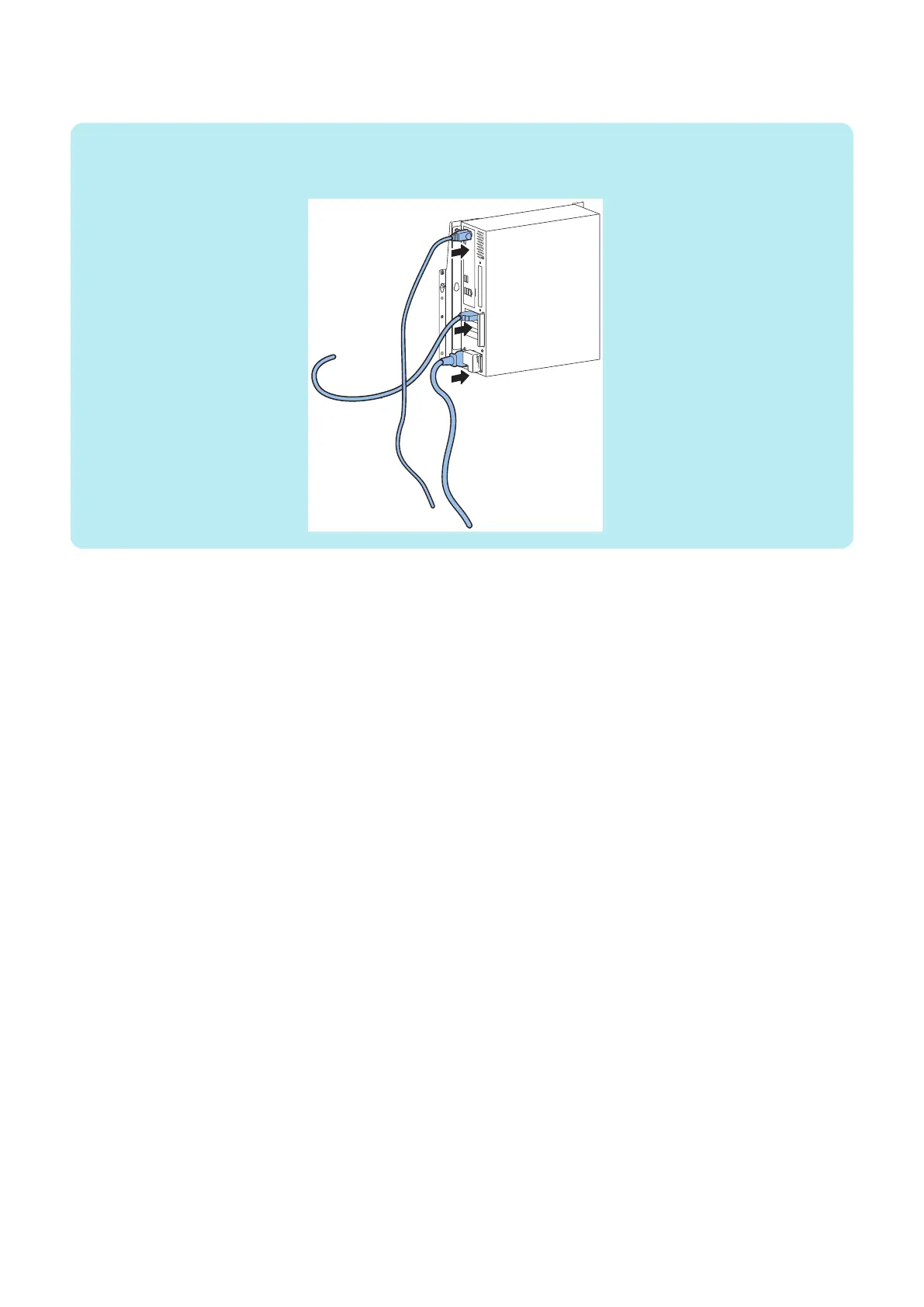
10. Connect the Ethernet cable between the imagePRESS Server network port and an Ethernet port on the Windows
computer.
NOTE:
• Ethernet port: Connected to the imagePRESS Server upper part (for the user network)
• Ethernet cable: Use crossover cable
11. Switch on the Host Machine and confirm that the imagePRESS Server becomes ON.
Wait approximately 15 seconds for the imagePRESS Server to start up and show 00 on the LED display.
12. In the Select a Network Adapter window of the Fiery Installer Builder, select the network connection that is
corresponding to the network port that you attached the Ethernet cable to, and then click Next.
4. INSTALLING SYSTEM SOFTWARE
64



 To Next Page