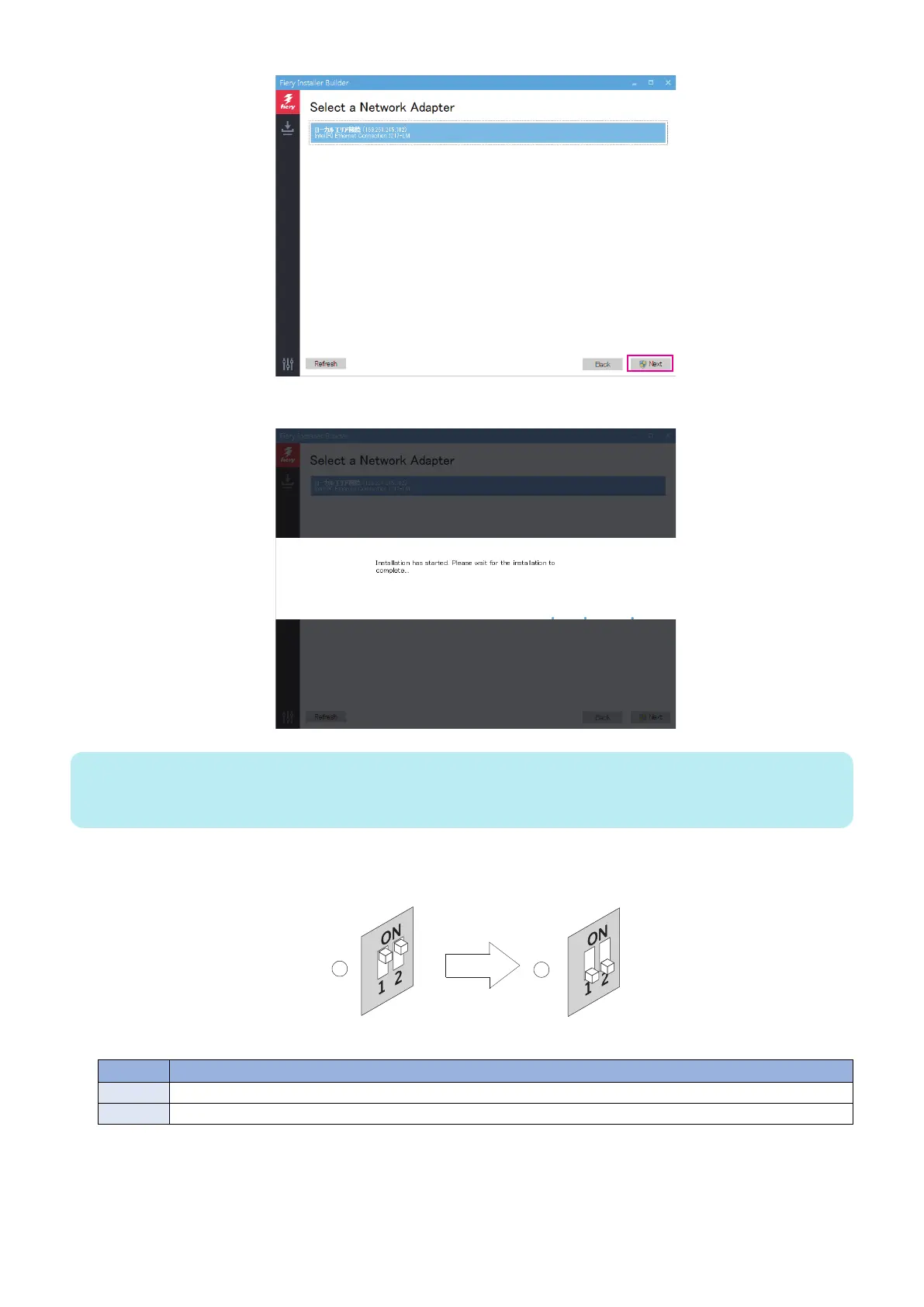
A message appears that indicates that the installation has started.
NOTE:
After confirming the LED activity starts and the LED display shows the cyclic codes (C1 > C2 > C3 > C1...), turn off the printer
using the main power switch on the front.
Once the installation is complete, the imagePRESS Server will shut down automatically.
13. Flip both of the imagePRESS Server service switches to the Normal (OFF) position.
Figure 32: Flipping the imagePRESS Server service switches
No. Name
1 Flip the service switches from Service (ON) position...
2 ...to Normal mode (OFF) position.
14. Disconnect the Ethernet cable from the imagePRESS Server network port and the Windows computer.
15. Reconnect all the cables that were connected to the imagePRESS Server.
4. INSTALLING SYSTEM SOFTWARE
65



 To Next Page