2
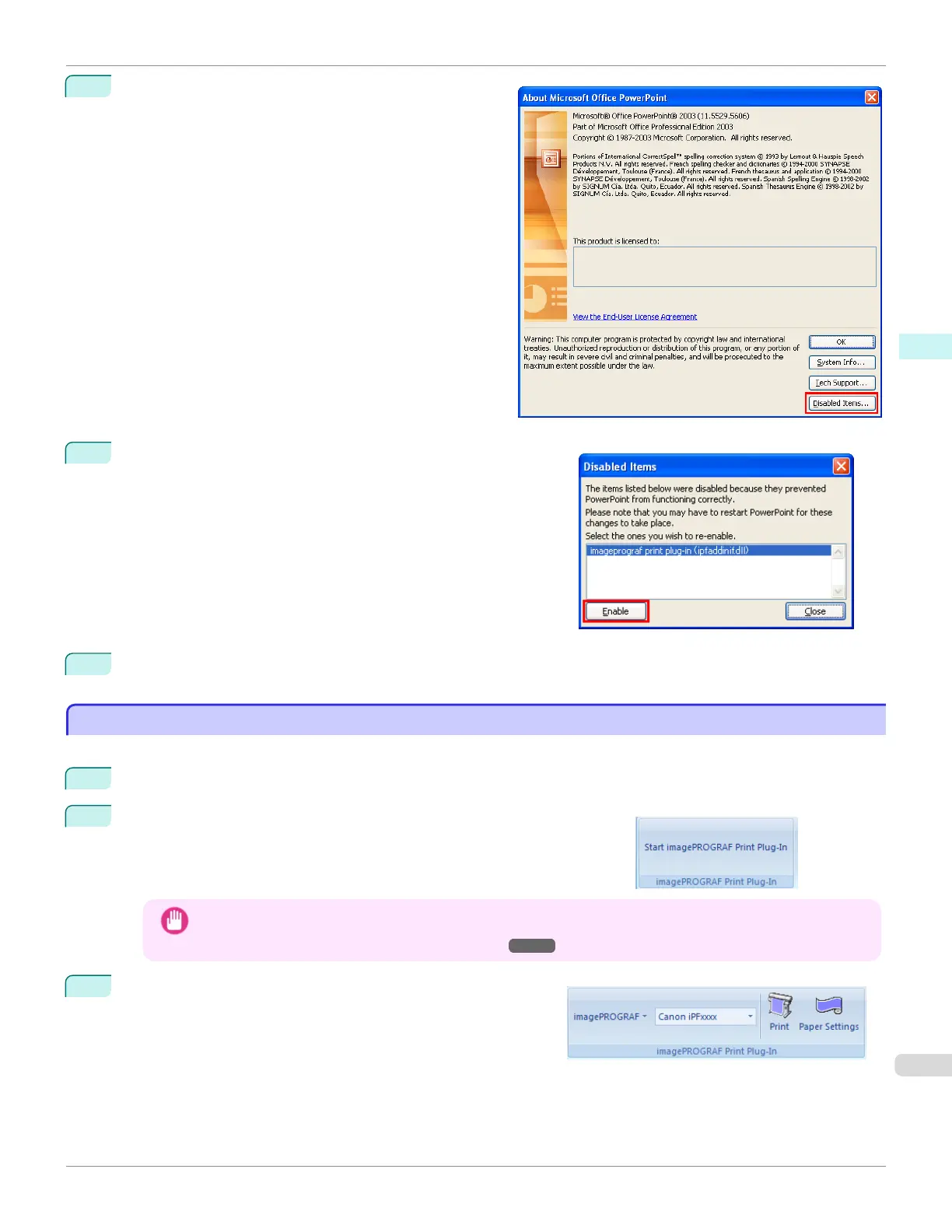
Click the Disabled Items button in the About <appli-
cation name> dialog box.
3
If Addin imageprograf print plug-in (ipfaddinif.dll) is dis-
played in the Disabled Items dialog box, select it and click the
Enable button.
4
Close all the dialog boxes and restart the Office application.
To start from Microsoft Word
To start from Microsoft Word
Below are the steps to start Print Plug-In for Office from Microsoft Word.
1
Start Microsoft Word.
2
If Start imagePROGRAF Print Plug-In is displayed on the toolbar/
ribbon, click it.
Important
• If the imagePROGRAF Print Plug-In toolbar/ribbon is not displayed, refer to the following.
• "When Print Plug-In for Office is not displayed" ➔P.240
3
Check that the imagePROGRAF Print Plug-In toolbar/ribbon
is displayed.
iPF685
To start from Microsoft Word
User's Guide
Windows Software Print Plug-In for Oce
243













 To Next Page