Saving Print Jobs on the Printer Hard Disk
Saving Print Jobs on the Printer Hard Disk
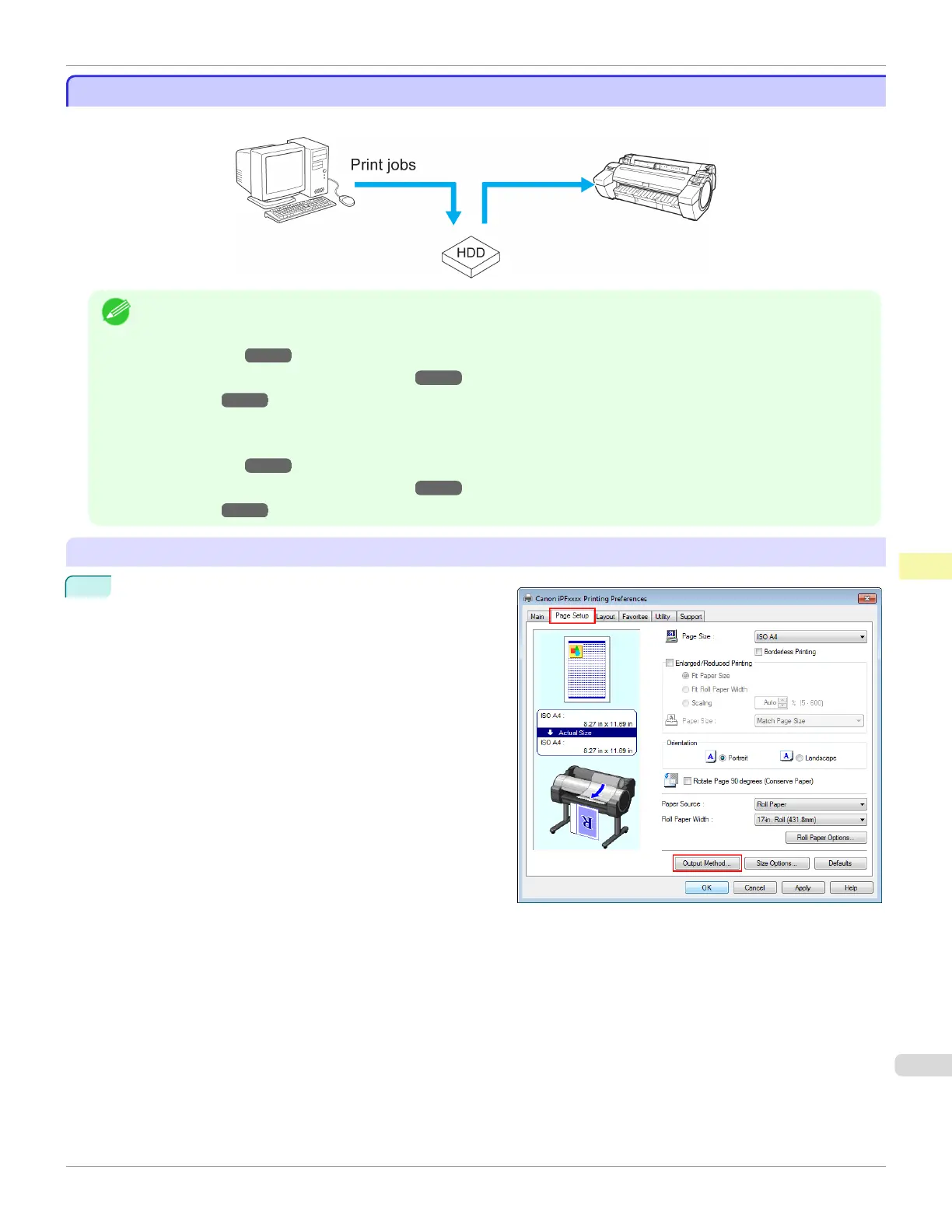
To save print jobs on the printer's hard disk, configure the printer driver.
Note
• Printing from the following software also enables you to save print jobs on the printer's hard disk.
Windows
• Free Layout ➔ P.202
•
Color imageRUNNER Enlargement Copy
➔P.225
• Preview ➔ P.191
Mac OS
• Free Layout ➔ P.319
•
Color imageRUNNER Enlargement Copy ➔ P.344
• Preview ➔ P.191
Configuring the Printer Driver in Windows
1
Access the Page Setup sheet.
iPF685
Saving Print Jobs on the Printer Hard Disk
User's Guide
Print Job Management Basic Print Job Operations
533













 To Next Page