•
Color Adjustment / Gray Adjustment / Matching
You can set the color adjustment and matching.
•
Color Adjustment ➔ P.307
•
Matching ➔ P.309
Note
• Matching is not displayed if No color correction has been selected in Color Mode.
•
Restore Defaults Button
Click the button to reset to the setting when starting Preview.
•
Print Button
Click the button to begin printing.
•
Update Printer Info. Button
Click the button to acquire printer information.
Color Adjustment
Color Adjustment
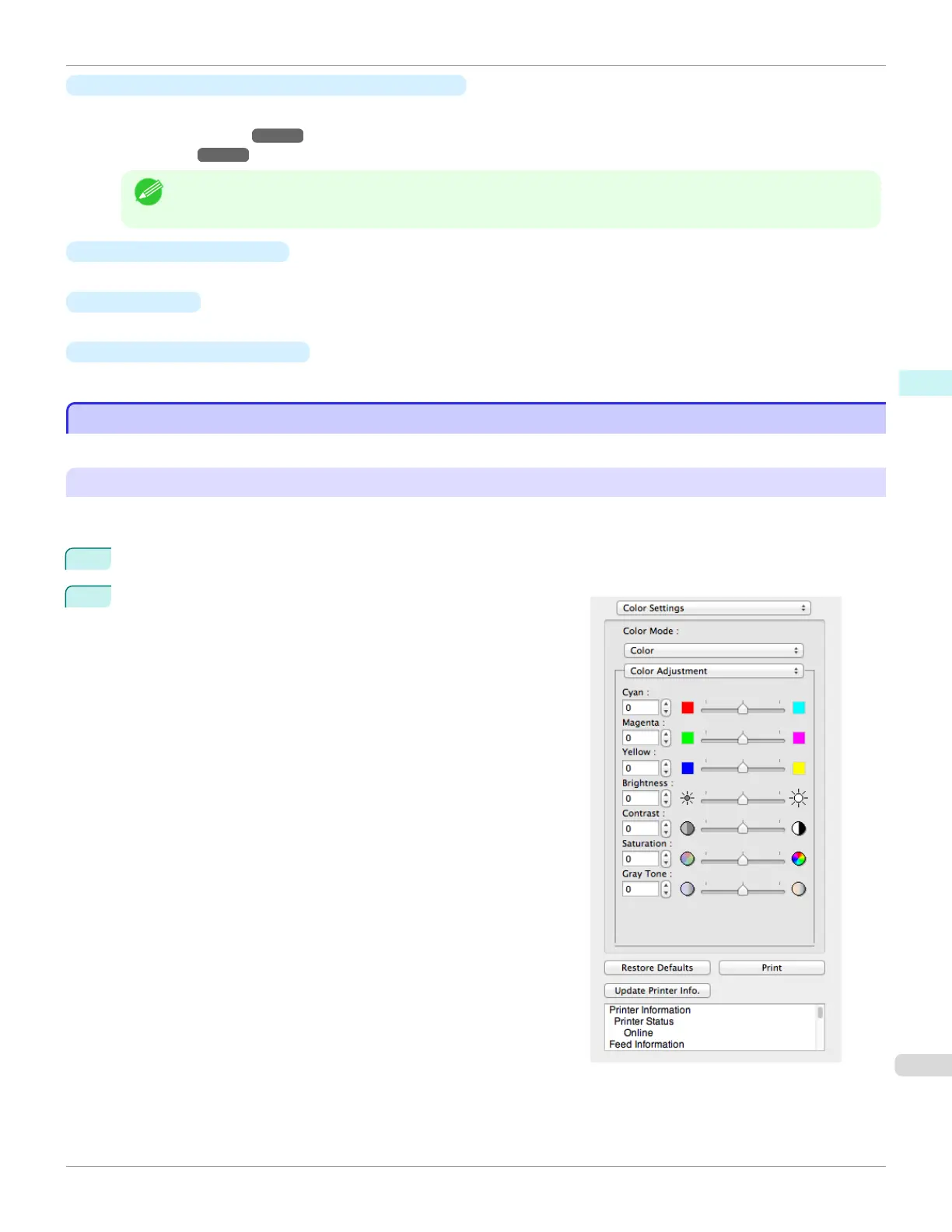
You can set the color adjustment.
Adjusting Color
Normally colors should be adjusted in the software application, but if you see colors in the printout that do not match
colors on the screen, you can perform color adjustments.
1
Select Color on Color Mode in the Color Settings panel.
2
Select Color Adjustment.
iPF685
Color Adjustment
User's Guide
Mac OS Software Preview
307













 To Next Page