4
Press ▲ or ▼ to select the box number (in the range 00–29), and then press the OK button.
Note
• Enter a password if one has been set, and then press the OK button.
5
Press ▲ or ▼ to select Job List, and then press the OK button.
Using RemoteUI
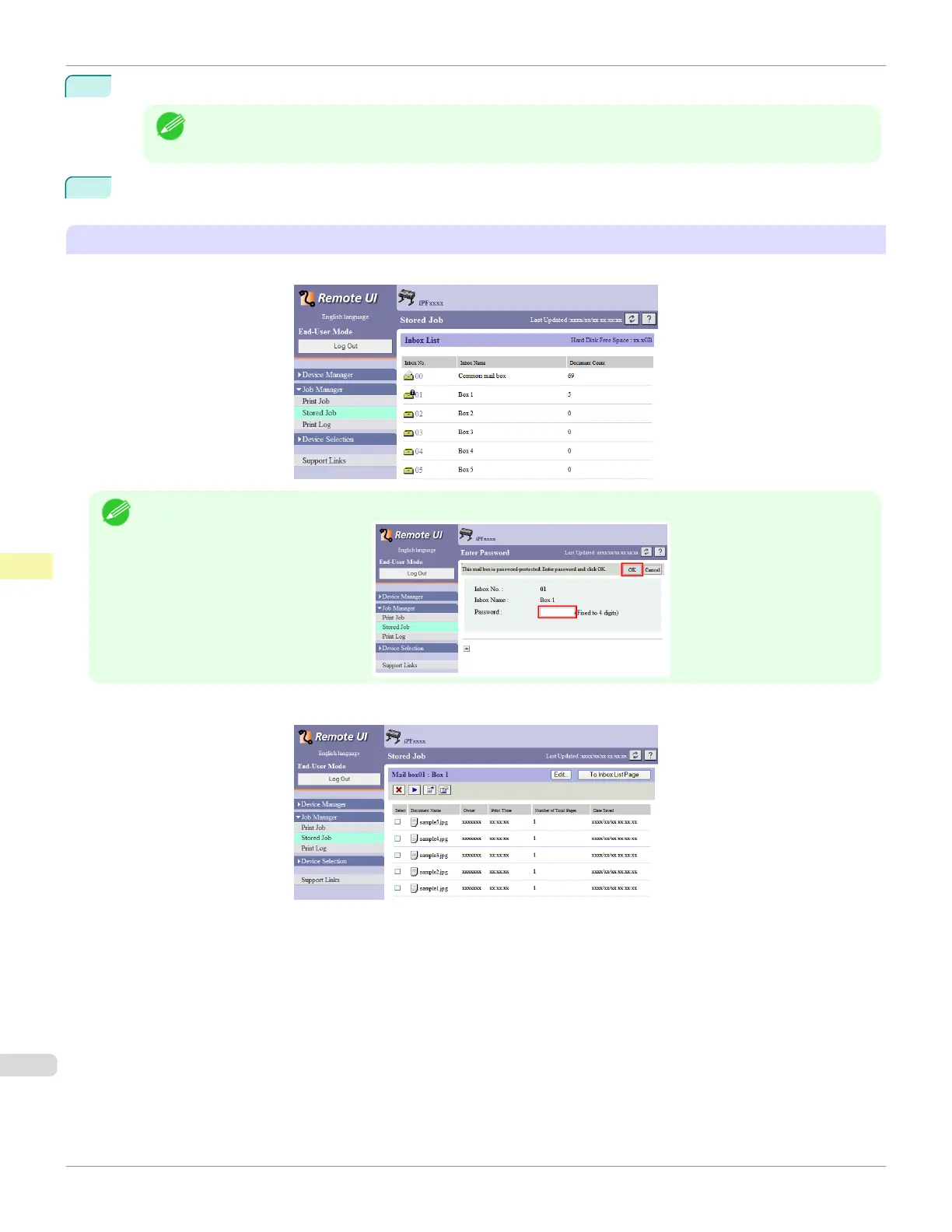
On the Stored Job page, choose the box.
Note
• Enter a password if one has been set.
Jobs saved in the box are listed.
For details, refer to the RemoteUI help.
Displaying a List of Saved Jobs
iPF685
User's Guide
Print Job Management Advanced Print Job Operations
562













 To Next Page