2
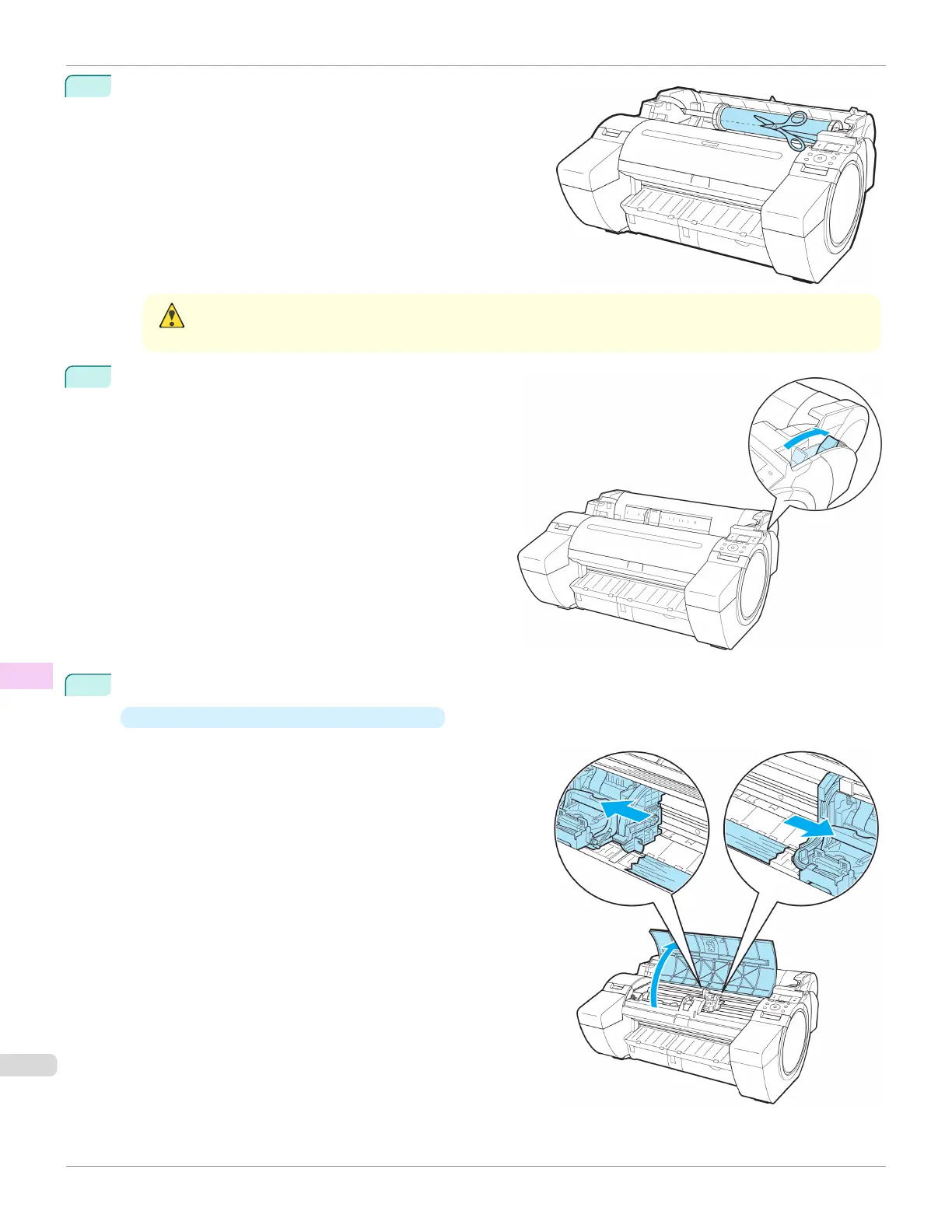
Cut the loaded roll paper with regular scissors or the like.
Caution
• When cutting paper, be careful to avoid injury or damage to the printer.
3
Push the Release Lever back.
4
Remove the jammed paper.
•
If paper is jammed inside the Top Cover
1.
Open the Top Cover and move the Carriage to the
left or right side manually, away from the jam.
Clearing Jammed Roll Paper
iPF685
User's Guide
Troubleshooting Problems Regarding Paper
630













 To Next Page