Installing the CAPT Software
2-28
Setting Up the Network Environment for Printing
2
4
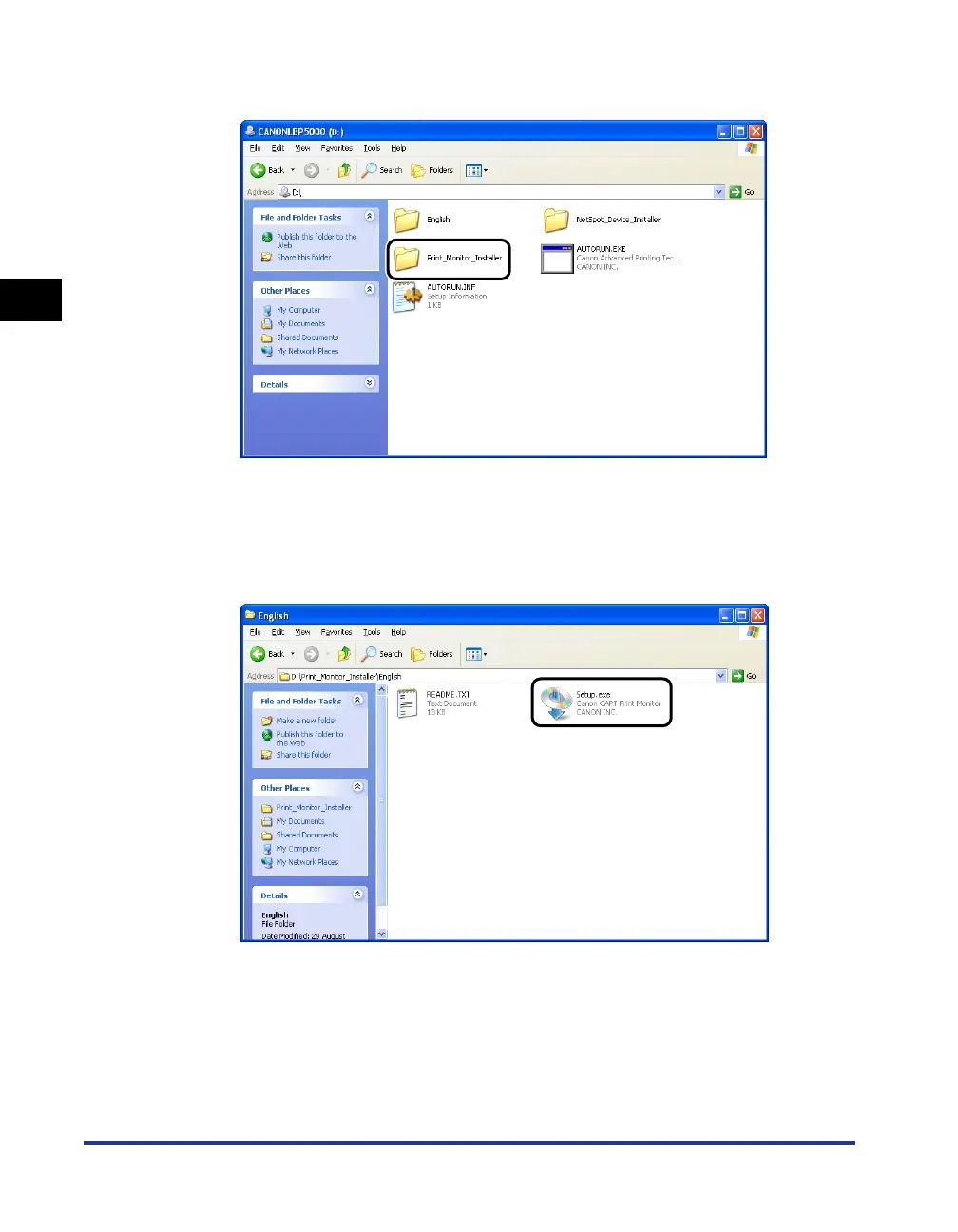
Double-click the [Print_Monitor_Installer] folder.
5
Double-click the [English] folder.
6
Double-click [Setup.exe].
The installer of Canon CAPT Print Monitor starts.












 To Next Page