2-31
Setting Up the Network Environment for Printing
2
Installing the CAPT Software
11
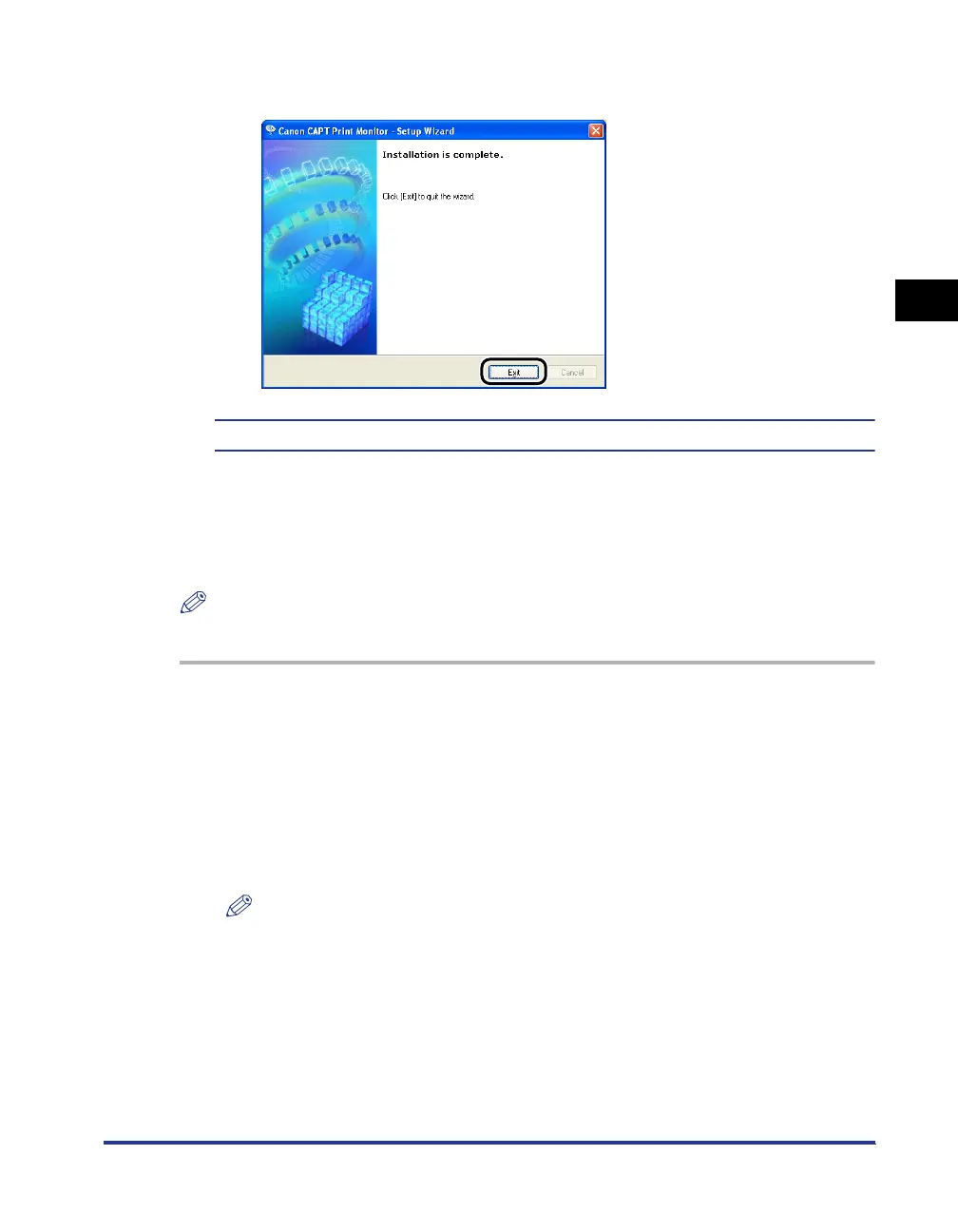
Click [Exit].
Next, install the printer driver (See p. 2-31).
Installing the Printer Driver from [Add Printer Wizard]
■
For Windows 98/Me
NOTE
The screen shots used in this section are from Windows Me.
1
Make sure that the computer and printer are connected via the
network and that the printer is ON.
2
From the [Start] menu, select [Settings] ➞ [Printers] to open
the [Printers] folder. Then, double-click [Add Printer].
The [Add Printer Wizard] dialog box is displayed.
NOTE
The [Add Printer Wizard] dialog box can also be displayed using the following
procedure:
- Double-click [My Computer] ➞ [Control Panel] ➞ [Printers] ➞ [Add Printer] (For
Windows Me).
- Double-click [My Computer] ➞ [Printers] ➞ [Add Printer] (For Windows 98).












 To Next Page