Installing the CAPT Software
2-30
Setting Up the Network Environment for Printing
2
IMPORTANT
When using the unicast communication mode, you need to configure the network
board (print server) to be used in the unicast communication mode. For more
details, see "Using the Unicast Communication Mode" (p. 5-12), or ask your
network administrator.
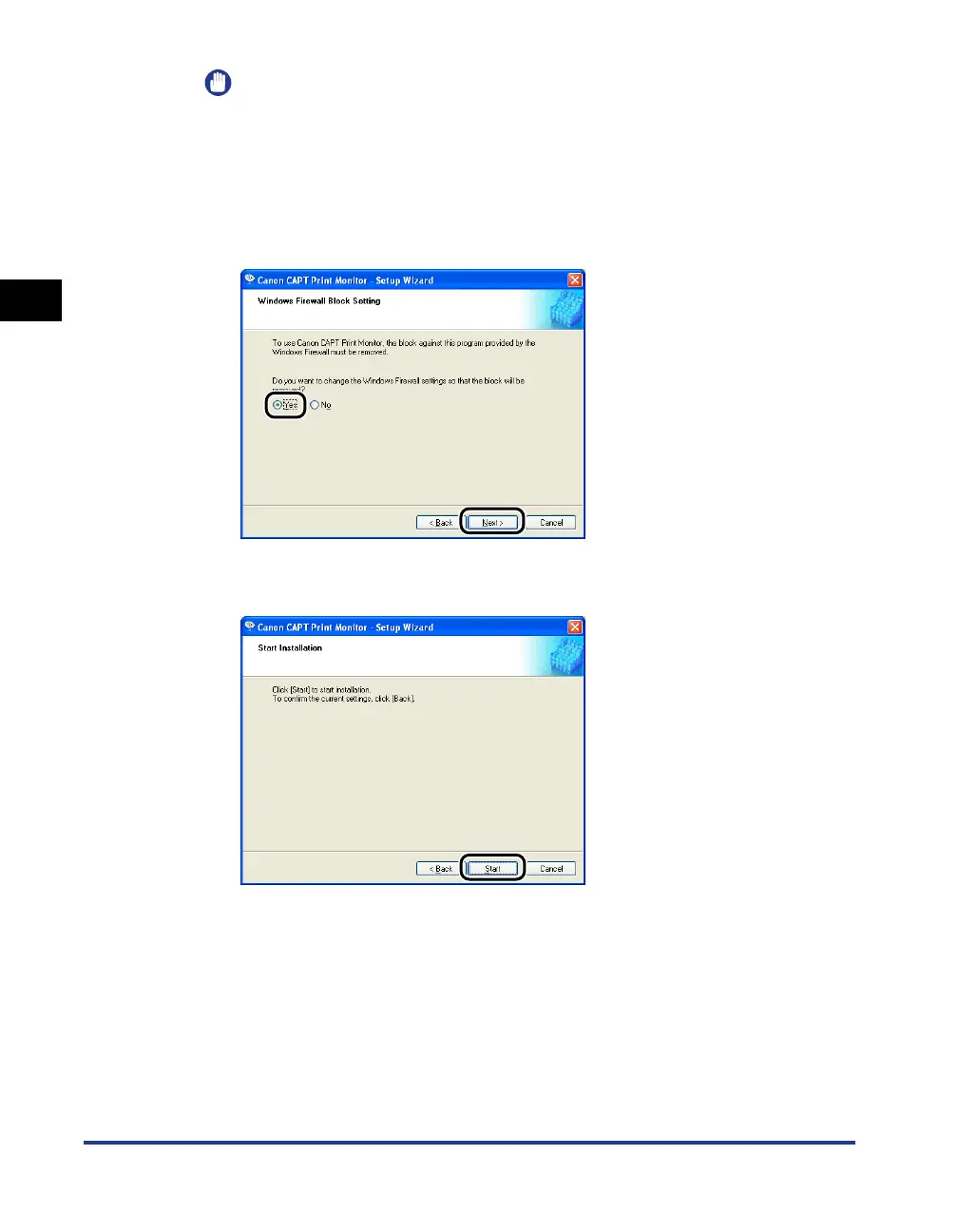
If you are using Windows XP Service Pack 2 or another operating system
equipped with Windows Firewall, and when the following screen appears, select
[Yes], and then click [Next].
10
Click [Start].
Installation of Canon CAPT Print Monitor starts.












 To Next Page