Installing the CAPT Software
2-40
Setting Up the Network Environment for Printing
2
■
For Windows 2000
IMPORTANT
When printing a test page, make sure that the printer is properly connected to the
computer and the printer is ON before installing the printer driver.
1
Make sure that the computer and printer are connected via the
network and that the printer is ON.
2
Turn the computer on and start up Windows 2000.
3
Log on as a member of Administrators.
NOTE
Full Control Permission is required for the installation of the printer driver.
4
From the [Start] menu, select [Settings] ➞ [Printers] to open
the [Printers] folder. Then, double-click [Add Printer].
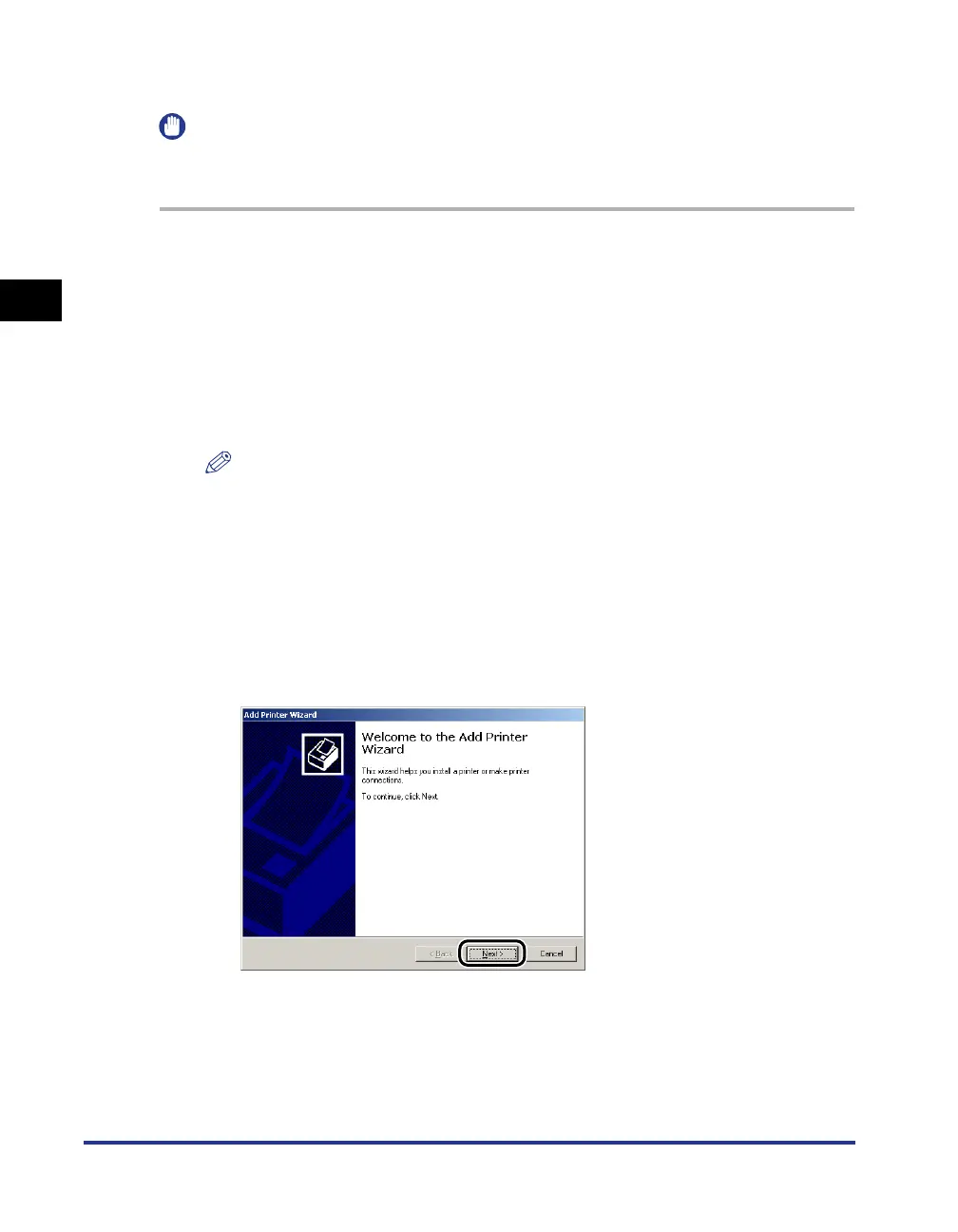
The [Add Printer Wizard] dialog box is displayed.
5
Click [Next].






 To Next Page