2-55
Setting Up the Network Environment for Printing
2
After Completing Installation
After Completing Installation
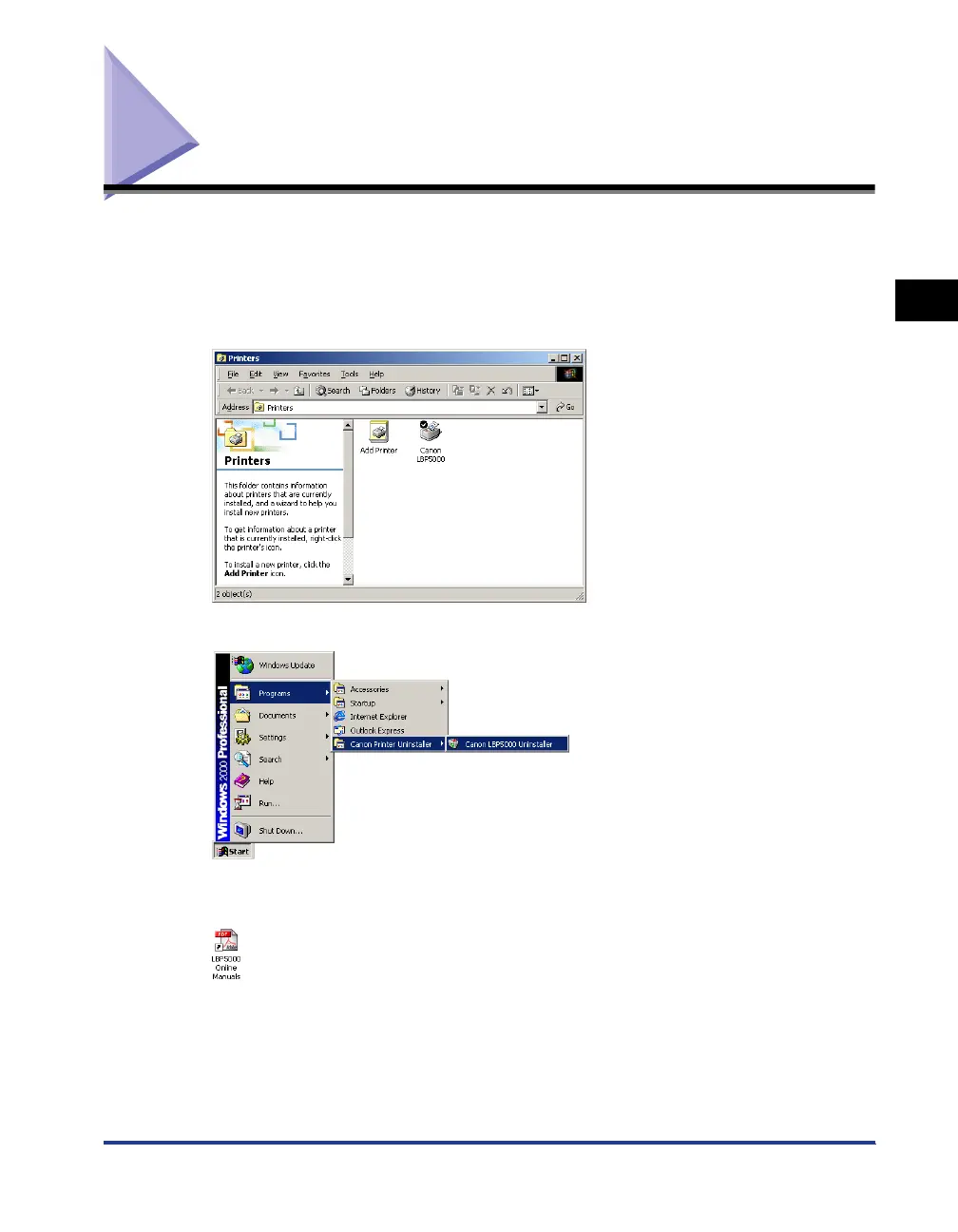
When the installation of the CAPT software is completed, an icon and folder for this
printer will be created as follows.
■
For Windows 98/Me/2000
•
The icon for the printer is displayed in the [Printers] folder.
•
[Canon Printer Uninstaller] is added to [Programs] under the [Start] menu.
•
If the manuals are installed, [LBPxxxx Online Manuals] is created on the desktop. (xxxx
varies depending on the printer.)












 To Next Page