Installing the CAPT Software
2-54
Setting Up the Network Environment for Printing
2
18
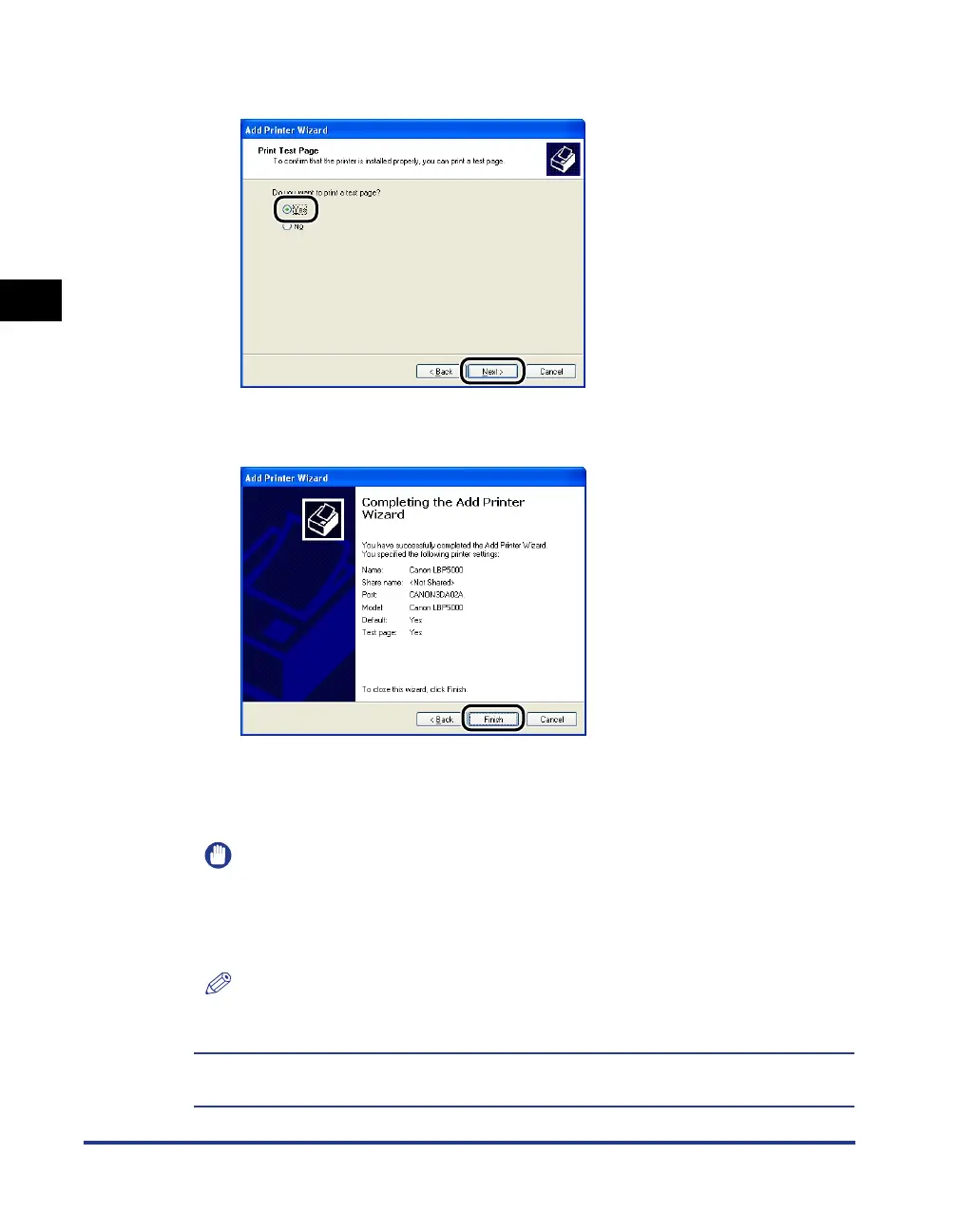
When printing a test page, click [Yes], then click [Next].
19
Click [Finish].
Copying files is started.
When printing a test page, a dialog box will appear after printing. Click [OK] to
close the dialog box.
IMPORTANT
If you are using a computer with Windows XP Service Pack 2 or another operating
system equipped with Windows Firewall as the print server, you need to configure
Windows Firewall to unblock communication with the client computers. For details
on configuring Windows Firewall to unblock communication, see "User's Guide".
NOTE
If the [Hardware Installation] dialog box appears, click [Continue Anyway].
The installation of the printer driver is completed. If you want to configure the protocol
settings, see "Protocol Settings for the Printer," on p. 2-60.












 To Next Page