2-79
Setting Up the Network Environment for Printing
2
Uninstalling the CAPT Software
5
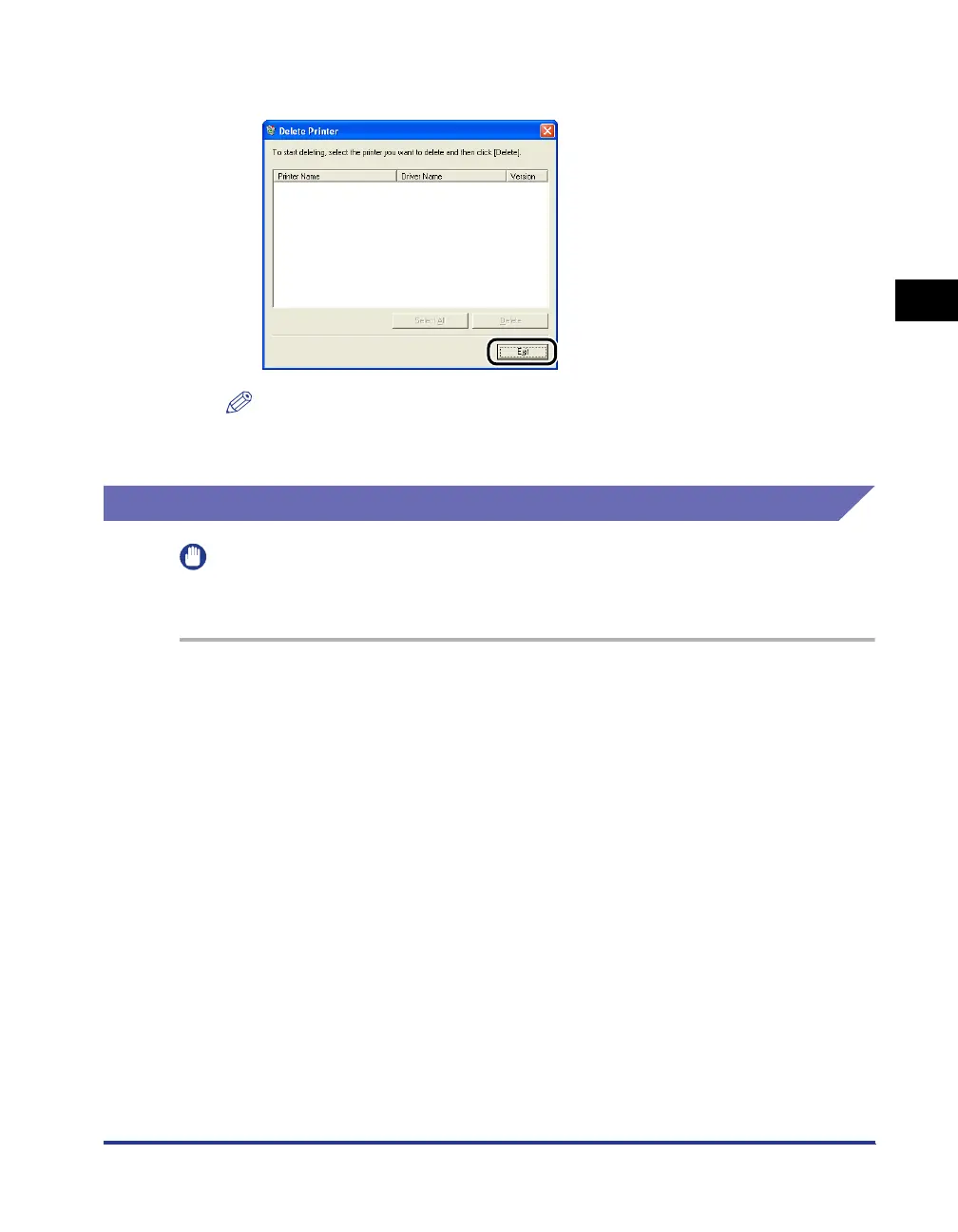
Click [Exit].
NOTE
If the CAPT software cannot be uninstalled, see "When Uninstallation Fails," on p.
4-3.
Uninstalling Canon CAPT Print Monitor
IMPORTANT
If the printer driver is installed, Canon CAPT Print Monitor cannot be uninstalled.
Uninstall the printer driver before uninstalling Canon CAPT Print Monitor.
1
Close all of the files and programs listed below:
• Help files
• Control Panel
• Other applications
2
From the [Start] menu, select [Control Panel], click [Add or
Remove Programs], and then close [Control Panel].
For Windows 98/Me/2000: From the [Start] menu, select [Settings] ➞ [Control
Panel], and then double-click [Add/Remove Programs].
For Windows Server 2003: From the [Start] menu, select [Control Panel] ➞ [Add
or Remove Programs].












 To Next Page