Uninstalling the CAPT Software
2-78
Setting Up the Network Environment for Printing
2
2
From the [Start] menu, select [All Programs] ➞ [Canon Printer
Uninstaller] ➞ [Canon LBPxxxx Uninstaller]. (xxxx varies
depending on the printer.)
For Windows 98/Me/2000: From the [Start] menu, select [Programs] ➞ [Canon
Printer Uninstaller] ➞ [Canon LBPxxxx Uninstaller]. (xxxx varies depending on
the printer.)
3
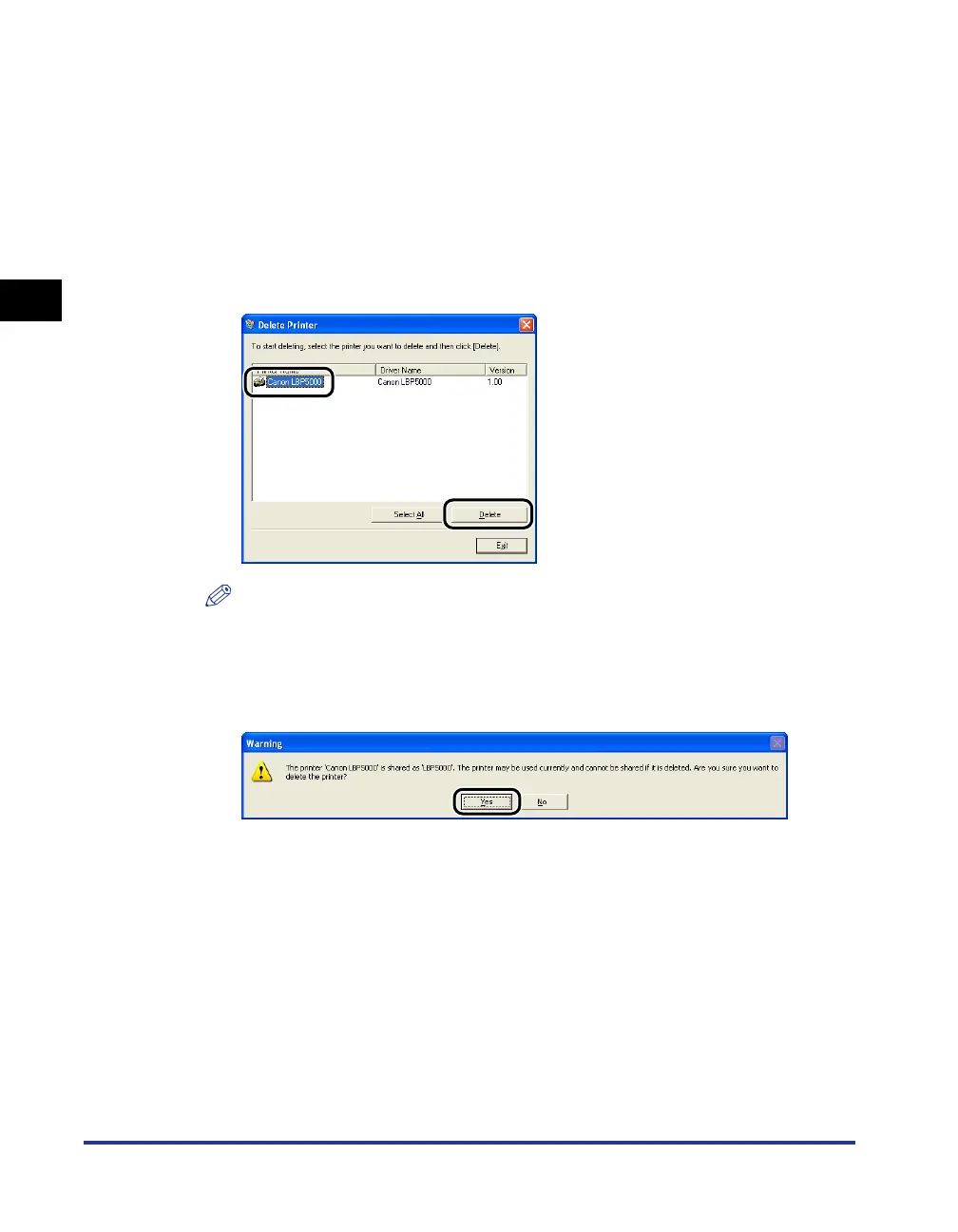
Select the name of this printer, then click [Delete].
NOTE
Even if this printer is not on the list in the [Delete Printer] dialog box, you can delete
the file and information related to this printer by clicking [Delete].
4
Click [Yes].
Uninstallation starts. Please wait a moment.












 To Next Page