2-59
Setting Up the Network Environment for Printing
2
Checking the Operations with Network Status Print
5
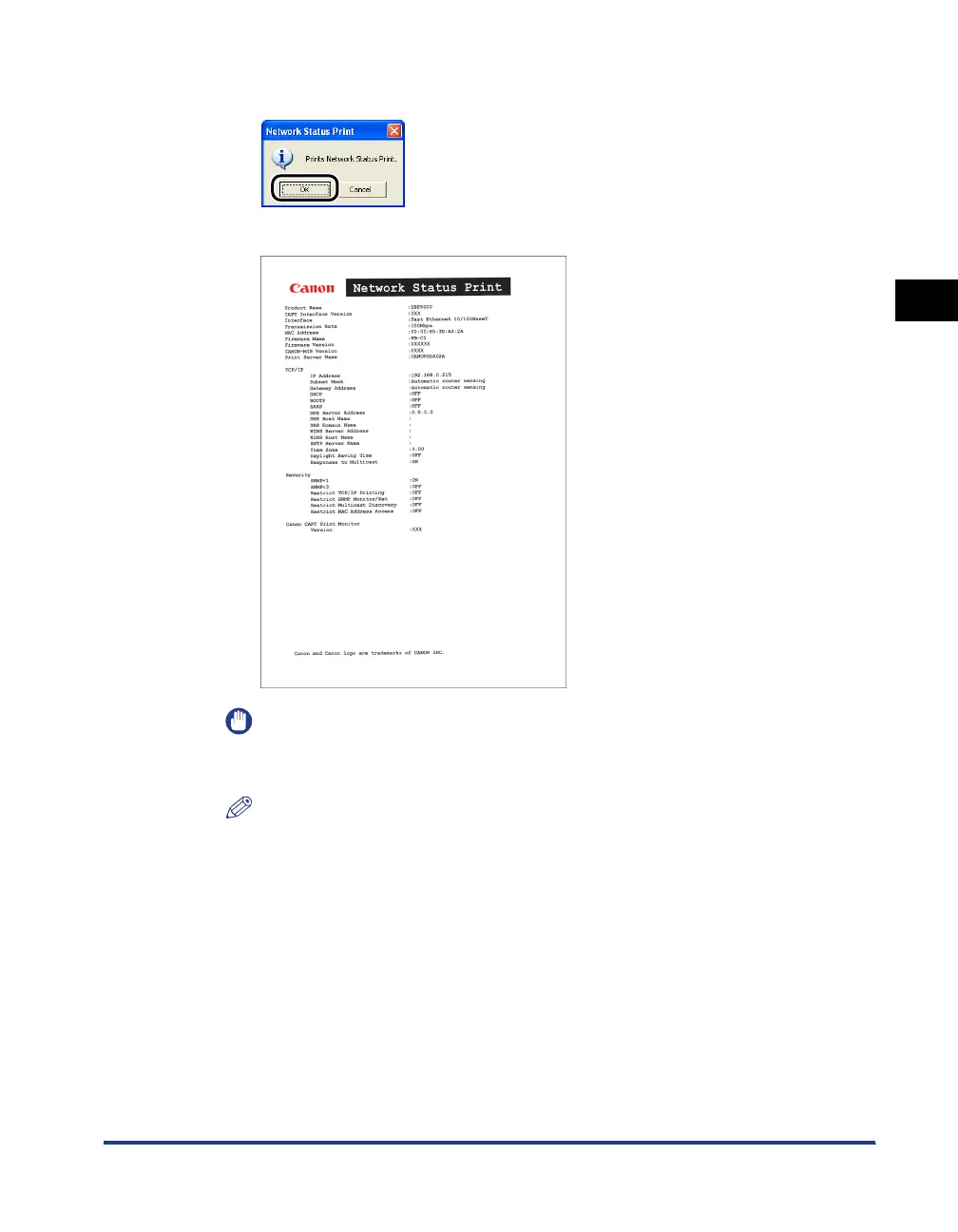
Click [OK].
Network Status Print is printed.
IMPORTANT
This is a sample of Network Status Print. The contents may differ from the Network
Status Print printed by your computer.
NOTE
If the Network Status Print is not printed properly, see "Chapter 4 Troubleshooting".












 To Next Page