4-5
Paper Loading and Output Tray
4
Paper Requirements
■
Envelope
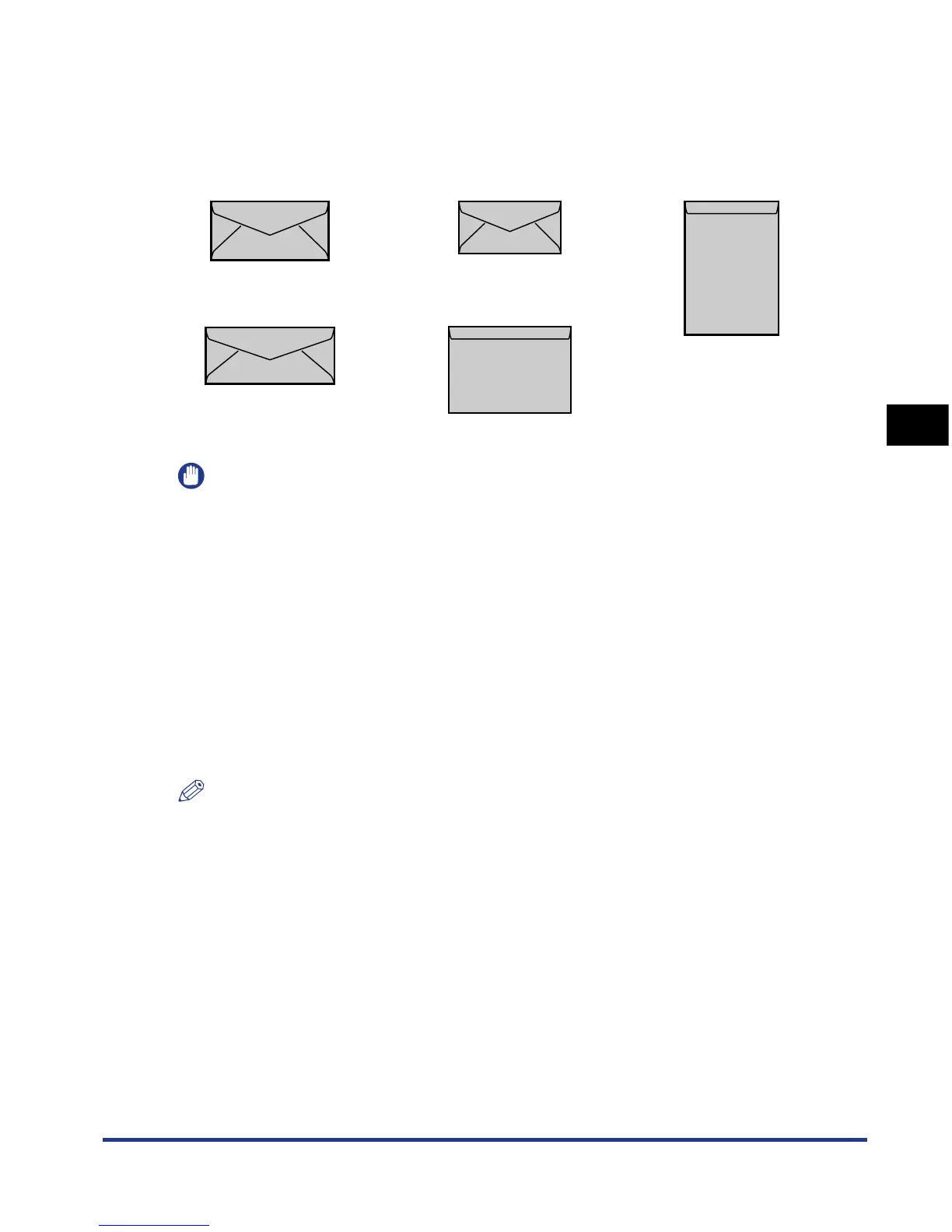
The envelopes that can be used with this printer are as follows.
You can feed envelopes from the multi-purpose tray.
*You cannot use envelopes at sizes of DL, COM 10, Monarch, and C5 that have a flap on the short edge.
IMPORTANT
•
Do not use the following types of envelopes. Using inappropriate envelopes may result in
paper jams that are difficult to clear or may result in damage to the printer.
-Envelopes with fasteners or snaps
-Envelopes with address windows
-Envelopes with adhesive on the surface
-Wrinkled or creased envelopes
-Poorly manufactured envelopes in which the glued parts are uneven
- Irregularly-shaped envelopes
•
Before loading the envelopes, flatten the stack of envelopes to release any remaining air,
and press the fold lines along the edges tight.
•
Do not print on the reverse side (glued side) of envelopes.
•
Printing speed drops when printing envelopes.
NOTE
When printing envelopes, they may be creased.
Envelope DL
(110.0 mm x 220.0 mm)
Envelope COM10
(104.7 mm x 241.3 mm)
Envelope C5
(162.0 mm x 229.0 mm)
Envelope Monarch
(98.4 mm x 190.5 mm)
Envelope B5
(176.0 mm x 250.0 mm)













 To Next Page