Turning the Printer ON and Checking the Printer Operation
2-34
Installing the Printer
2
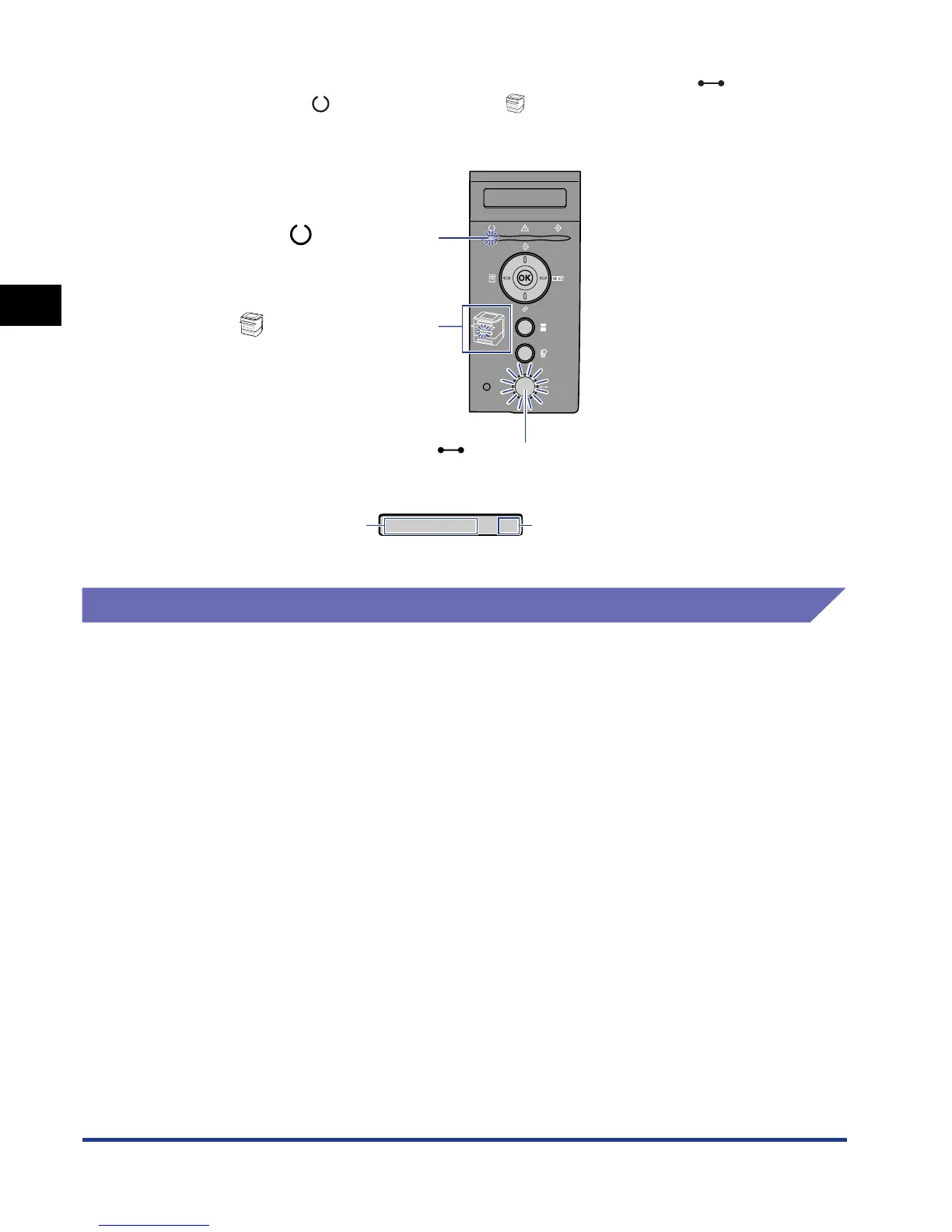
If no abnormality is found during the self-diagnostic test, the (Online)
indicator, (Ready) indicator and (Paper Source) indicator for the currently
selected paper source come on, <00 READY> appears in the display, and the
printer is ready to print.
The following information is displayed in the display.
Registering a Paper Size
This printer's paper cassette cannot automatically detect the paper size. Therefore,
in CASSETTE(n) SIZE (n = 1, 2) in the FEEDER MENU options in the SETUP
menu, you need to register the size of the paper loaded in the paper cassette.
When paper is loaded in the multi-purpose tray, you need to register the size of the
loaded paper in TRAY PAPER SIZE in the FEEDER MENU options in the SETUP
menu.
For more details on the procedure for registering a paper size, see the following
directions.
• When registering the size of the paper in the paper cassette
See "Specifying the Size of the Paper in the Paper Cassette," on p. 4-30
• When registering the size of the paper in the multi-purpose tray
See "Specifying the Size of the Paper in the Multi-purpose Tray," on p. 4-44
When printing from DOS, UNIX, or other operating system on which the printer
driver cannot be used, also set STD PAPER SIZE (See p. 6-16) in the FEEDER
MENU options in the SETUP menu to the size of the loaded paper.
(Online) Indicator
(Ready) Indicator
(Paper Source) Indicator
00 READY A4
Printable and not
processing print data
Size of paper in the
currently selected
paper source













 To Next Page