The Lists Common to All the Settings in the Print Mode
10-2
Appendix
10
The Lists Common to All the Settings in the Print Mode
This section describes the lists common to all the settings in the print mode.
IMPORTANT
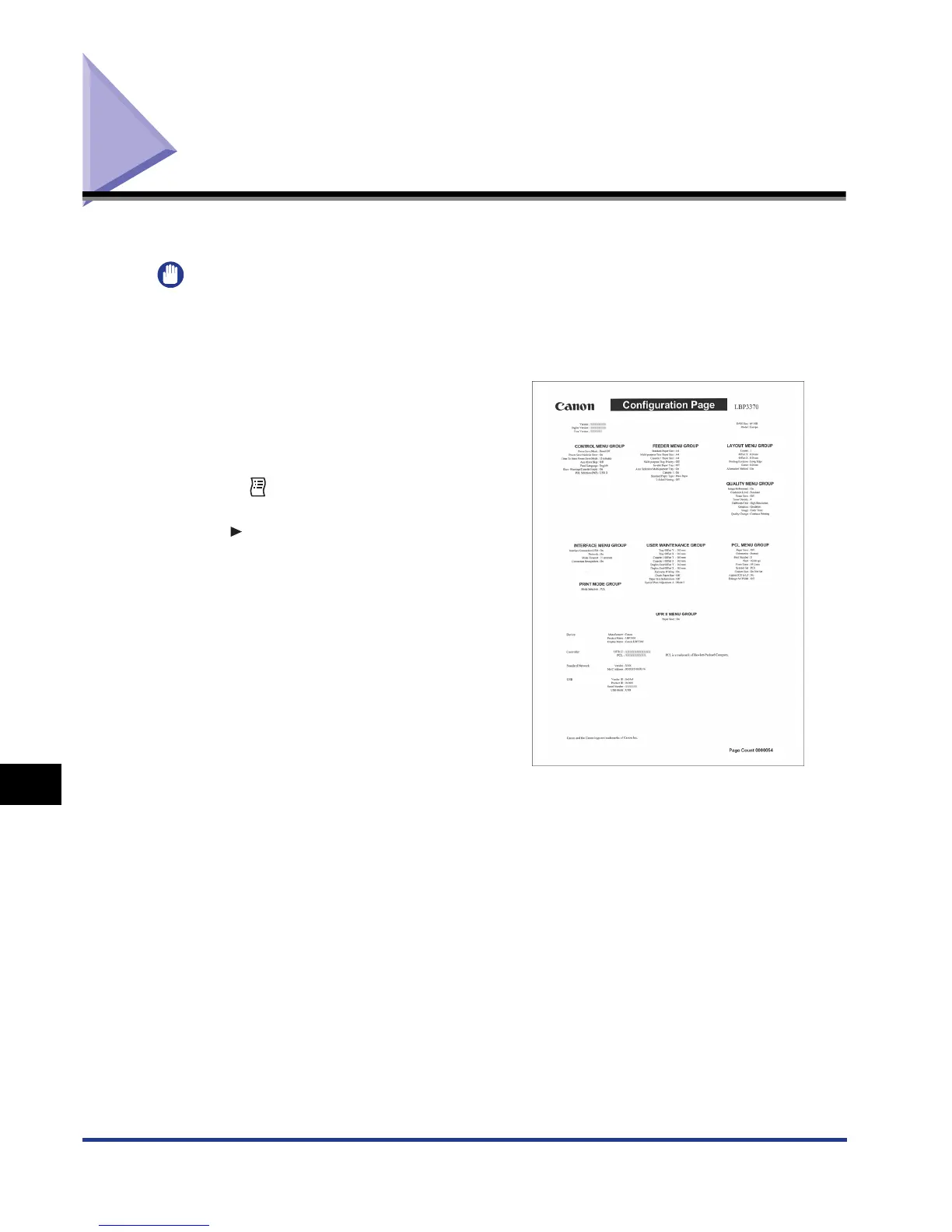
The following lists are samples. The contents may partially differ from the lists printed by
your printer.
Configuration Page
The capacity of the built-in RAM and the
settings for the common printing environment
are printed.
1.
Make sure that the printer is online.
2. Press the (Utility) key to display the UTILITY
menu.
3. Press [ ] to display CONFIG.PAGE.
4. Press [OK] to output the page.













 To Next Page