7-24
Routine Maintenance
7
Adjusting the Printing Position
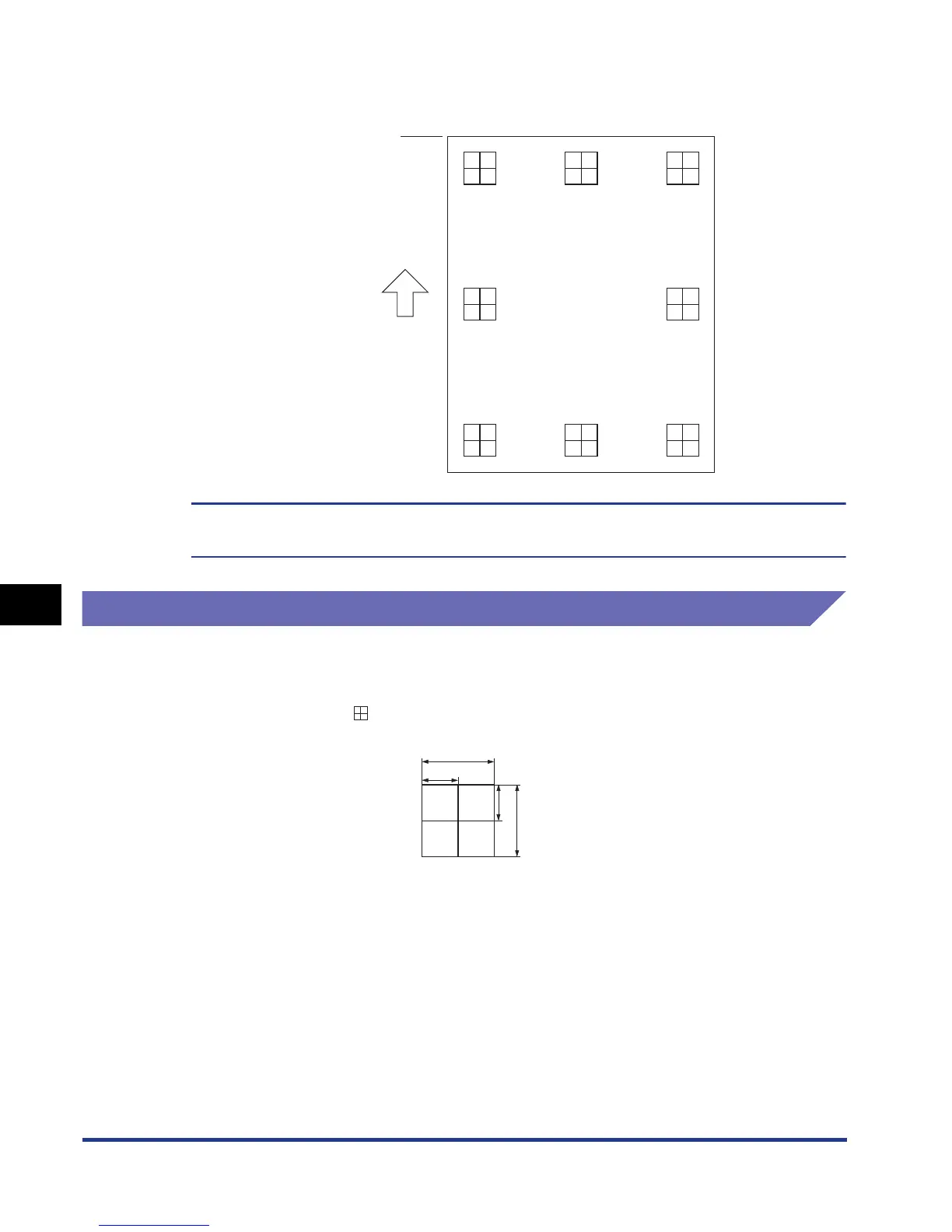
The Printing Position Adjustment Print is printed as shown in the following. The
top of the output paper is the top of the Printing Position Adjustment Print.
Next, check the printout results and specify the direction and position to be adjusted in
"Adjusting the Printing Position" (See the next item).
Adjusting the Printing Position
Next, check the printout results of the Printing Position Adjustment Print and specify
the direction and position to be adjusted.
The measurements of printed on paper are as the following:
This section describes the setting procedure for the following Printing Position
Adjustment Print printed with Cassette 1 specified, as an example.
Top
Feeding
direction
""
5 mm
10 mm
5 mm
10 mm
* 5 mm from each edge of paper













 To Next Page