7-23
Routine Maintenance
7
Adjusting the Printing Position
3
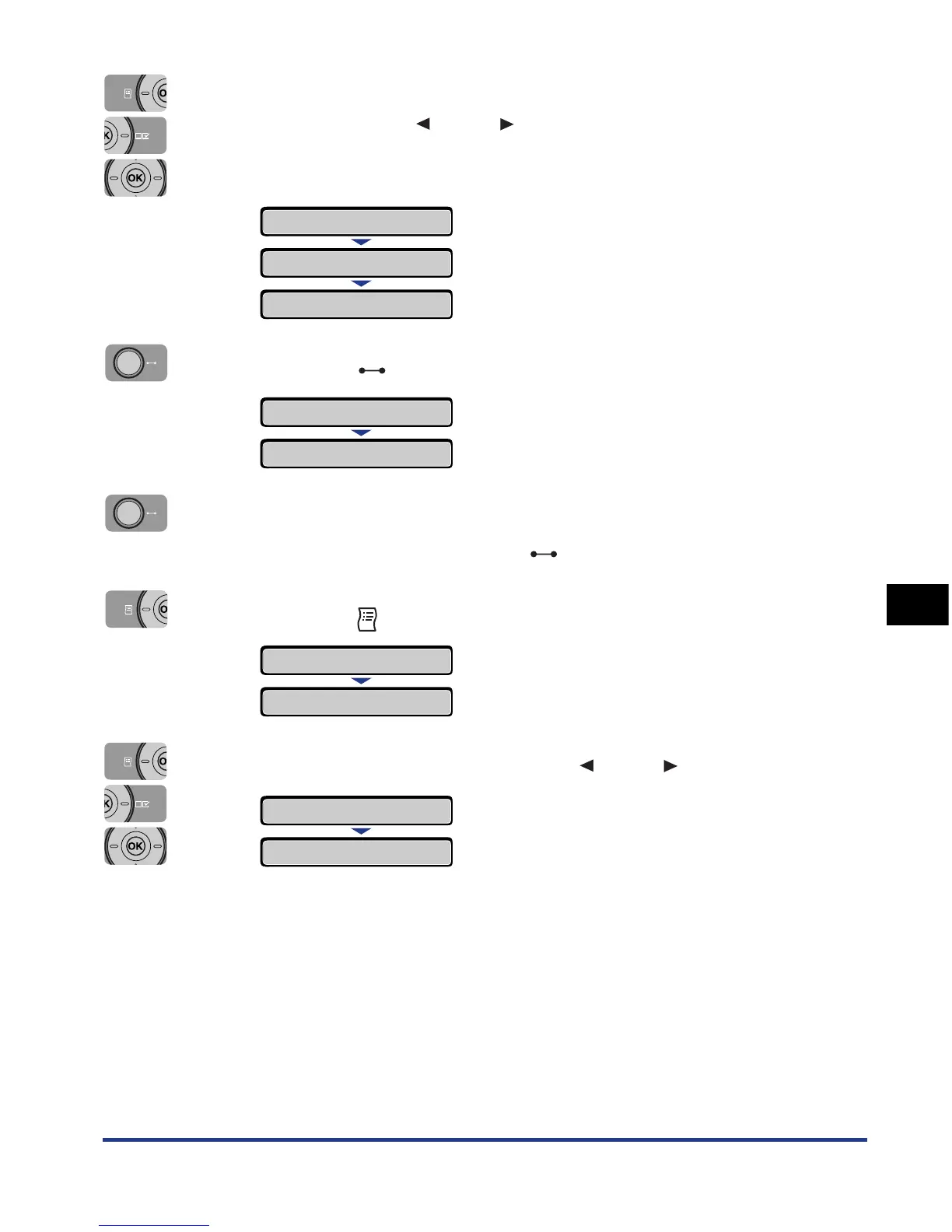
Select the paper source that you want to check the printing
position using [ ] and [ ], then press [OK].
When adjusting the printing position for 2-sided printing, select the desired
paper source.
4
Press the (Online) key.
5
Make sure that the printer is online.
If the printer is not online, press the (Online) key.
6
Press the (Utility) key.
7
Select PRNTPOSNPRINT using [ ] and [ ], then press [OK].
CASSETTE 1
→
=CASSETTE 1
→
PAPER SOURCE
→
PAPER SOURCE
→
00 READY A4
UTILITY MENU
CONFIG.PAGE
→
PRNTPOSNPRINT
→
EXECUTING













 To Next Page